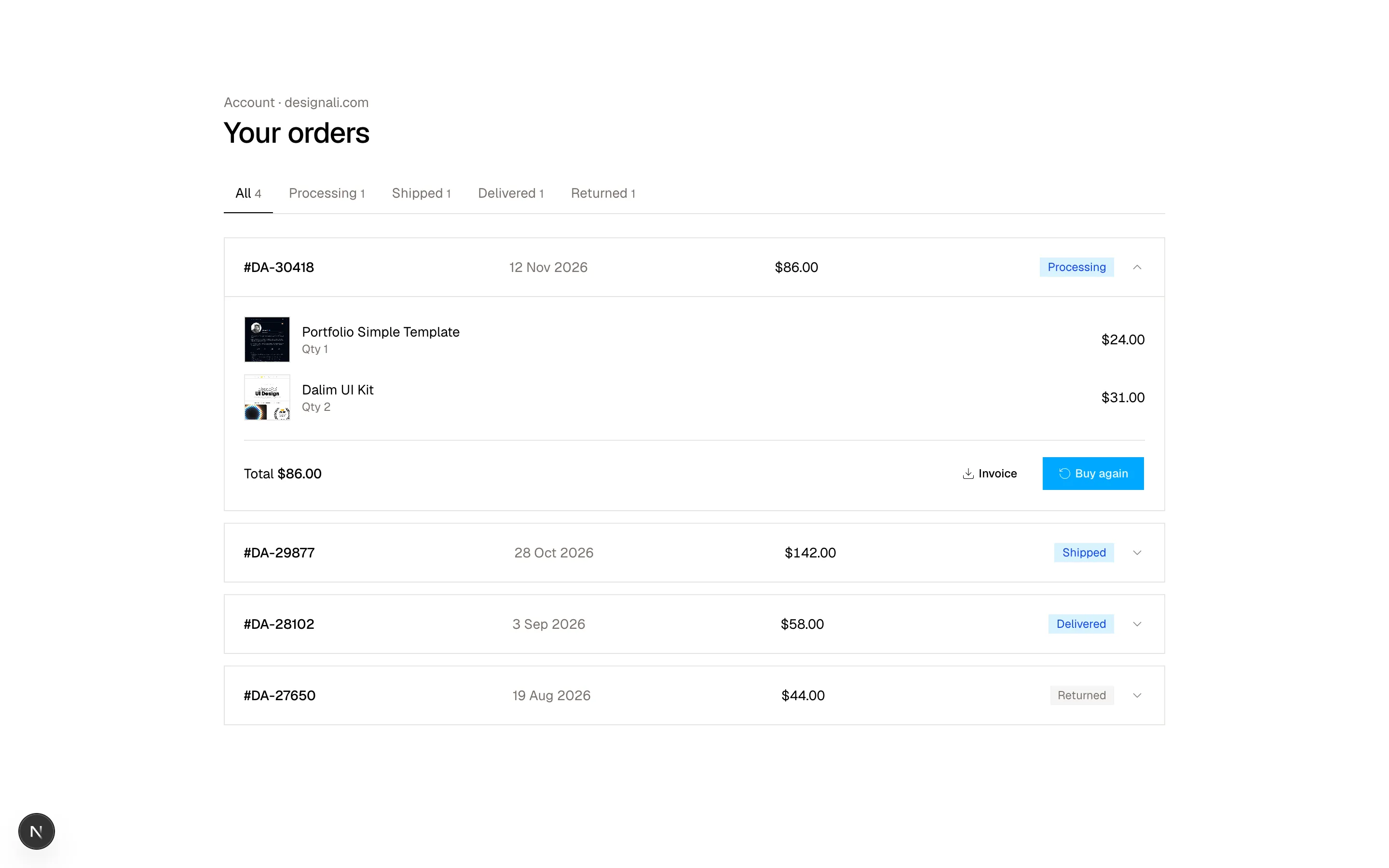
Files
import {
  Plus,
  Star,
} from "@designali/icons"

import { Button } from "@/components/ui/button"
import { Macbook } from "@/components/ui/apple/macbook"

const products = [
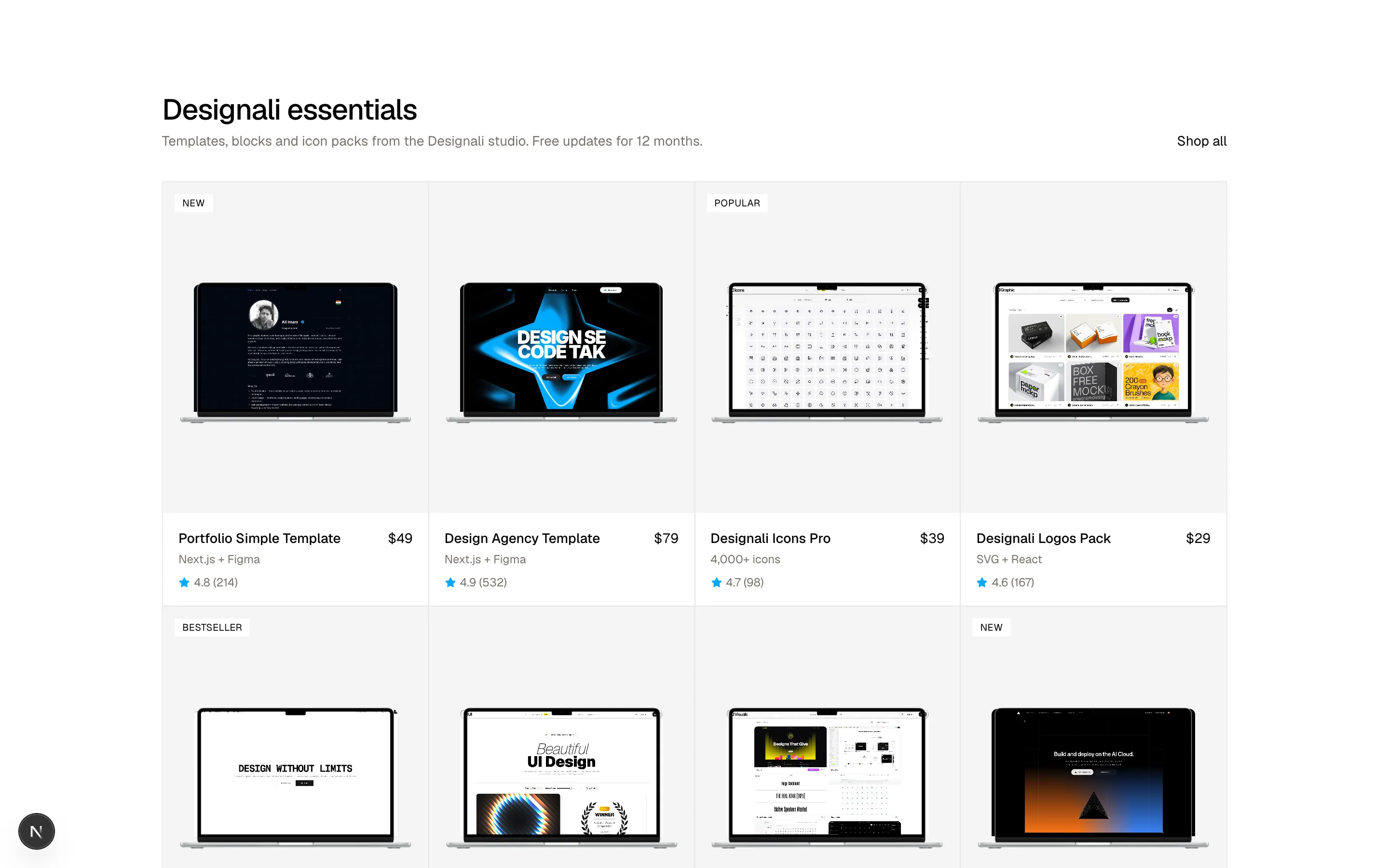
  { name: "Portfolio Simple Template", color: "Next.js + Figma", price: 49, rating: 4.8, reviews: 214, badge: "New", image: "/images/templates/portfolio-simple.jpg" },
  { name: "Design Agency Template", color: "Next.js + Figma", price: 79, rating: 4.9, reviews: 532, badge: "", image: "/images/templates/design-agency.jpg" },
  { name: "Designali Icons Pro", color: "4,000+ icons", price: 39, rating: 4.7, reviews: 98, badge: "Popular", image: "/images/templates/dalim-icons-old.jpg" },
  { name: "Designali Logos Pack", color: "SVG + React", price: 29, rating: 4.6, reviews: 167, badge: "", image: "/images/templates/dalim-graphic-old.jpg" },
  { name: "Blocks Pro Bundle", color: "460+ blocks", price: 149, rating: 4.9, reviews: 408, badge: "Bestseller", image: "/images/templates/aliimam-comp.jpg" },
  { name: "Apple Device Mockups", color: "iPhone, iPad, MacBook", price: 35, rating: 4.8, reviews: 76, badge: "", image: "/images/templates/dalim-ui-old.jpg" },
  { name: "Vectors Starter Pack", color: "@designali/vectors", price: 19, rating: 4.5, reviews: 301, badge: "", image: "/images/templates/dalim-visuals-old.jpg" },
  { name: "Designali Pro, Lifetime", color: "Everything included", price: 249, rating: 4.9, reviews: 129, badge: "New", image: "/images/templates/vercel.jpg" },
]

export function Ecommerce01() {
  return (
    <section className="w-full bg-background py-16 text-foreground md:py-24">
      <div className="mx-auto max-w-6xl px-6">
        <div className="mb-8 flex items-end justify-between gap-4">
          <div>
            <h2 className="text-3xl font-medium tracking-tight">Designali essentials</h2>
            <p className="mt-1 text-sm text-muted-foreground">
              Templates, blocks and icon packs from the Designali studio. Free updates for 12 months.
            </p>
          </div>
          <a href="#" className="hidden text-sm underline-offset-4 hover:underline sm:block">
            Shop all
          </a>
        </div>

        <div className="grid grid-cols-2 border-t border-l border-border lg:grid-cols-4">
          {products.map((product) => (
            <div key={product.name} className="group relative border-r border-b border-border">
              <div className="relative flex aspect-[4/5] items-center justify-center overflow-hidden bg-muted px-3">
                <Macbook variant="macbook-air" color="silver" size="sm" className="w-full! max-w-full transition-transform duration-500 group-hover:scale-105">
                  <img src={product.image} alt={product.name} className="size-full object-cover object-top" />
                </Macbook>
                {product.badge && (
                  <span className="absolute top-3 left-3 bg-background px-2 py-0.5 text-[10px] tracking-wide uppercase">
                    {product.badge}
                  </span>
                )}
                <Button
                  size="icon"
                  variant="outline"
                  aria-label={`Add ${product.name} to cart`}
                  className="absolute right-3 bottom-3 opacity-100 transition-opacity md:opacity-0 md:group-hover:opacity-100"
                >
                  <Plus />
                </Button>
              </div>
              <div className="p-4">
                <div className="flex items-start justify-between gap-2">
                  <a href="#" className="text-sm font-medium hover:underline">
                    {product.name}
                  </a>
                  <span className="text-sm tabular-nums">${product.price}</span>
                </div>
                <p className="mt-1 text-xs text-muted-foreground">{product.color}</p>
                <p className="mt-2 flex items-center gap-1 text-xs text-muted-foreground">
                  <Star className="size-3 fill-current text-primary" />
                  {product.rating} ({product.reviews})
                </p>
              </div>
            </div>
          ))}
        </div>
      </div>
    </section>
  )
}
A product collection grid with prices and quick add.
ecommerce-01
Files
"use client"

import { useState } from "react"
import {
  Heart,
  Minus,
  Plus,
  RotateCcw,
  Star,
  Truck,
} from "@designali/icons"

import { Button } from "@/components/ui/button"
import { cn } from "@/lib/utils"
import { IPad } from "@/components/ui/apple/ipad"
import { IPhone } from "@/components/ui/apple/iphone"
import { Macbook } from "@/components/ui/apple/macbook"
import { StudioDisplay } from "@/components/ui/apple/studio-display"

const colors = [
  { name: "Light", value: "white" },
  { name: "Dark", value: "black" },
  { name: "Designali Blue", value: "var(--primary)" },
]

const screen = "/images/templates/design-agency.jpg"
const views = ["MacBook", "iPad", "iPhone", "Studio Display"]

function Screen() {
  return <img src={screen} alt="Design Agency Template" className="size-full object-cover object-top" />
}

const sizes = ["Solo", "Pro", "Team", "Studio", "Agency"]

export function Ecommerce02() {
  const [color, setColor] = useState(colors[0]?.name ?? "")
  const [size, setSize] = useState("Pro")
  const [quantity, setQuantity] = useState(1)
  const [view, setView] = useState(0)
  const swatch = colors.find((c) => c.name === color)?.value

  return (
    <section className="w-full bg-background py-16 text-foreground md:py-24">
      <div className="mx-auto grid max-w-6xl gap-10 px-6 lg:grid-cols-2">
        <div className="flex flex-col-reverse gap-3 sm:flex-row">
          <div className="flex gap-3 sm:flex-col">
            {views.map((label, i) => (
              <button
                key={label}
                type="button"
                onClick={() => setView(i)}
                aria-label={`Show ${label} preview`}
                className={cn(
                  "size-16 shrink-0 overflow-hidden border transition-colors",
                  view === i ? "border-foreground" : "border-border"
                )}
                style={{ background: `linear-gradient(${i * 60}deg, ${swatch}, transparent)` }}
              >
                <img src={screen} alt="" className="size-full object-cover object-top opacity-80" />
              </button>
            ))}
          </div>
          <div
            className="flex aspect-[4/5] flex-1 items-center justify-center overflow-hidden border border-border p-4 transition-colors"
            style={{
              background: `linear-gradient(${view * 60 + 160}deg, ${swatch} 0%, transparent 90%)`,
            }}
          >
            {view === 0 && (
              <Macbook variant="macbook-pro" color="silver" size="sm" className="w-full! max-w-full">
                <Screen />
              </Macbook>
            )}
            {view === 1 && (
              <IPad variant="ipad-pro" color="silver" size="sm" className="h-auto! w-full! max-w-full">
                <Screen />
              </IPad>
            )}
            {view === 2 && (
              <IPhone size="md" color="silver" className="h-auto! w-1/2! max-w-full">
                <Screen />
              </IPhone>
            )}
            {view === 3 && (
              <StudioDisplay color="light" size="sm" className="h-auto! w-full! max-w-full">
                <Screen />
              </StudioDisplay>
            )}
          </div>
        </div>

        <div>
          <p className="text-xs tracking-widest text-muted-foreground uppercase">
            Templates
          </p>
          <h2 className="mt-2 text-3xl font-medium tracking-tight md:text-4xl">
            Design Agency Template
          </h2>
          <div className="mt-3 flex items-center gap-3 text-sm">
            <span className="text-2xl">$79</span>
            <span className="flex items-center gap-1 text-muted-foreground">
              <Star className="size-4 fill-current text-primary" />
              4.8 · 326 reviews
            </span>
          </div>
          <p className="mt-6 leading-7 text-muted-foreground">
            A Next.js, React and Tailwind CSS template with a matching Figma file.
            Launch a studio site in a day and customise every block.
          </p>

          <div className="mt-8">
            <p className="text-sm">
              Color: <span className="text-muted-foreground">{color}</span>
            </p>
            <div className="mt-3 flex gap-2">
              {colors.map((c) => (
                <button
                  key={c.name}
                  type="button"
                  aria-label={c.name}
                  onClick={() => setColor(c.name)}
                  className={cn(
                    "size-8 rounded-full border-2 ring-offset-2 ring-offset-background",
                    color === c.name ? "border-background ring-1 ring-foreground" : "border-transparent"
                  )}
                  style={{ background: c.value }}
                />
              ))}
            </div>
          </div>

          <div className="mt-6">
            <div className="flex items-center justify-between text-sm">
              <span>License</span>
              <a href="#" className="text-xs text-muted-foreground underline underline-offset-4">
                Compare licenses
              </a>
            </div>
            <div className="mt-3 grid grid-cols-5 border-t border-l border-border">
              {sizes.map((s) => (
                <button
                  key={s}
                  type="button"
                  onClick={() => setSize(s)}
                  className={cn(
                    "border-r border-b border-border py-3 text-sm transition-colors",
                    size === s ? "bg-foreground text-background" : "hover:bg-muted"
                  )}
                >
                  {s}
                </button>
              ))}
            </div>
          </div>

          <div className="mt-6 flex gap-3">
            <div className="flex items-center border border-border">
              <button type="button" aria-label="Decrease" className="px-3 py-3" onClick={() => setQuantity((q) => Math.max(1, q - 1))}>
                <Minus className="size-4" />
              </button>
              <span className="w-8 text-center text-sm tabular-nums">{quantity}</span>
              <button type="button" aria-label="Increase" className="px-3 py-3" onClick={() => setQuantity((q) => q + 1)}>
                <Plus className="size-4" />
              </button>
            </div>
            <Button size="lg" className="flex-1">
              Add to cart · ${189 * quantity}
            </Button>
            <Button size="lg" variant="outline" aria-label="Save to wishlist" className="px-4">
              <Heart />
            </Button>
          </div>

          <ul className="mt-8 divide-y divide-border border-y border-border text-sm">
            <li className="flex items-center gap-3 py-3">
              <Truck className="size-4 text-muted-foreground" />
              Instant download after checkout
            </li>
            <li className="flex items-center gap-3 py-3">
              <RotateCcw className="size-4 text-muted-foreground" />
              Free updates for 12 months
            </li>
          </ul>
        </div>
      </div>
    </section>
  )
}
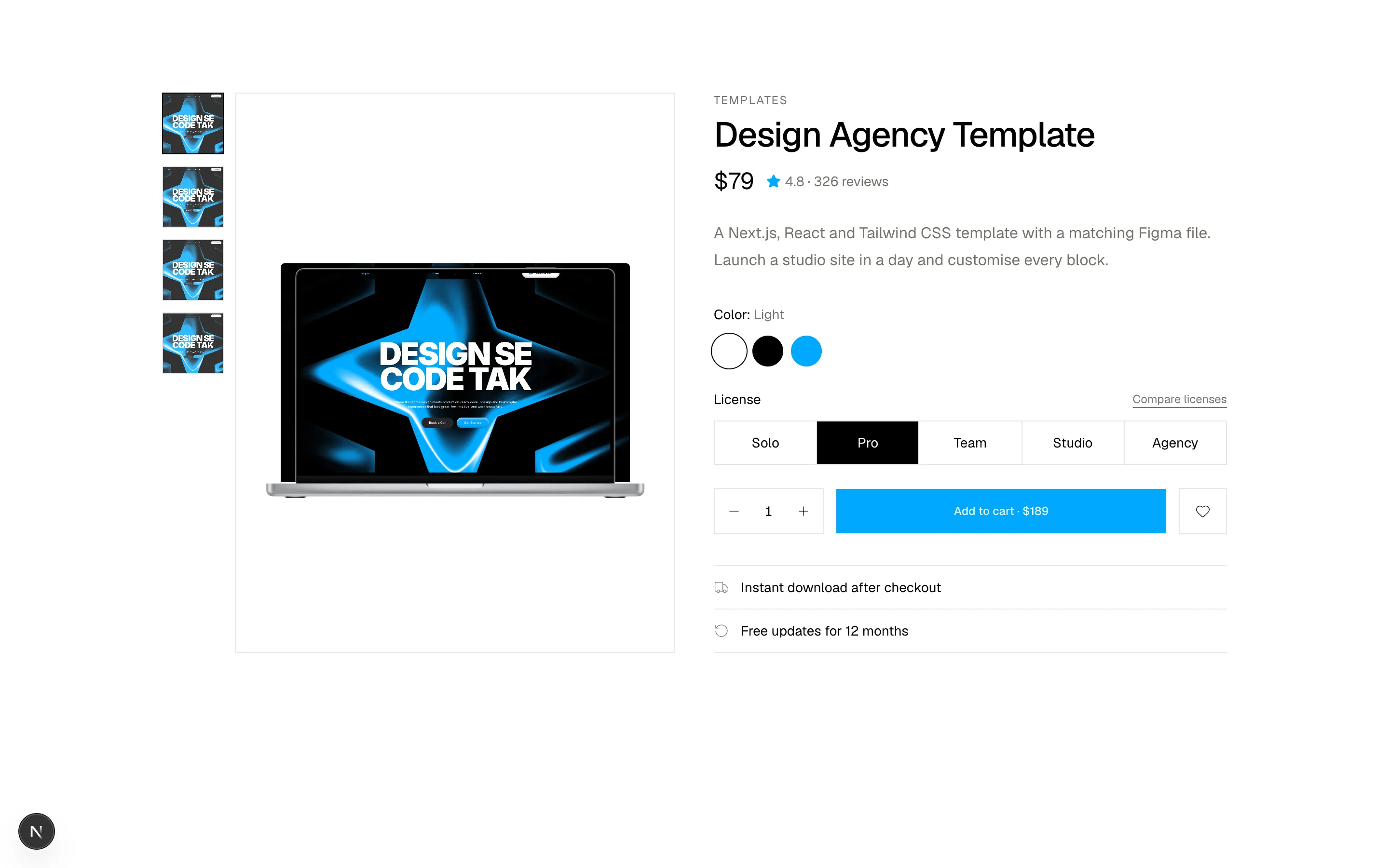
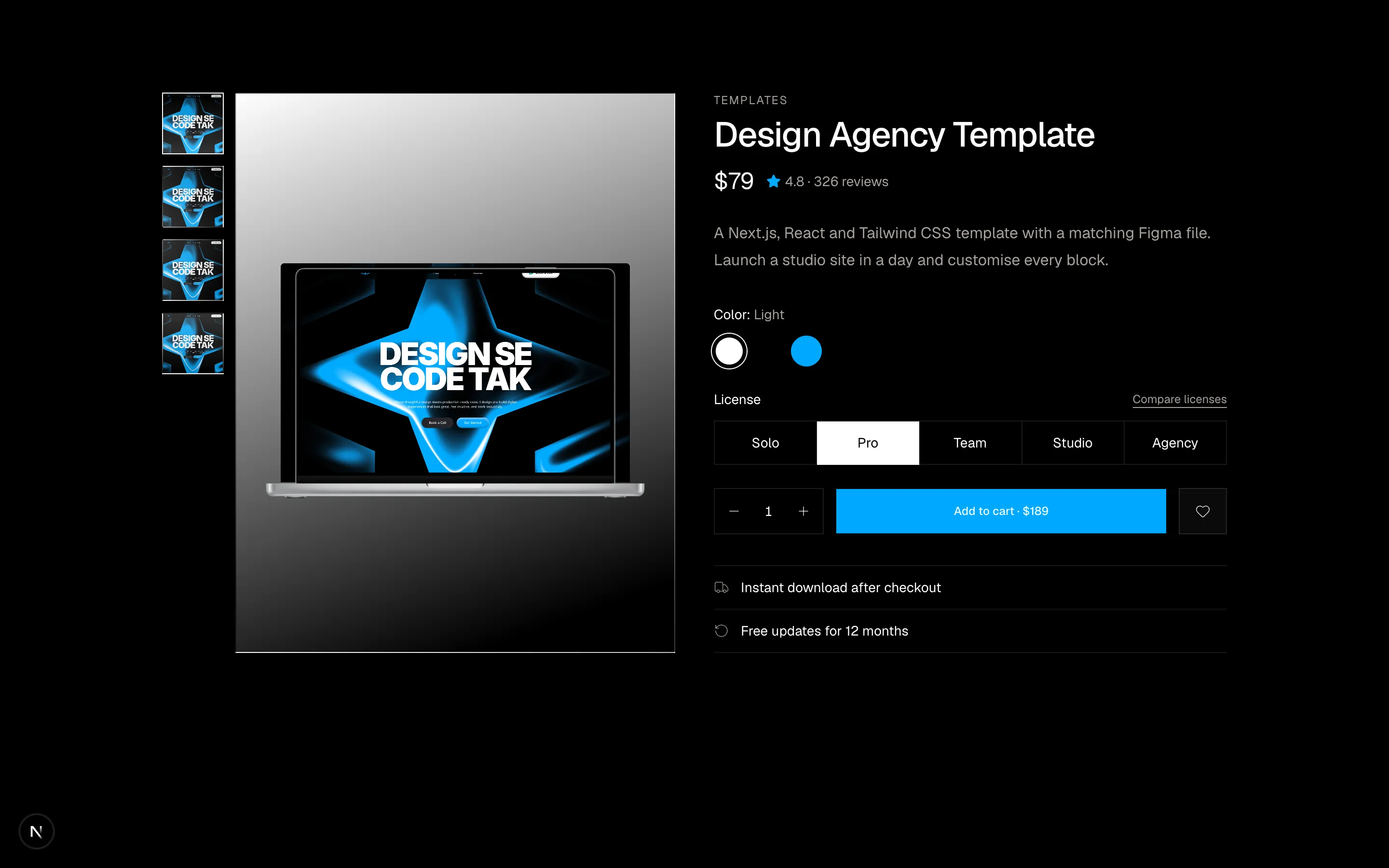
A product detail section with gallery, colour and size selection.
ecommerce-02
Files
"use client"

import { useState } from "react"
import {
  Minus,
  Plus,
  X,
} from "@designali/icons"

import { Button } from "@/components/ui/button"
import { Input } from "@/components/ui/input"

const initialItems = [
  { id: 1, name: "Designali Icons Pro", variant: "Personal license · 4,000+ icons", price: 39, qty: 1, image: "/images/templates/dalim-icons-old.jpg" },
  { id: 2, name: "Design Agency Template", variant: "Pro license · Next.js + Figma", price: 79, qty: 1, image: "/images/templates/design-agency.jpg" },
  { id: 3, name: "Apple Device Mockups", variant: "Team license · 3 seats", price: 35, qty: 3, image: "/images/templates/aliimam-comp.jpg" },
]

export function Ecommerce03() {
  const [items, setItems] = useState(initialItems)

  const updateQty = (id: number, delta: number) =>
    setItems((list) =>
      list.map((item) =>
        item.id === id ? { ...item, qty: Math.max(1, item.qty + delta) } : item
      )
    )
  const remove = (id: number) => setItems((list) => list.filter((item) => item.id !== id))

  const subtotal = items.reduce((sum, item) => sum + item.price * item.qty, 0)
  const shipping = subtotal > 100 || subtotal === 0 ? 0 : 8
  const tax = Math.round(subtotal * 0.08 * 100) / 100

  return (
    <section className="w-full bg-background py-16 text-foreground md:py-24">
      <div className="mx-auto max-w-6xl px-6">
        <h2 className="text-3xl font-medium tracking-tight">Your cart</h2>
        <p className="mt-1 text-sm text-muted-foreground">
          {items.length} {items.length === 1 ? "item" : "items"}
        </p>

        <div className="mt-8 grid gap-10 lg:grid-cols-[1fr_360px]">
          <ul className="border-t border-border">
            {items.length === 0 && (
              <li className="py-16 text-center text-sm text-muted-foreground">
                Your cart is empty.
              </li>
            )}
            {items.map((item) => (
              <li key={item.id} className="flex gap-4 border-b border-border py-6">
                <img src={item.image} alt={item.name} className="size-24 shrink-0 border border-border object-cover object-top" />
                <div className="flex flex-1 flex-col justify-between gap-3 sm:flex-row">
                  <div>
                    <p className="font-medium">{item.name}</p>
                    <p className="text-xs text-muted-foreground">{item.variant}</p>
                    <p className="mt-2 text-sm">${item.price}</p>
                  </div>
                  <div className="flex items-start gap-4">
                    <div className="flex items-center border border-border">
                      <button type="button" aria-label="Decrease quantity" className="p-2" onClick={() => updateQty(item.id, -1)}>
                        <Minus className="size-3" />
                      </button>
                      <span className="w-6 text-center text-sm tabular-nums">{item.qty}</span>
                      <button type="button" aria-label="Increase quantity" className="p-2" onClick={() => updateQty(item.id, 1)}>
                        <Plus className="size-3" />
                      </button>
                    </div>
                    <p className="w-16 pt-1.5 text-right text-sm tabular-nums">
                      ${item.price * item.qty}
                    </p>
                    <button
                      type="button"
                      aria-label={`Remove ${item.name}`}
                      onClick={() => remove(item.id)}
                      className="pt-1.5 text-muted-foreground hover:text-foreground"
                    >
                      <X className="size-4" />
                    </button>
                  </div>
                </div>
              </li>
            ))}
          </ul>

          <aside className="h-fit border border-border bg-muted/40 p-6">
            <h3 className="font-medium">Order summary</h3>
            <dl className="mt-6 space-y-3 text-sm">
              <div className="flex justify-between">
                <dt className="text-muted-foreground">Subtotal</dt>
                <dd className="tabular-nums">${subtotal.toFixed(2)}</dd>
              </div>
              <div className="flex justify-between">
                <dt className="text-muted-foreground">Processing</dt>
                <dd className="tabular-nums">{shipping === 0 ? "Free" : `$${shipping.toFixed(2)}`}</dd>
              </div>
              <div className="flex justify-between">
                <dt className="text-muted-foreground">Estimated tax</dt>
                <dd className="tabular-nums">${tax.toFixed(2)}</dd>
              </div>
              <div className="flex justify-between border-t border-border pt-3 text-base font-medium">
                <dt>Total</dt>
                <dd className="tabular-nums">${(subtotal + shipping + tax).toFixed(2)}</dd>
              </div>
            </dl>
            <div className="mt-6 flex gap-2">
              <Input placeholder="Discount code" aria-label="Discount code" className="h-10 bg-background" />
              <Button variant="outline">Apply</Button>
            </div>
            <Button size="lg" className="mt-4 w-full" disabled={items.length === 0}>
              Checkout
            </Button>
            <p className="mt-3 text-center text-xs text-muted-foreground">
              No processing fee on orders over $100
            </p>
          </aside>
        </div>
      </div>
    </section>
  )
}
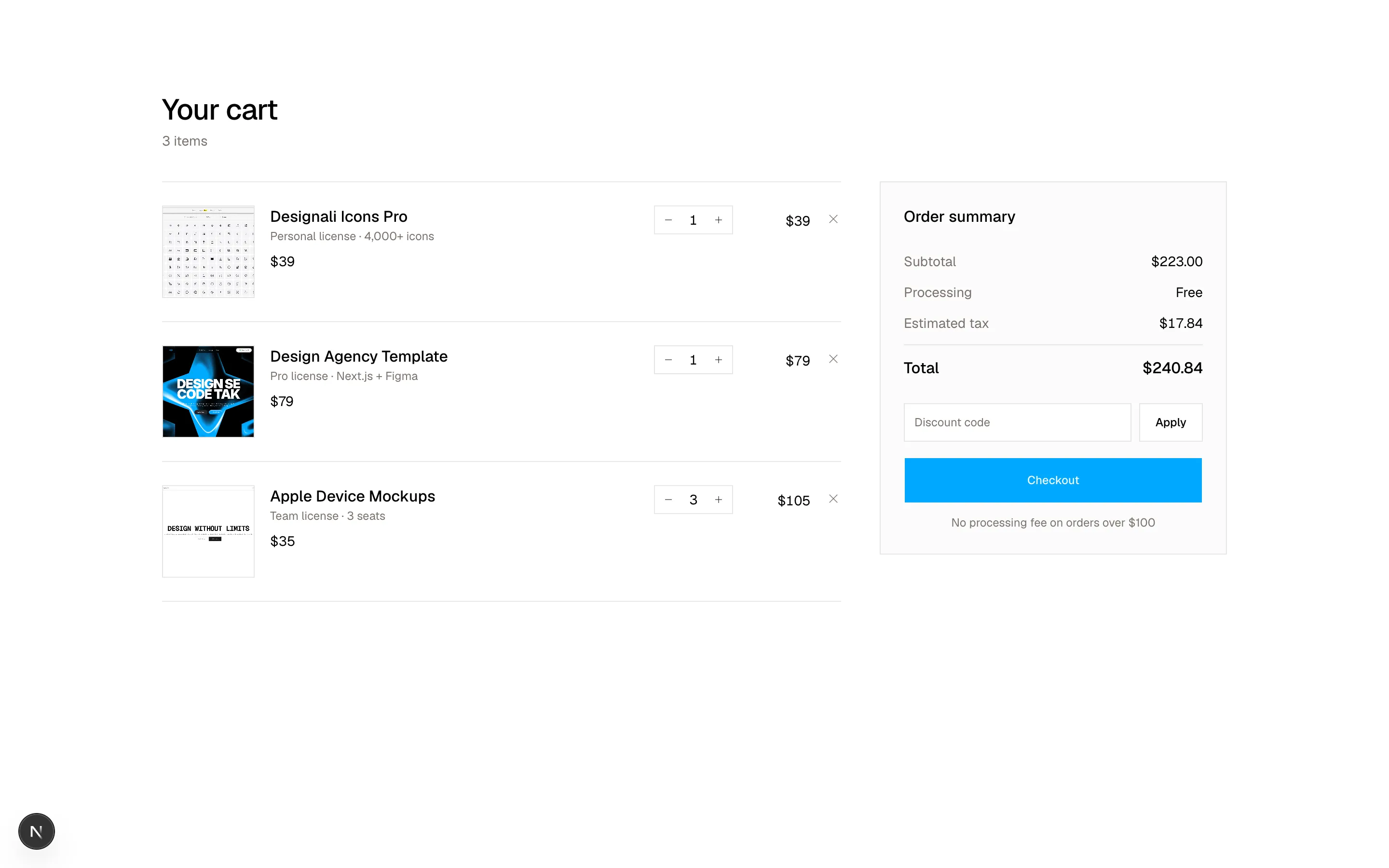
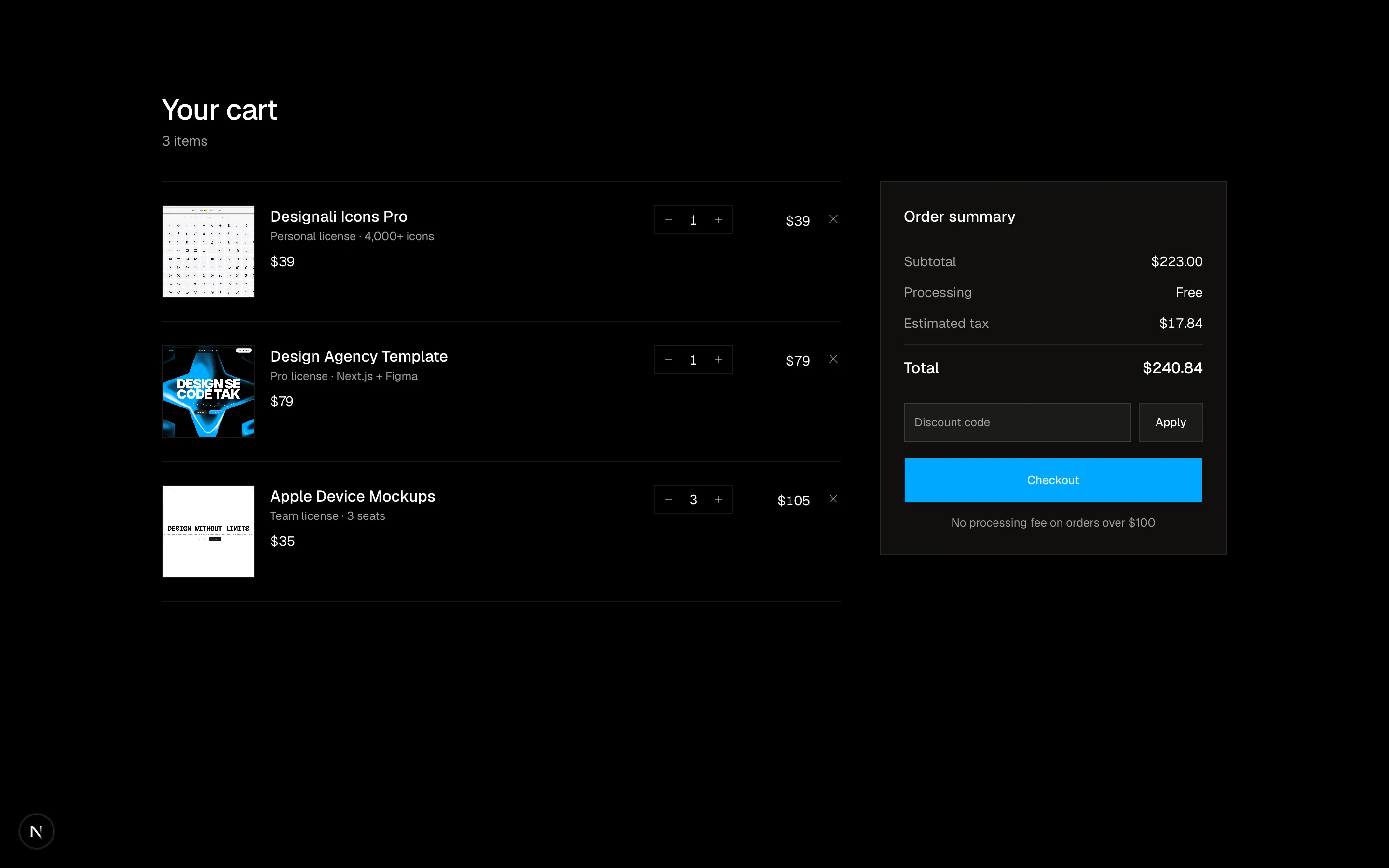
A shopping cart with quantity controls, promo code and summary.
ecommerce-03
Files
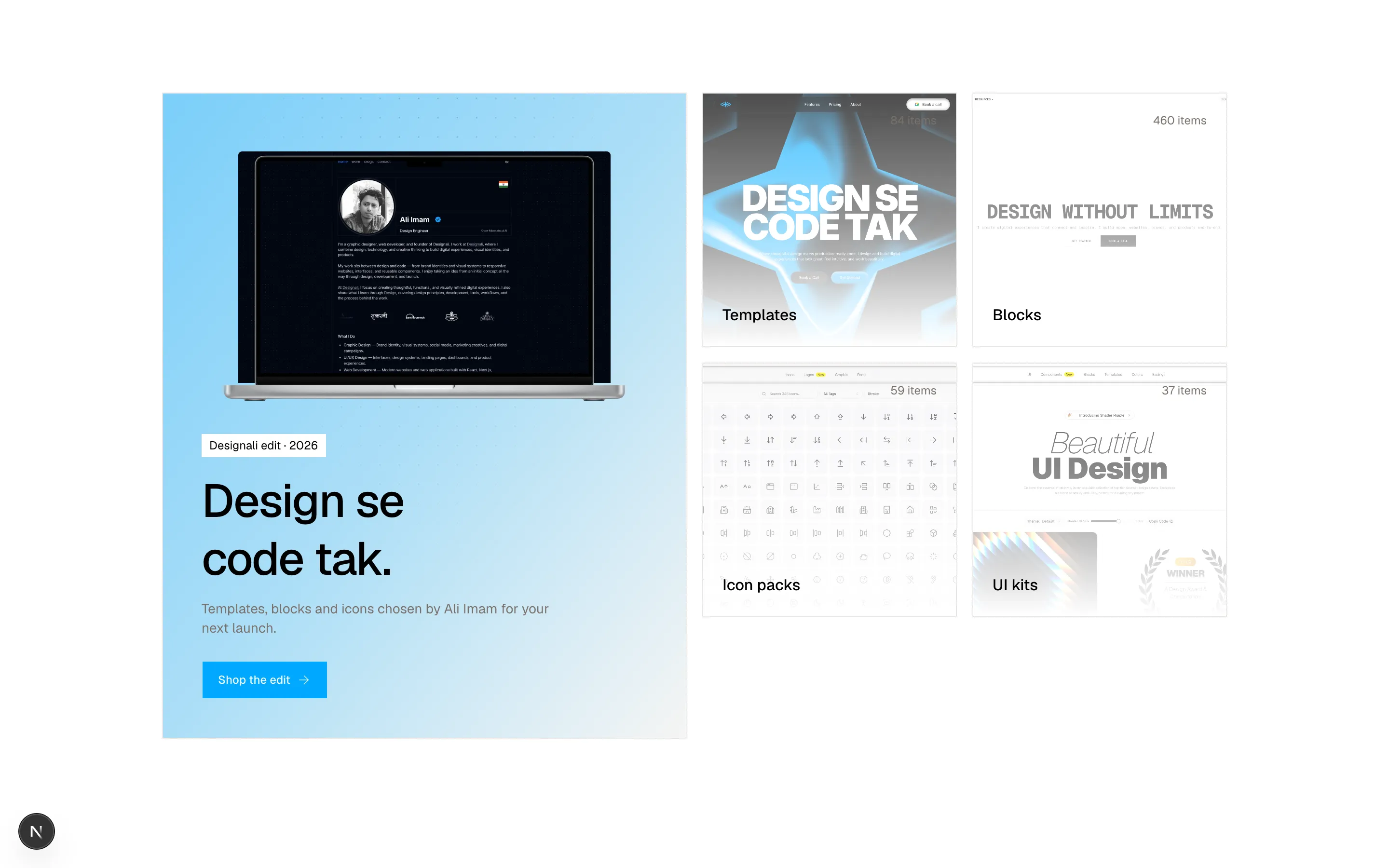
import {
  ArrowRight,
} from "@designali/icons"

import { Button } from "@/components/ui/button"
import { Macbook } from "@/components/ui/apple/macbook"
import { DotPattern } from "@/components/ui/dot-pattern"

const collections = [
  { name: "Templates", count: 84, image: "/images/templates/design-agency.jpg" },
  { name: "Blocks", count: 460, image: "/images/templates/aliimam-comp.jpg" },
  { name: "Icon packs", count: 59, image: "/images/templates/dalim-icons-old.jpg" },
  { name: "UI kits", count: 37, image: "/images/templates/dalim-ui-old.jpg" },
]

export function Ecommerce04() {
  return (
    <section className="w-full bg-background py-16 text-foreground md:py-24">
      <div className="mx-auto max-w-6xl px-6">
        <div className="grid gap-4 lg:grid-cols-2">
          <a
            href="#"
            className="group relative flex min-h-[420px] flex-col justify-end overflow-hidden border border-border bg-muted p-8 md:p-10 lg:row-span-2 lg:min-h-full"
          >
            <div className="absolute inset-0 bg-gradient-to-br from-primary/50 via-primary/30 to-transparent" />
            <DotPattern className="text-foreground/40 [mask-image:radial-gradient(ellipse_at_top,white,transparent_70%)]" />
            <div className="relative mb-8 flex justify-center transition-transform duration-700 group-hover:scale-105">
              <Macbook variant="macbook-pro" color="silver" size="sm" className="w-full! max-w-md">
                <img src="/images/templates/portfolio-simple.jpg" alt="Portfolio Simple Template" className="size-full object-cover object-top" />
              </Macbook>
            </div>
            <div className="relative">
              <span className="bg-background px-2 py-1 text-xs">Designali edit · 2026</span>
              <h2 className="mt-4 text-4xl leading-tight font-medium tracking-tight md:text-5xl">
                Design se
                <br />
                code tak.
              </h2>
              <p className="mt-3 max-w-sm text-sm text-muted-foreground">
                Templates, blocks and icons chosen by Ali Imam for your next launch.
              </p>
              <Button className="mt-6" render={<span />} nativeButton={false}>
                Shop the edit
                <ArrowRight />
              </Button>
            </div>
          </a>

          <div className="grid grid-cols-2 gap-4">
            {collections.map((collection) => (
              <a
                key={collection.name}
                href="#"
                className="group relative flex aspect-square flex-col justify-between overflow-hidden border border-border p-5"
              >
                <img src={collection.image} alt="" className="absolute inset-0 size-full object-cover object-top opacity-70 transition-opacity group-hover:opacity-100" />
                <div className="absolute inset-0 bg-gradient-to-t from-background via-background/40 to-transparent" />
                <span className="relative self-end text-xs text-muted-foreground">
                  {collection.count} items
                </span>
                <span className="relative flex items-center justify-between text-sm font-medium md:text-base">
                  {collection.name}
                  <ArrowRight className="size-4 -translate-x-1 opacity-0 transition-all group-hover:translate-x-0 group-hover:opacity-100" />
                </span>
              </a>
            ))}
          </div>
        </div>
      </div>
    </section>
  )
}
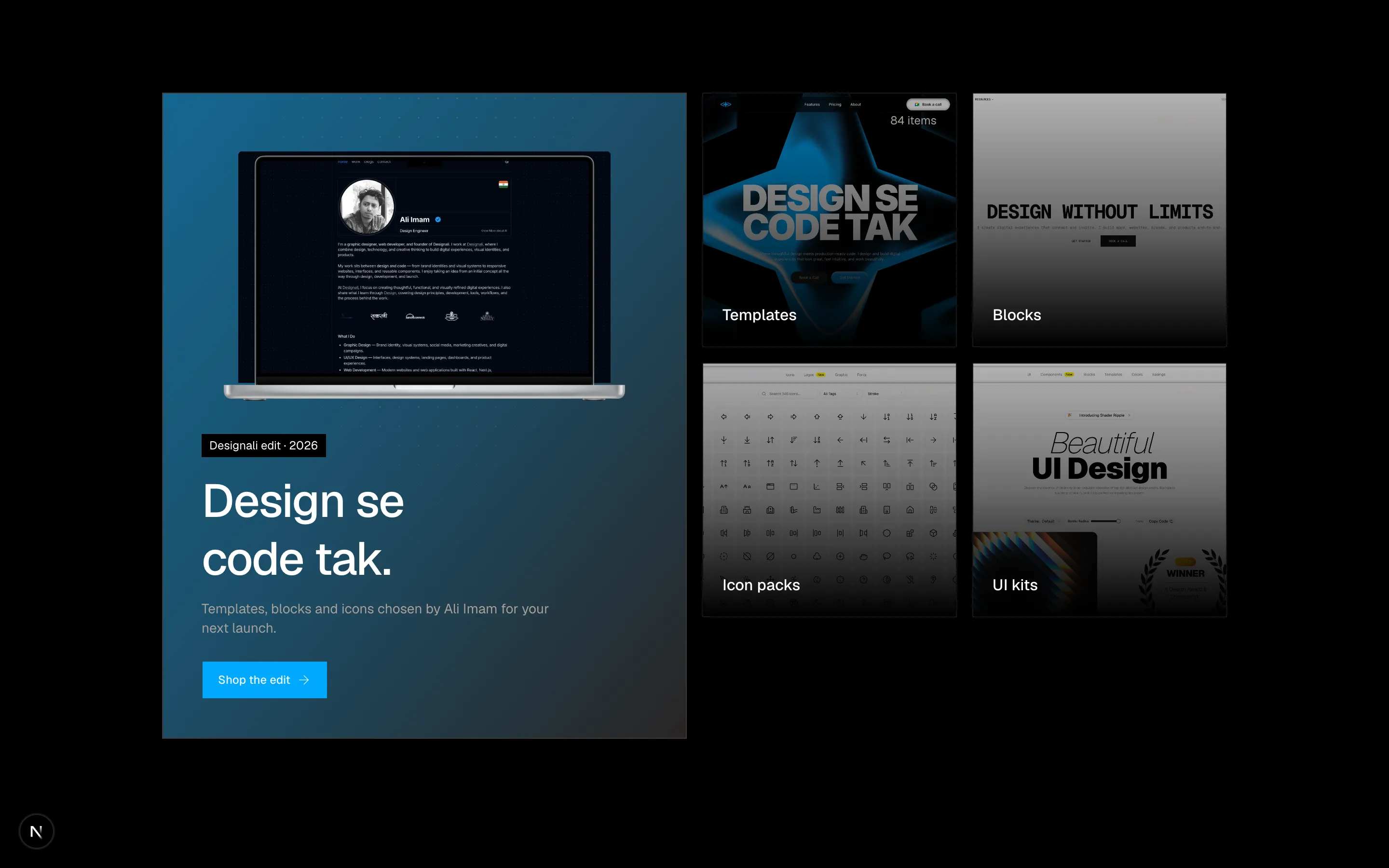
A split promotional banner for a featured collection.
ecommerce-04
Files
import {
  Download,
  RefreshCw,
  ShieldCheck,
  Star,
  Zap,
} from "@designali/icons"

import { Button } from "@/components/ui/button"
import { IPhone } from "@/components/ui/apple/iphone"
import { Macbook } from "@/components/ui/apple/macbook"

const perks = [
  { icon: Download, title: "Instant download", text: "Files in your inbox the moment you check out." },
  { icon: RefreshCw, title: "Free updates", text: "Every new block and icon for 12 months." },
  { icon: ShieldCheck, title: "Commercial license", text: "Use it in client work, no questions." },
  { icon: Zap, title: "Built to ship", text: "Next.js, React, TypeScript and Tailwind CSS." },
]

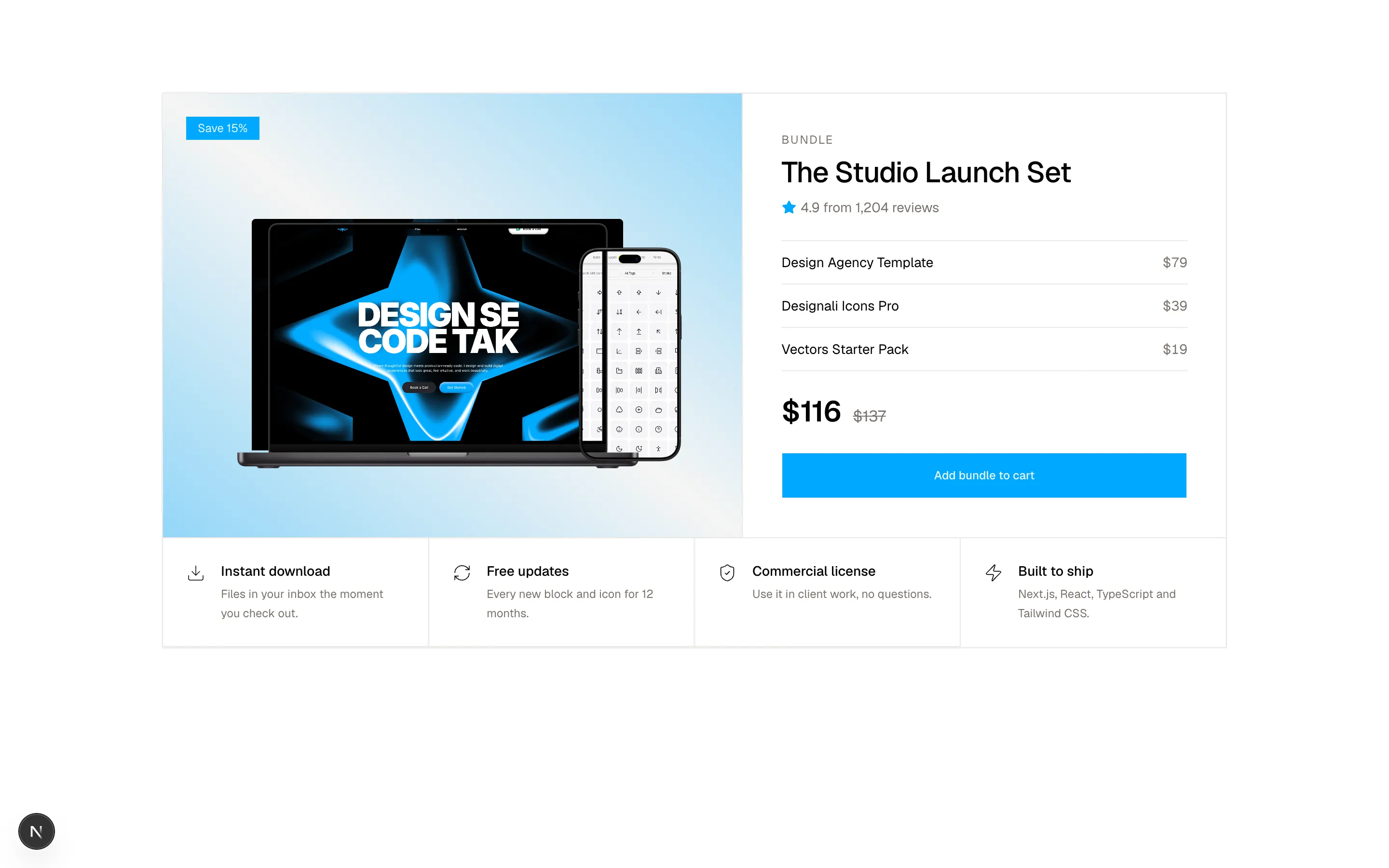
const bundle = [
  { name: "Design Agency Template", price: 79 },
  { name: "Designali Icons Pro", price: 39 },
  { name: "Vectors Starter Pack", price: 19 },
]

export function Ecommerce05() {
  const total = bundle.reduce((sum, item) => sum + item.price, 0)
  const discounted = Math.round(total * 0.85)

  return (
    <section className="w-full bg-background py-16 text-foreground md:py-24">
      <div className="mx-auto max-w-6xl px-6">
        <div className="grid border border-border md:grid-cols-[1.2fr_1fr]">
          <div className="relative flex min-h-72 items-center justify-center overflow-hidden border-b border-border bg-muted p-6 pt-16 md:border-r md:border-b-0">
            <div className="absolute inset-0 bg-gradient-to-tr from-primary/40 via-transparent to-primary/40" />
            <div className="relative flex w-full items-end justify-center">
              <Macbook variant="macbook-pro" color="black" size="sm" className="w-full! max-w-md">
                <img src="/images/templates/design-agency.jpg" alt="Design Agency Template" className="size-full object-cover object-top" />
              </Macbook>
              <IPhone size="sm" color="black" className="-ml-16 h-auto! w-1/5! max-w-full shrink-0 sm:-ml-20">
                <img src="/images/templates/dalim-icons-old.jpg" alt="Designali Icons Pro" className="size-full object-cover object-top" />
              </IPhone>
            </div>
            <span className="absolute top-6 left-6 bg-primary px-3 py-1 text-xs text-primary-foreground">
              Save 15%
            </span>
          </div>
          <div className="p-8 md:p-10">
            <p className="text-xs tracking-widest text-muted-foreground uppercase">
              Bundle
            </p>
            <h2 className="mt-2 text-3xl font-medium tracking-tight">The Studio Launch Set</h2>
            <p className="mt-2 flex items-center gap-1 text-sm text-muted-foreground">
              <Star className="size-4 fill-current text-primary" />
              4.9 from 1,204 reviews
            </p>
            <ul className="mt-6 divide-y divide-border border-y border-border text-sm">
              {bundle.map((item) => (
                <li key={item.name} className="flex justify-between py-3">
                  <span>{item.name}</span>
                  <span className="text-muted-foreground tabular-nums">${item.price}</span>
                </li>
              ))}
            </ul>
            <div className="mt-6 flex items-baseline gap-3">
              <span className="text-3xl font-semibold">${discounted}</span>
              <span className="text-muted-foreground line-through">${total}</span>
            </div>
            <Button size="lg" className="mt-6 w-full">
              Add bundle to cart
            </Button>
          </div>
        </div>

        <div className="grid grid-cols-1 border-x border-b border-border sm:grid-cols-2 lg:grid-cols-4">
          {perks.map((perk) => (
            <div key={perk.title} className="flex gap-4 border-border p-6 not-last:border-b sm:[&:nth-child(odd)]:border-r lg:border-b-0 lg:not-last:border-r">
              <perk.icon className="mt-0.5 size-5 shrink-0" />
              <div>
                <p className="text-sm font-medium">{perk.title}</p>
                <p className="mt-1 text-xs leading-5 text-muted-foreground">{perk.text}</p>
              </div>
            </div>
          ))}
        </div>
      </div>
    </section>
  )
}
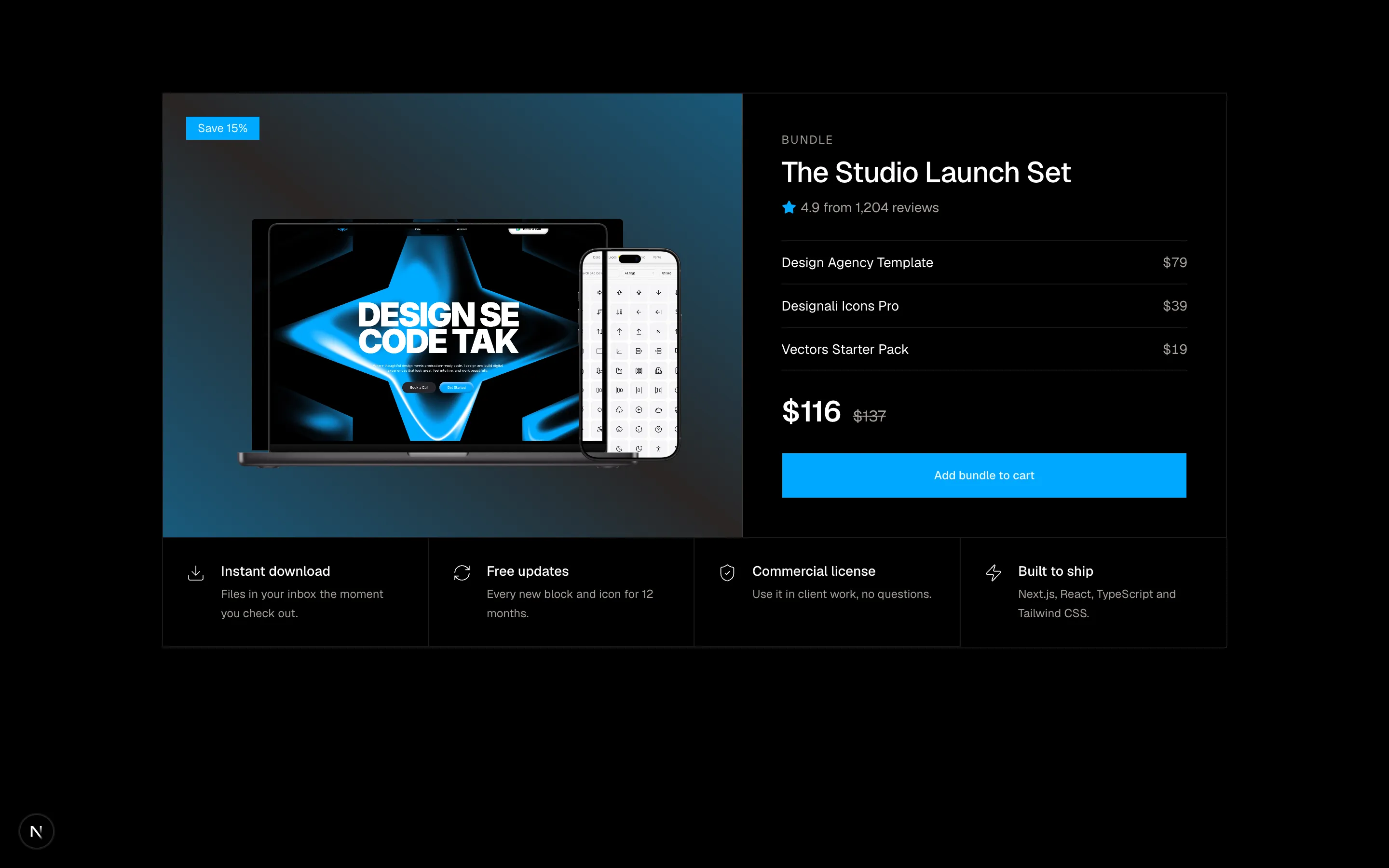
A product bundle section with included items and pricing.
ecommerce-05
Files
"use client"

import { useMemo, useState } from "react"
import {
  SlidersHorizontal,
  X,
} from "@designali/icons"

import { Button } from "@/components/ui/button"
import { cn } from "@/lib/utils"
import { IPad } from "@/components/ui/apple/ipad"

type Product = {
  name: string
  category: string
  price: number
  material: string
  image: string
}

const products: Product[] = [
  { name: "Design Agency Template", category: "Templates", price: 79, material: "Next.js", image: "/images/templates/design-agency.jpg" },
  { name: "Hero Blocks Pack", category: "Blocks", price: 39, material: "React", image: "/images/templates/aliimam-comp.jpg" },
  { name: "Portfolio Simple Template", category: "Templates", price: 49, material: "Figma", image: "/images/templates/portfolio-simple.jpg" },
  { name: "Designali Icons Pro", category: "Icons", price: 39, material: "SVG", image: "/images/templates/dalim-icons-old.jpg" },
  { name: "Blocks Pro Bundle", category: "Blocks", price: 149, material: "Next.js", image: "/images/templates/dalim-ui-old.jpg" },
  { name: "Designali Logos Pack", category: "Icons", price: 29, material: "React", image: "/images/templates/dalim-graphic-old.jpg" },
  { name: "Resort Template", category: "Templates", price: 69, material: "Tailwind CSS", image: "/images/templates/resort.jpg" },
  { name: "Vectors Starter Pack", category: "Icons", price: 19, material: "Figma", image: "/images/templates/dalim-visuals-old.jpg" },
  { name: "Pricing & FAQ Blocks", category: "Blocks", price: 35, material: "Tailwind CSS", image: "/images/templates/vercel.jpg" },
]

const categories = ["Templates", "Blocks", "Icons"]
const materials = ["Next.js", "React", "Tailwind CSS", "Figma", "SVG"]
const sorts = [
  { id: "featured", label: "Featured" },
  { id: "low", label: "Price: low to high" },
  { id: "high", label: "Price: high to low" },
]

function toggle(list: string[], value: string) {
  return list.includes(value) ? list.filter((v) => v !== value) : [...list, value]
}

export function Ecommerce06() {
  const [cats, setCats] = useState<string[]>([])
  const [mats, setMats] = useState<string[]>([])
  const [maxPrice, setMaxPrice] = useState(150)
  const [sort, setSort] = useState("featured")
  const [showFilters, setShowFilters] = useState(false)

  const visible = useMemo(() => {
    const list = products.filter(
      (p) =>
        (cats.length === 0 || cats.includes(p.category)) &&
        (mats.length === 0 || mats.includes(p.material)) &&
        p.price <= maxPrice
    )
    if (sort === "low") return [...list].sort((a, b) => a.price - b.price)
    if (sort === "high") return [...list].sort((a, b) => b.price - a.price)
    return list
  }, [cats, mats, maxPrice, sort])

  const active = [...cats, ...mats]
  const clear = () => {
    setCats([])
    setMats([])
    setMaxPrice(150)
  }

  return (
    <section className="w-full bg-background py-16 text-foreground md:py-24">
      <div className="mx-auto max-w-6xl px-6">
        <div className="flex flex-col justify-between gap-4 border-b border-border pb-6 sm:flex-row sm:items-end">
          <div>
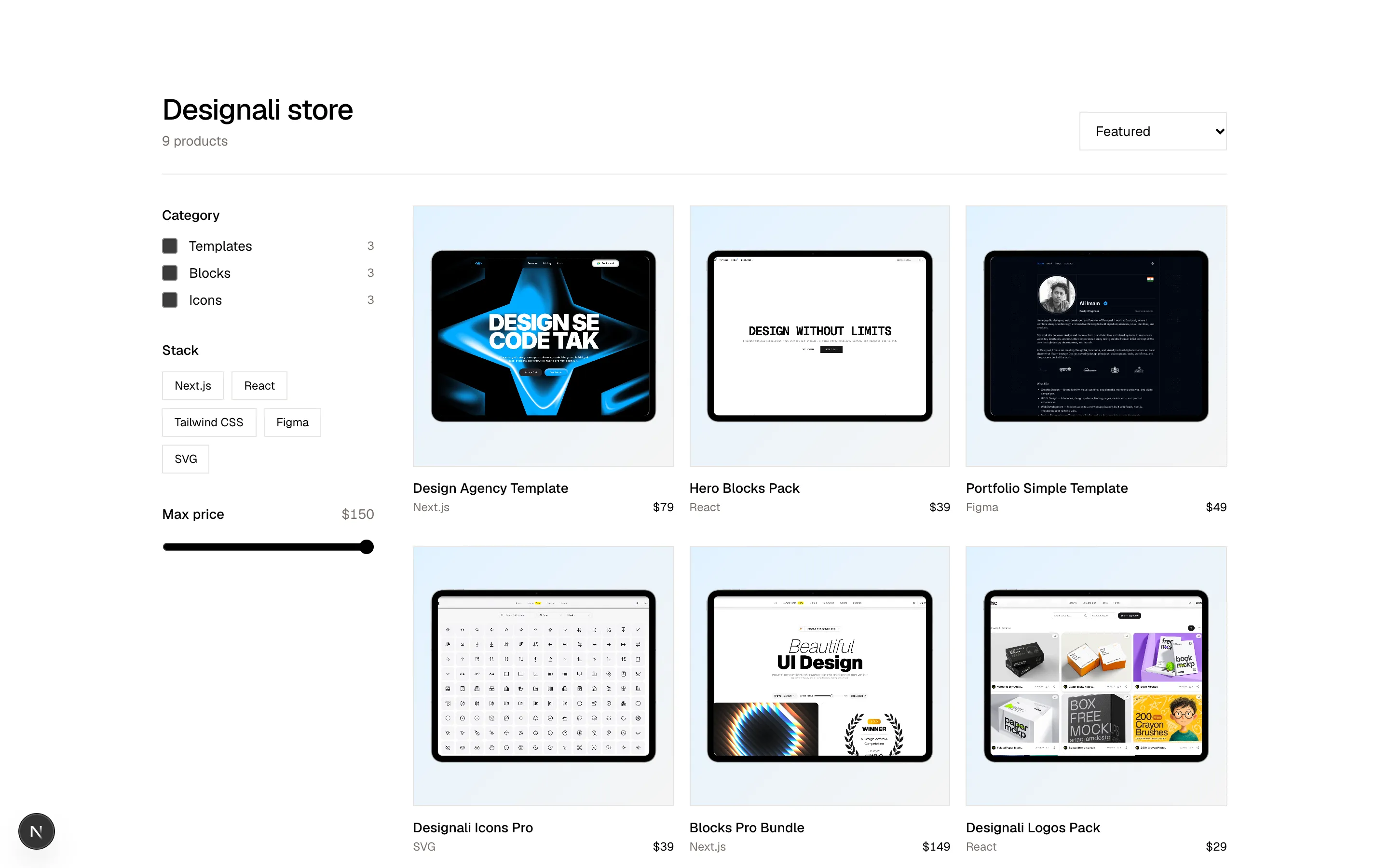
            <h2 className="text-3xl font-medium tracking-tight">Designali store</h2>
            <p className="mt-1 text-sm text-muted-foreground">{visible.length} products</p>
          </div>
          <div className="flex items-center gap-2">
            <Button variant="outline" className="lg:hidden" onClick={() => setShowFilters((s) => !s)}>
              <SlidersHorizontal />
              Filters
            </Button>
            <select
              value={sort}
              onChange={(e) => setSort(e.target.value)}
              aria-label="Sort products"
              className="h-10 border border-border bg-background px-3 text-sm"
            >
              {sorts.map((s) => (
                <option key={s.id} value={s.id}>
                  {s.label}
                </option>
              ))}
            </select>
          </div>
        </div>

        <div className="mt-8 grid gap-10 lg:grid-cols-[220px_1fr]">
          <aside className={cn("space-y-8 text-sm", showFilters ? "block" : "hidden lg:block")}>
            <fieldset>
              <legend className="font-medium">Category</legend>
              <div className="mt-3 space-y-2">
                {categories.map((c) => (
                  <label key={c} className="flex cursor-pointer items-center gap-3">
                    <input
                      type="checkbox"
                      checked={cats.includes(c)}
                      onChange={() => setCats((l) => toggle(l, c))}
                      className="size-4 accent-foreground"
                    />
                    {c}
                    <span className="ml-auto text-xs text-muted-foreground">
                      {products.filter((p) => p.category === c).length}
                    </span>
                  </label>
                ))}
              </div>
            </fieldset>
            <fieldset>
              <legend className="font-medium">Stack</legend>
              <div className="mt-3 flex flex-wrap gap-2">
                {materials.map((m) => (
                  <button
                    key={m}
                    type="button"
                    onClick={() => setMats((l) => toggle(l, m))}
                    aria-pressed={mats.includes(m)}
                    className={cn(
                      "border px-3 py-1.5 text-xs transition-colors",
                      mats.includes(m) ? "border-foreground bg-foreground text-background" : "border-border hover:bg-muted"
                    )}
                  >
                    {m}
                  </button>
                ))}
              </div>
            </fieldset>
            <fieldset>
              <legend className="flex w-full justify-between font-medium">
                Max price <span className="font-normal text-muted-foreground tabular-nums">${maxPrice}</span>
              </legend>
              <input
                type="range"
                min={20}
                max={150}
                step={5}
                value={maxPrice}
                onChange={(e) => setMaxPrice(Number(e.target.value))}
                aria-label="Maximum price"
                className="mt-4 w-full accent-foreground"
              />
            </fieldset>
          </aside>

          <div>
            {active.length > 0 && (
              <div className="mb-6 flex flex-wrap items-center gap-2">
                {active.map((f) => (
                  <button
                    key={f}
                    type="button"
                    onClick={() => {
                      setCats((l) => l.filter((v) => v !== f))
                      setMats((l) => l.filter((v) => v !== f))
                    }}
                    className="flex items-center gap-1 bg-muted px-2 py-1 text-xs"
                  >
                    {f}
                    <X className="size-3" />
                  </button>
                ))}
                <button type="button" onClick={clear} className="text-xs underline underline-offset-4">
                  Clear all
                </button>
              </div>
            )}

            {visible.length === 0 ? (
              <div className="border border-dashed border-border py-20 text-center text-sm text-muted-foreground">
                Nothing matches those filters.{" "}
                <button type="button" onClick={clear} className="text-foreground underline underline-offset-4">
                  Reset
                </button>
              </div>
            ) : (
              <div className="grid grid-cols-2 gap-x-4 gap-y-8 md:grid-cols-3">
                {visible.map((p) => (
                  <a key={p.name} href="#" className="group block">
                    <div className="relative flex aspect-square items-center justify-center overflow-hidden border border-border bg-gradient-to-br from-primary/15 to-muted p-3">
                      <IPad variant="ipad-pro" color="silver" orientation="landscape" size="sm" className="h-auto! w-full! max-w-full transition-transform duration-500 group-hover:scale-105">
                        <img src={p.image} alt={p.name} className="size-full object-cover object-top" />
                      </IPad>
                    </div>
                    <p className="mt-3 text-sm font-medium">{p.name}</p>
                    <p className="mt-0.5 flex justify-between text-xs text-muted-foreground">
                      <span>{p.material}</span>
                      <span className="text-foreground tabular-nums">${p.price}</span>
                    </p>
                  </a>
                ))}
              </div>
            )}
          </div>
        </div>
      </div>
    </section>
  )
}
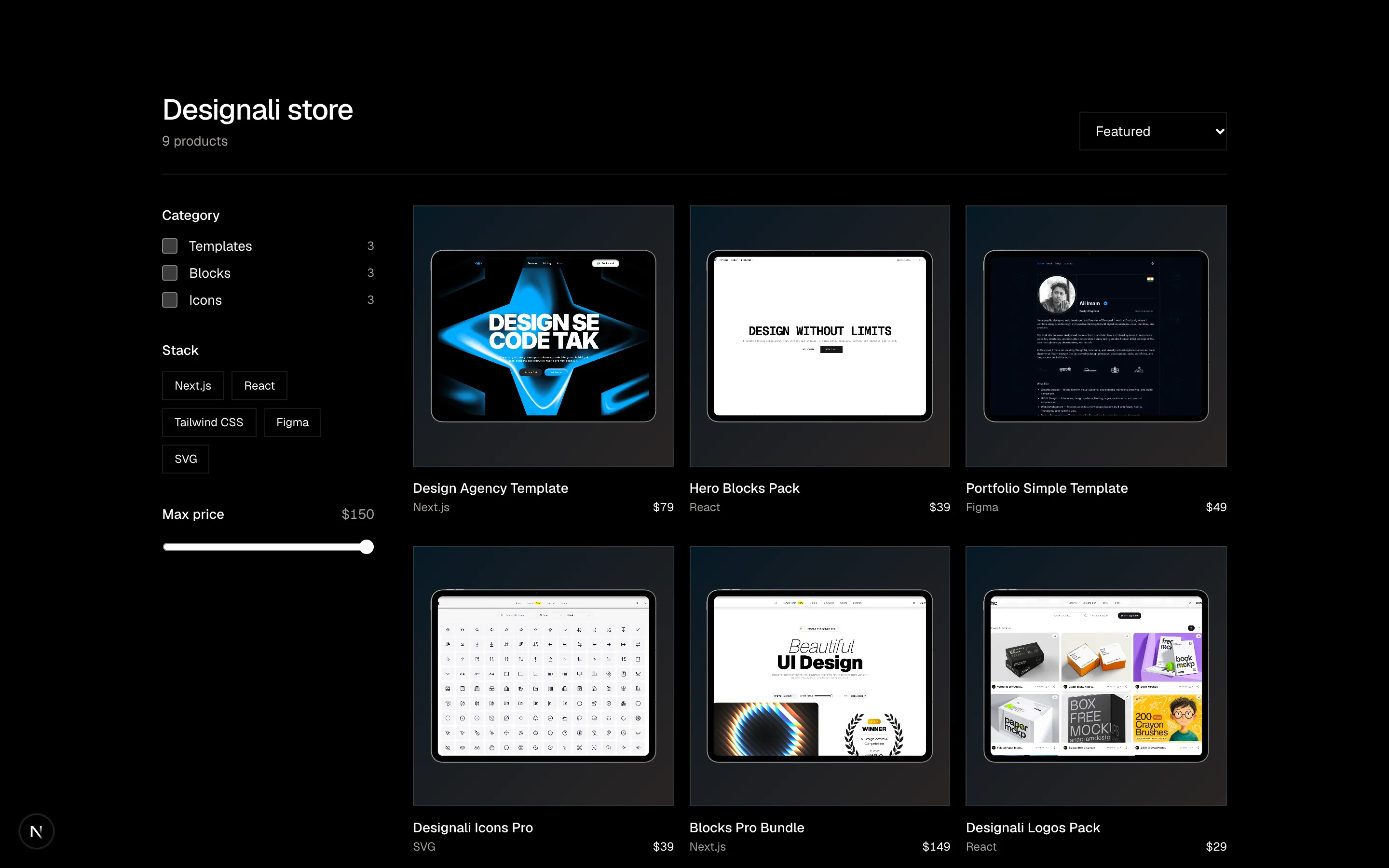
Product listing with sidebar filters for category, material and price, active filter chips and sorting.
ecommerce-06
Files
"use client"

import { useRef, useState } from "react"
import {
  ChevronLeft,
  ChevronRight,
  Heart,
} from "@designali/icons"

import { Button } from "@/components/ui/button"
import { cn } from "@/lib/utils"
import { Macbook } from "@/components/ui/apple/macbook"

const products = [
  { name: "Design Agency Template", brand: "Designali", price: 79, was: 0, swatches: ["var(--primary)", "black"], image: "/images/templates/design-agency.jpg" },
  { name: "Portfolio Simple Template", brand: "Designali", price: 39, was: 49, swatches: ["white", "black"], image: "/images/templates/portfolio-simple.jpg" },
  { name: "Resort Template", brand: "Designali", price: 69, was: 0, swatches: ["var(--primary)", "var(--chart-3)"], image: "/images/templates/resort.jpg" },
  { name: "AI Startup Template", brand: "Designali", price: 79, was: 0, swatches: ["black", "var(--chart-1)"], image: "/images/templates/ai.jpg" },
  { name: "Dalim UI Kit", brand: "Dalim", price: 29, was: 39, swatches: ["var(--chart-5)", "white"], image: "/images/templates/dalim-ui-old.jpg" },
  { name: "Vercel Starter Template", brand: "Designali", price: 59, was: 0, swatches: ["var(--primary)", "white"], image: "/images/templates/vercel.jpg" },
]

function Preview({ color, image, name }: { color: string; image: string; name: string }) {
  return (
    <div
      className="flex size-full items-center justify-center p-4"
      style={{ background: `radial-gradient(circle at 50% 60%, ${color}, transparent 75%)` }}
    >
      <Macbook variant="macbook-air" color="silver" size="sm" className="w-full! max-w-full">
        <img src={image} alt={name} className="size-full object-cover object-top" />
      </Macbook>
    </div>
  )
}

export function Ecommerce07() {
  const track = useRef<HTMLDivElement>(null)
  const [picked, setPicked] = useState<Record<string, number>>({})
  const [saved, setSaved] = useState<string[]>([])

  const scroll = (dir: 1 | -1) =>
    track.current?.scrollBy({ left: dir * track.current.clientWidth * 0.75, behavior: "smooth" })

  return (
    <section className="w-full overflow-hidden bg-background py-16 text-foreground md:py-24">
      <div className="mx-auto max-w-6xl px-6">
        <div className="flex items-end justify-between gap-4">
          <div>
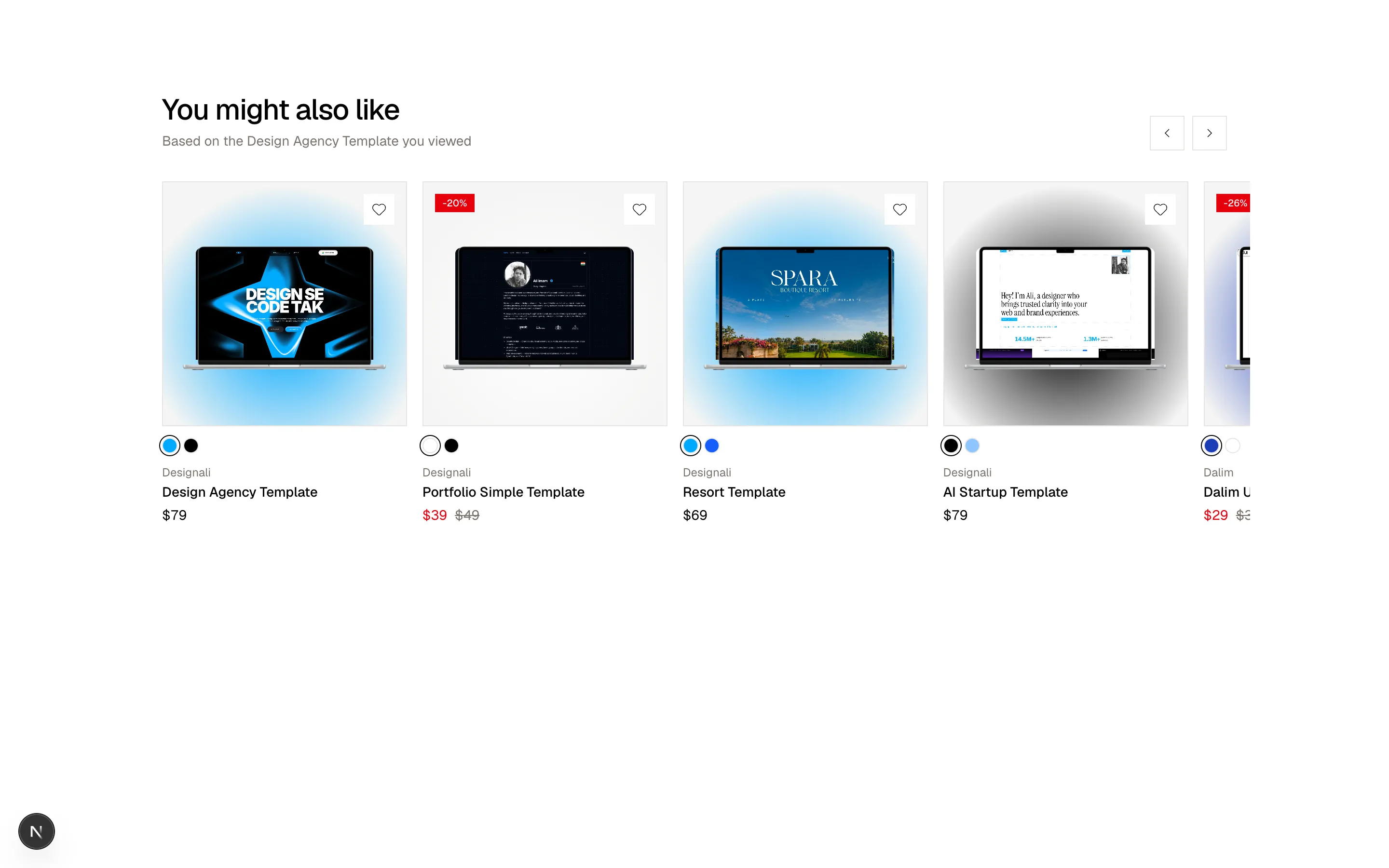
            <h2 className="text-2xl font-medium tracking-tight md:text-3xl">You might also like</h2>
            <p className="mt-1 text-sm text-muted-foreground">Based on the Design Agency Template you viewed</p>
          </div>
          <div className="flex gap-2">
            <Button variant="outline" size="icon-lg" aria-label="Scroll left" onClick={() => scroll(-1)}>
              <ChevronLeft />
            </Button>
            <Button variant="outline" size="icon-lg" aria-label="Scroll right" onClick={() => scroll(1)}>
              <ChevronRight />
            </Button>
          </div>
        </div>

        <div
          ref={track}
          className="-mx-6 mt-8 flex snap-x snap-mandatory scroll-px-6 gap-4 overflow-x-auto px-6 pb-2 [scrollbar-width:none] [&::-webkit-scrollbar]:hidden"
        >
          {products.map((p) => {
            const swatch = picked[p.name] ?? 0
            const isSaved = saved.includes(p.name)
            return (
              <div key={p.name} className="w-[70%] shrink-0 snap-start sm:w-[42%] md:w-[30%] lg:w-[23%]">
                <div className="relative flex aspect-square items-center justify-center overflow-hidden border border-border bg-muted">
                  <Preview color={p.swatches[swatch] ?? "var(--muted)"} image={p.image} name={p.name} />
                  {p.was > 0 && (
                    <span className="absolute top-3 left-3 bg-destructive px-2 py-0.5 text-[10px] font-medium text-white">
                      -{Math.round((1 - p.price / p.was) * 100)}%
                    </span>
                  )}
                  <button
                    type="button"
                    aria-label={isSaved ? `Remove ${p.name} from wishlist` : `Save ${p.name}`}
                    aria-pressed={isSaved}
                    onClick={() =>
                      setSaved((s) => (s.includes(p.name) ? s.filter((n) => n !== p.name) : [...s, p.name]))
                    }
                    className="absolute top-3 right-3 flex size-8 items-center justify-center bg-background"
                  >
                    <Heart className={cn("size-4", isSaved && "fill-destructive text-destructive")} />
                  </button>
                </div>
                <div className="mt-3 flex gap-1.5">
                  {p.swatches.map((c, i) => (
                    <button
                      key={c}
                      type="button"
                      aria-label={`Colour ${i + 1}`}
                      onClick={() => setPicked((s) => ({ ...s, [p.name]: i }))}
                      className={cn(
                        "size-4 rounded-full border border-border ring-offset-2 ring-offset-background",
                        swatch === i && "ring-1 ring-foreground"
                      )}
                      style={{ background: c }}
                    />
                  ))}
                </div>
                <p className="mt-3 text-xs text-muted-foreground">{p.brand}</p>
                <a href="#" className="mt-0.5 block text-sm font-medium hover:underline">
                  {p.name}
                </a>
                <p className="mt-1 flex gap-2 text-sm tabular-nums">
                  <span className={cn(p.was > 0 && "text-destructive dark:text-destructive")}>${p.price}</span>
                  {p.was > 0 && <span className="text-muted-foreground line-through">${p.was}</span>}
                </p>
              </div>
            )
          })}
        </div>
      </div>
    </section>
  )
}
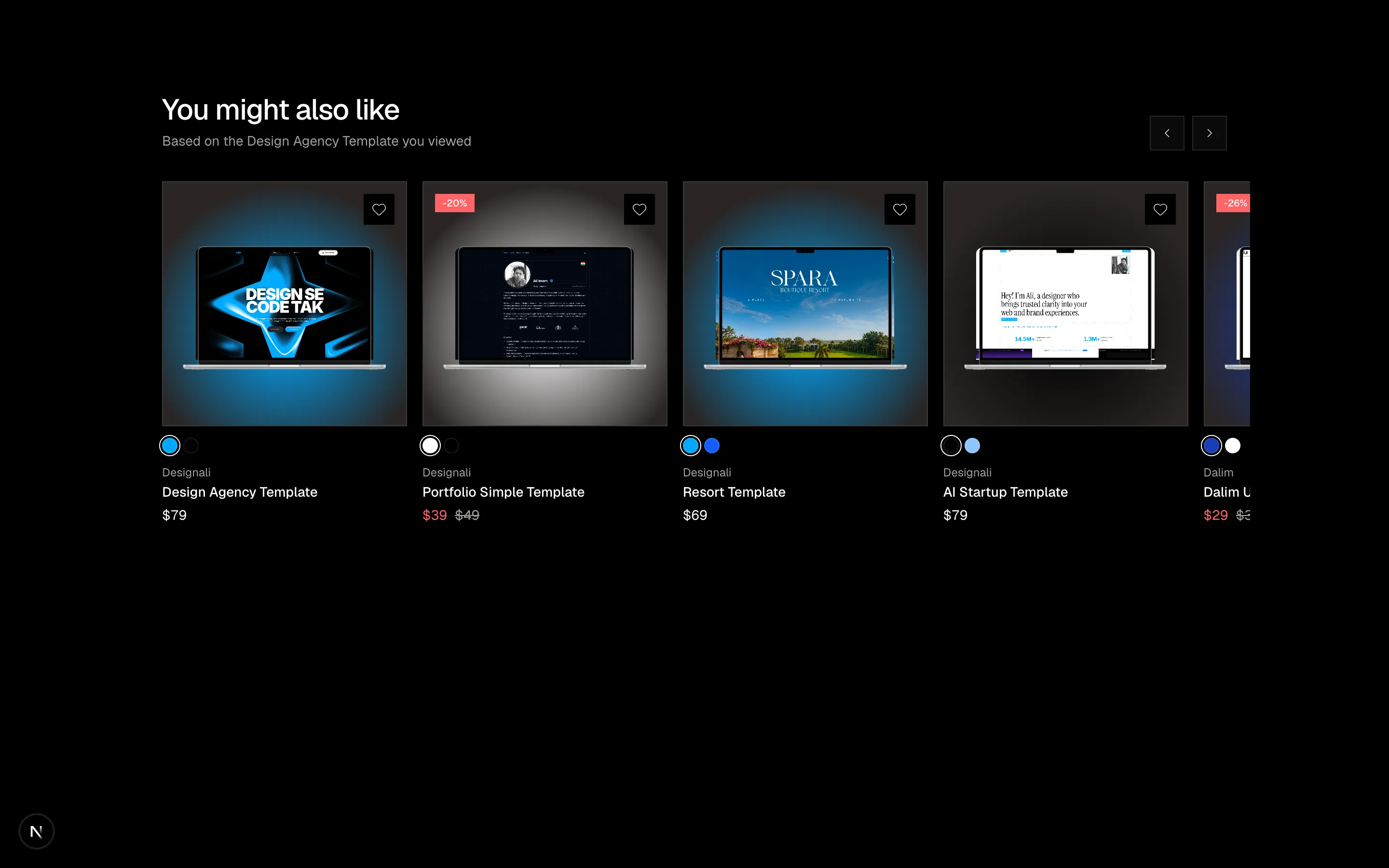
Recommended products scroll-snap carousel with SVG sneakers, colour swatches, sale badges and wishlist toggles.
ecommerce-07
Files
import {
  Check,
  Minus,
} from "@designali/icons"

import { Button } from "@/components/ui/button"
import { cn } from "@/lib/utils"
import { IMac } from "@/components/ui/apple/imac"
import { IPhone } from "@/components/ui/apple/iphone"
import { Macbook } from "@/components/ui/apple/macbook"

const models = [
  { name: "Designali Solo", price: 49, tag: "" },
  { name: "Designali Pro", price: 149, tag: "Most popular" },
  { name: "Designali Studio", price: 349, tag: "" },
]

const rows: { label: string; values: (string | boolean)[] }[] = [
  { label: "Templates", values: ["1 template", "All templates", "All templates"] },
  { label: "Seats", values: ["1 seat", "1 seat", "10 seats"] },
  { label: "460+ blocks", values: [false, true, true] },
  { label: "Designali Icons Pro", values: [false, true, true] },
  { label: "Figma files", values: ["Template only", "Included", "Included, editable"] },
  { label: "Projects", values: ["1 project", "Unlimited", "Unlimited"] },
  { label: "Call with Ali Imam", values: [false, false, true] },
  { label: "Free updates", values: ["1 year", "2 years", "Lifetime"] },
]

function Device({ index }: { index: number }) {
  const screen = (
    <img src="/images/templates/design-agency.jpg" alt="" className="size-full object-cover object-top" />
  )
  return (
    <div className="mx-auto flex aspect-square w-full max-w-36 items-end justify-center">
      {index === 0 && (
        <IPhone size="sm" color="silver" className="h-full! max-w-full">
          {screen}
        </IPhone>
      )}
      {index === 1 && (
        <Macbook variant="macbook-pro" color="silver" size="sm" className="w-full! max-w-full">
          {screen}
        </Macbook>
      )}
      {index === 2 && (
        <IMac size="sm" color="silver" className="w-full! max-w-full">
          {screen}
        </IMac>
      )}
    </div>
  )
}

export function Ecommerce08() {
  return (
    <section className="w-full bg-background py-16 text-foreground md:py-24">
      <div className="mx-auto max-w-6xl px-6">
        <div className="text-center">
          <h2 className="text-3xl font-medium tracking-tight md:text-4xl">Compare Designali licenses</h2>
          <p className="mt-2 text-sm text-muted-foreground">
            Every license includes Next.js, React and Tailwind CSS source code and a 14-day refund window.
          </p>
        </div>

        <div className="mt-10 overflow-x-auto">
          <table className="w-full min-w-[640px] border-collapse text-sm">
            <thead>
              <tr>
                <th className="w-1/4" />
                {models.map((m, index) => (
                  <th
                    key={m.name}
                    scope="col"
                    className={cn(
                      "w-1/4 border-x border-t border-transparent p-4 align-bottom font-normal",
                      m.tag && "border-border bg-muted/40"
                    )}
                  >
                    {m.tag ? (
                      <span className="mb-3 inline-block bg-primary px-2 py-0.5 text-[10px] tracking-wide text-primary-foreground uppercase">
                        {m.tag}
                      </span>
                    ) : (
                      <span className="mb-3 inline-block h-5" />
                    )}
                    <Device index={index} />
                    <p className="mt-4 font-medium">{m.name}</p>
                    <p className="mt-1 text-muted-foreground tabular-nums">${m.price}</p>
                  </th>
                ))}
              </tr>
            </thead>
            <tbody>
              {rows.map((row) => (
                <tr key={row.label} className="border-b border-border">
                  <th scope="row" className="py-3 pr-4 text-left font-normal text-muted-foreground">
                    {row.label}
                  </th>
                  {row.values.map((v, i) => (
                    <td
                      key={i}
                      className={cn("border-x border-transparent px-4 py-3 text-center", models[i]?.tag && "border-border bg-muted/40")}
                    >
                      {typeof v === "boolean" ? (
                        v ? (
                          <Check className="mx-auto size-4" aria-label="Yes" />
                        ) : (
                          <Minus className="mx-auto size-4 text-muted-foreground/50" aria-label="No" />
                        )
                      ) : (
                        v
                      )}
                    </td>
                  ))}
                </tr>
              ))}
              <tr>
                <td />
                {models.map((m) => (
                  <td
                    key={m.name}
                    className={cn("border-x border-b border-transparent p-4", m.tag && "border-border bg-muted/40")}
                  >
                    <Button className="w-full" variant={m.tag ? "default" : "outline"}>
                      Add to cart
                    </Button>
                  </td>
                ))}
              </tr>
            </tbody>
          </table>
        </div>
      </div>
    </section>
  )
}
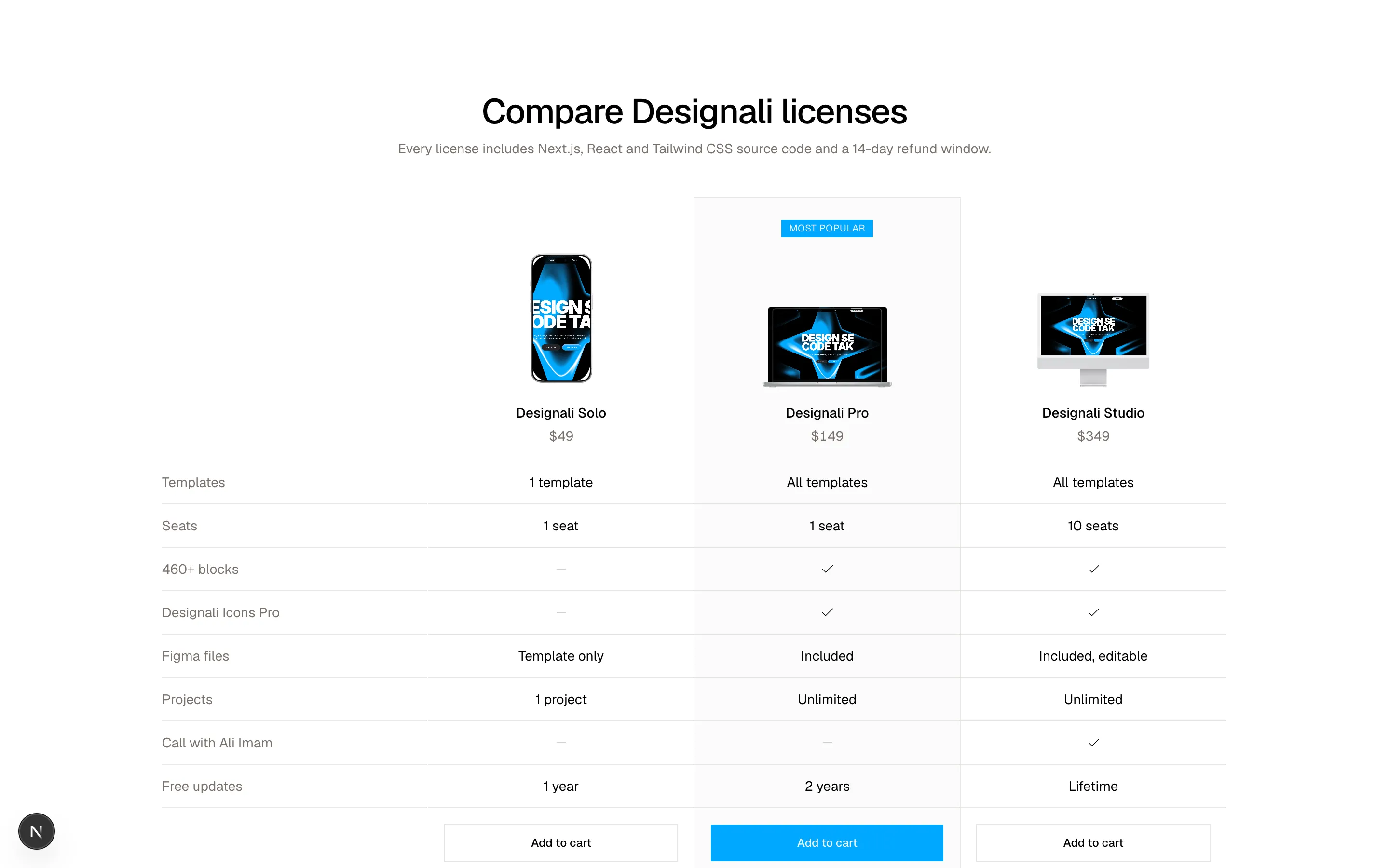
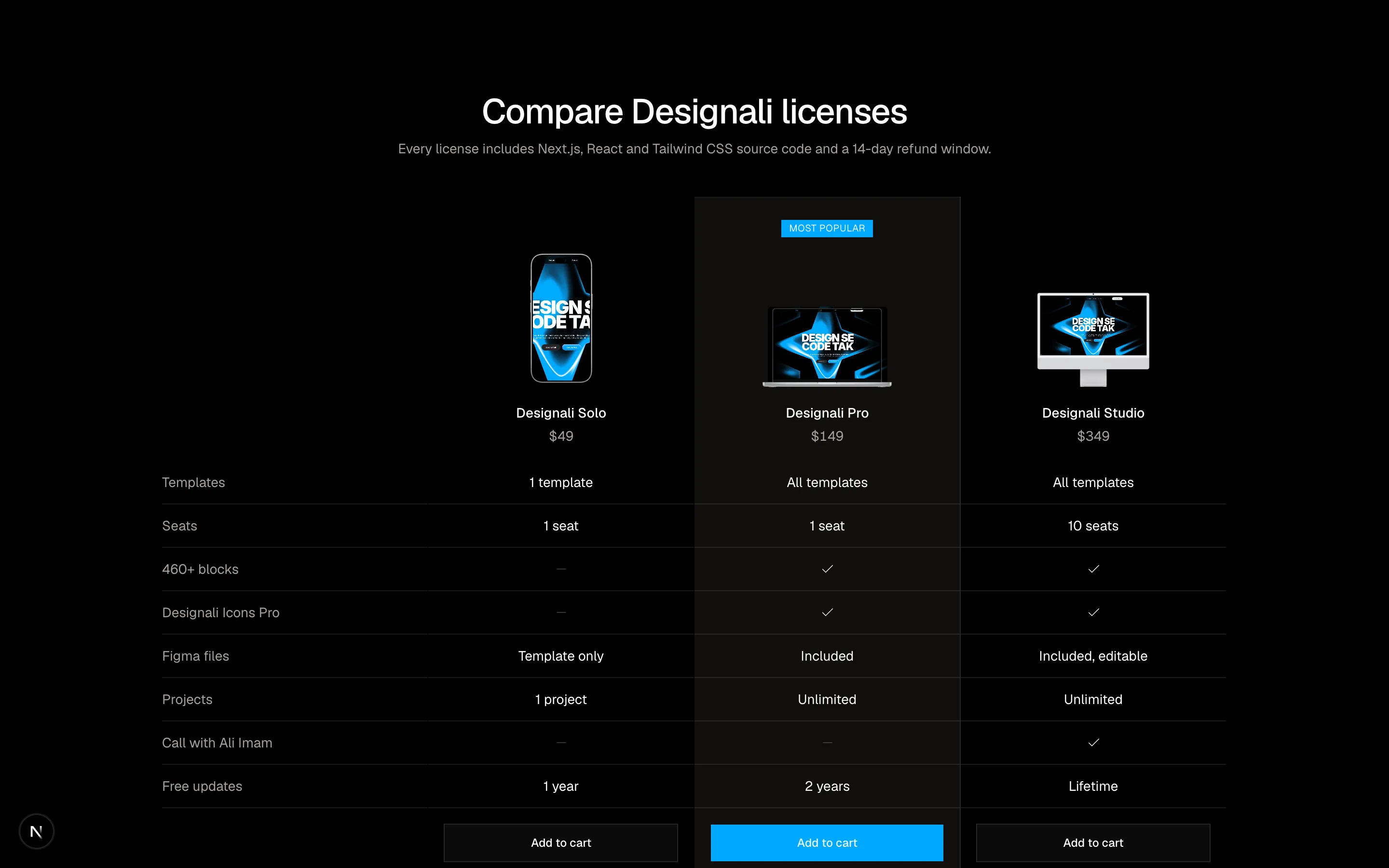
Three-column product comparison table with highlighted popular model, feature checks and add-to-cart row.
ecommerce-08
Files
"use client"

import { useState } from "react"
import {
  Check,
  CreditCard,
  Lock,
} from "@designali/icons"

import { Button } from "@/components/ui/button"
import { Input } from "@/components/ui/input"
import { Label } from "@/components/ui/label"
import { cn } from "@/lib/utils"

const steps = ["Contact", "Delivery", "Payment"]

const deliveryOptions = [
  { id: "standard", label: "Instant download", detail: "Files and license by email", price: 0 },
  { id: "express", label: "Setup help", detail: "Designali installs it on your Vercel", price: 9 },
  { id: "pickup", label: "GitHub access", detail: "Private repo invite in 2 hours", price: 0 },
]

const items = [
  { name: "Design Agency Template", variant: "Pro license · Next.js + Figma", price: 79, image: "/images/templates/design-agency.jpg" },
  { name: "Designali Icons Pro", variant: "Personal license", price: 39, image: "/images/templates/dalim-icons-old.jpg" },
]

export function Ecommerce09() {
  const [step, setStep] = useState(0)
  const [delivery, setDelivery] = useState("standard")
  const [placed, setPlaced] = useState(false)

  const shipping = deliveryOptions.find((d) => d.id === delivery)?.price ?? 0
  const subtotal = items.reduce((s, i) => s + i.price, 0)
  const total = subtotal + shipping

  const next = () => (step < steps.length - 1 ? setStep(step + 1) : setPlaced(true))

  return (
    <section className="w-full bg-background py-16 text-foreground md:py-24">
      <div className="mx-auto grid max-w-6xl gap-10 px-6 lg:grid-cols-[1fr_380px]">
        <div>
          <ol className="flex items-center gap-2 text-sm">
            {steps.map((s, i) => (
              <li key={s} className="flex flex-1 items-center gap-2">
                <button
                  type="button"
                  disabled={i > step || placed}
                  onClick={() => setStep(i)}
                  className="flex items-center gap-2 disabled:cursor-default"
                >
                  <span
                    className={cn(
                      "flex size-6 shrink-0 items-center justify-center border text-xs",
                      i < step || placed
                        ? "border-foreground bg-foreground text-background"
                        : i === step
                          ? "border-foreground"
                          : "border-border text-muted-foreground"
                    )}
                  >
                    {i < step || placed ? <Check className="size-3" /> : i + 1}
                  </span>
                  <span className={cn(i > step && "text-muted-foreground")}>{s}</span>
                </button>
                {i < steps.length - 1 && <span className="h-px flex-1 bg-border" />}
              </li>
            ))}
          </ol>

          <div className="mt-10">
            {placed ? (
              <div className="border border-border p-8 text-center">
                <span className="mx-auto flex size-12 items-center justify-center rounded-full bg-primary/15 text-chart-3 dark:text-primary">
                  <Check className="size-6" />
                </span>
                <h2 className="mt-4 text-2xl font-medium tracking-tight">Order placed</h2>
                <p className="mt-2 text-sm text-muted-foreground">
                  Confirmation #DA-20931 is on its way to your inbox.
                </p>
              </div>
            ) : step === 0 ? (
              <div className="space-y-5">
                <h2 className="text-2xl font-medium tracking-tight">Contact details</h2>
                <div className="grid gap-2">
                  <Label htmlFor="e09-email">Email</Label>
                  <Input id="e09-email" type="email" placeholder="you@example.com" className="h-10" />
                </div>
                <div className="grid gap-4 sm:grid-cols-2">
                  <div className="grid gap-2">
                    <Label htmlFor="e09-first">First name</Label>
                    <Input id="e09-first" className="h-10" />
                  </div>
                  <div className="grid gap-2">
                    <Label htmlFor="e09-last">Last name</Label>
                    <Input id="e09-last" className="h-10" />
                  </div>
                </div>
                <div className="grid gap-2">
                  <Label htmlFor="e09-address">Address</Label>
                  <Input id="e09-address" placeholder="Street and number" className="h-10" />
                </div>
                <div className="grid gap-4 sm:grid-cols-[1fr_140px]">
                  <div className="grid gap-2">
                    <Label htmlFor="e09-city">City</Label>
                    <Input id="e09-city" className="h-10" />
                  </div>
                  <div className="grid gap-2">
                    <Label htmlFor="e09-zip">Postcode</Label>
                    <Input id="e09-zip" className="h-10" />
                  </div>
                </div>
              </div>
            ) : step === 1 ? (
              <fieldset className="space-y-3">
                <legend className="mb-5 text-2xl font-medium tracking-tight">Delivery method</legend>
                {deliveryOptions.map((o) => (
                  <label
                    key={o.id}
                    className={cn(
                      "flex cursor-pointer items-center gap-4 border p-4 transition-colors",
                      delivery === o.id ? "border-foreground bg-muted/50" : "border-border hover:bg-muted/30"
                    )}
                  >
                    <input
                      type="radio"
                      name="e09-delivery"
                      value={o.id}
                      checked={delivery === o.id}
                      onChange={() => setDelivery(o.id)}
                      className="size-4 accent-foreground"
                    />
                    <span className="flex-1">
                      <span className="block text-sm font-medium">{o.label}</span>
                      <span className="block text-xs text-muted-foreground">{o.detail}</span>
                    </span>
                    <span className="text-sm tabular-nums">{o.price ? `$${o.price}` : "Free"}</span>
                  </label>
                ))}
              </fieldset>
            ) : (
              <div className="space-y-5">
                <h2 className="text-2xl font-medium tracking-tight">Payment</h2>
                <div className="grid gap-2">
                  <Label htmlFor="e09-card">Card number</Label>
                  <div className="relative">
                    <Input id="e09-card" inputMode="numeric" placeholder="1234 1234 1234 1234" className="h-10 pr-10" />
                    <CreditCard className="absolute top-1/2 right-3 size-4 -translate-y-1/2 text-muted-foreground" />
                  </div>
                </div>
                <div className="grid grid-cols-2 gap-4">
                  <div className="grid gap-2">
                    <Label htmlFor="e09-exp">Expiry</Label>
                    <Input id="e09-exp" placeholder="MM / YY" className="h-10" />
                  </div>
                  <div className="grid gap-2">
                    <Label htmlFor="e09-cvc">CVC</Label>
                    <Input id="e09-cvc" placeholder="123" className="h-10" />
                  </div>
                </div>
                <p className="flex items-center gap-2 text-xs text-muted-foreground">
                  <Lock className="size-3.5" />
                  Payments are encrypted and processed securely.
                </p>
              </div>
            )}

            {!placed && (
              <div className="mt-8 flex items-center justify-between gap-4">
                <Button variant="ghost" disabled={step === 0} onClick={() => setStep(step - 1)}>
                  Back
                </Button>
                <Button size="lg" onClick={next}>
                  {step === steps.length - 1 ? `Pay $${total.toFixed(2)}` : `Continue to ${steps[step + 1]?.toLowerCase()}`}
                </Button>
              </div>
            )}
          </div>
        </div>

        <aside className="h-fit border border-border bg-muted/40 p-6">
          <h3 className="font-medium">Order summary</h3>
          <ul className="mt-5 space-y-4">
            {items.map((item) => (
              <li key={item.name} className="flex gap-3">
                <img src={item.image} alt={item.name} className="size-14 shrink-0 object-cover object-top border border-border" />
                <span className="flex-1">
                  <span className="block text-sm font-medium">{item.name}</span>
                  <span className="block text-xs text-muted-foreground">{item.variant}</span>
                </span>
                <span className="text-sm tabular-nums">${item.price}</span>
              </li>
            ))}
          </ul>
          <dl className="mt-6 space-y-2 border-t border-border pt-4 text-sm">
            <div className="flex justify-between">
              <dt className="text-muted-foreground">Subtotal</dt>
              <dd className="tabular-nums">${subtotal.toFixed(2)}</dd>
            </div>
            <div className="flex justify-between">
              <dt className="text-muted-foreground">Delivery</dt>
              <dd className="tabular-nums">{shipping ? `$${shipping.toFixed(2)}` : "Free"}</dd>
            </div>
            <div className="flex justify-between border-t border-border pt-3 text-base font-medium">
              <dt>Total</dt>
              <dd className="tabular-nums">${total.toFixed(2)}</dd>
            </div>
          </dl>
        </aside>
      </div>
    </section>
  )
}
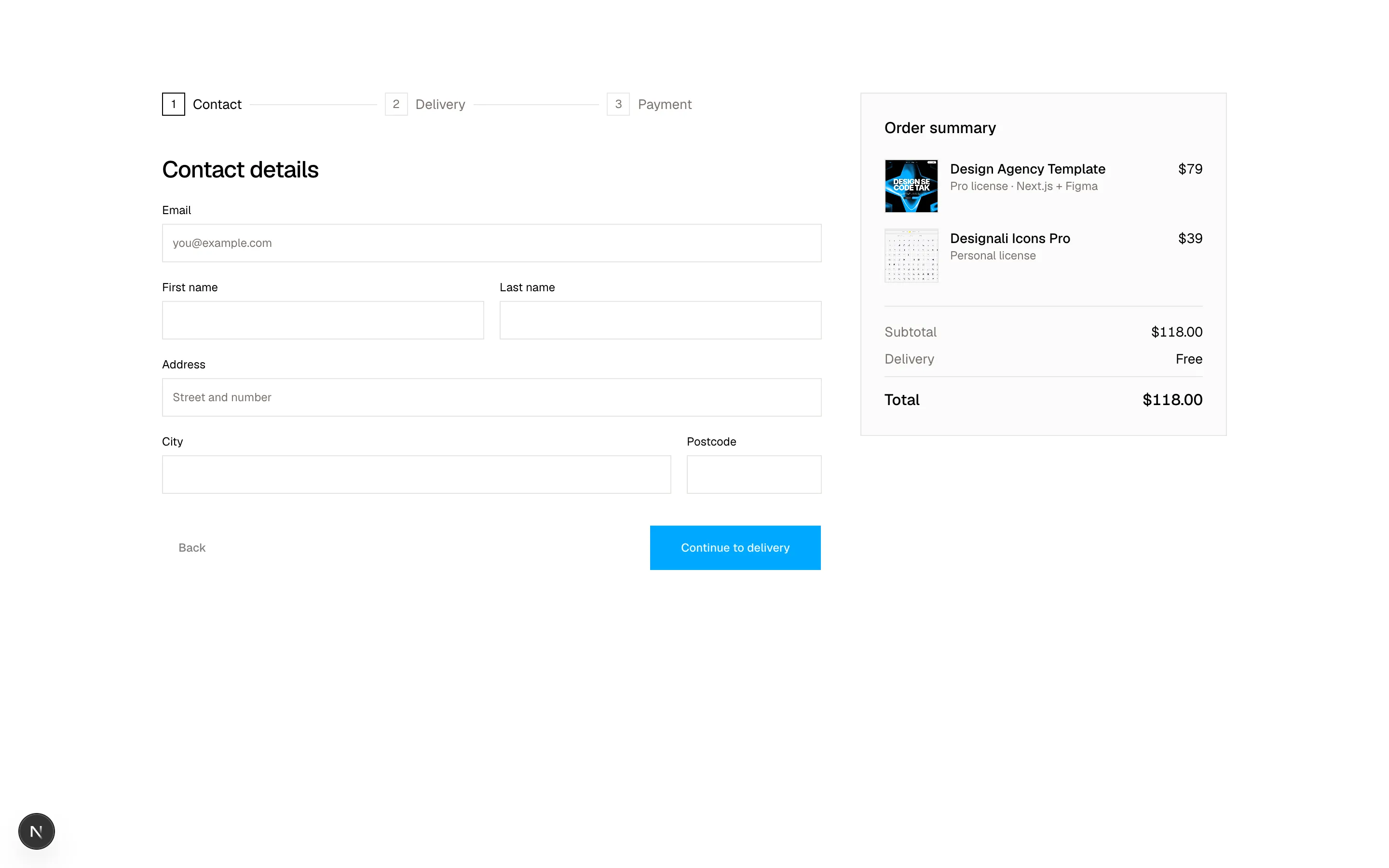
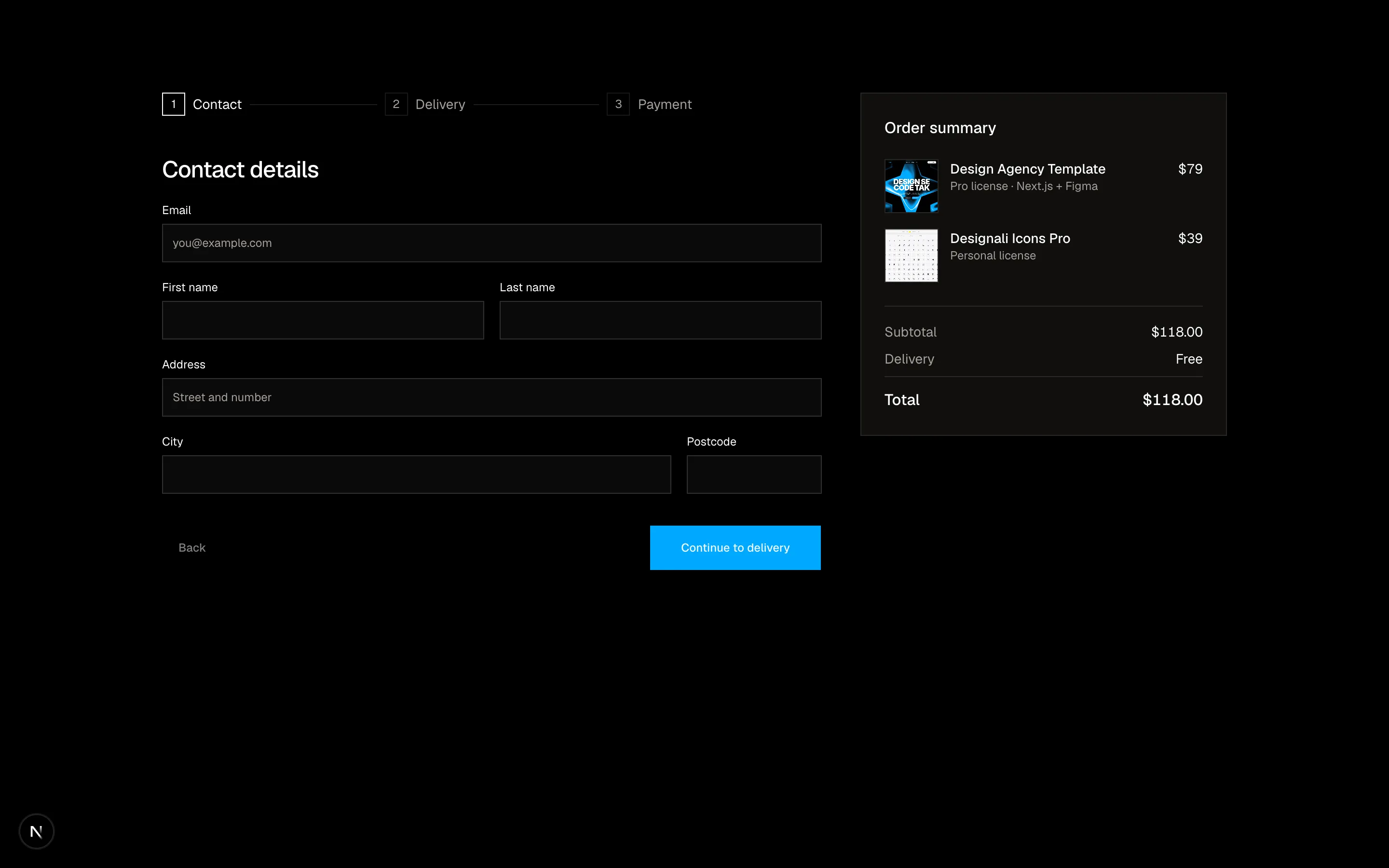
Multi-step checkout stepper for contact, delivery and payment beside a live order summary.
ecommerce-09
Files
import {
  Check,
  Eye,
  FileCode,
  PackageCheck,
  Palette,
  Rocket,
} from "@designali/icons"

import { Button } from "@/components/ui/button"
import { cn } from "@/lib/utils"

const events = [
  { icon: Check, title: "Brief confirmed", detail: "Kickoff call with Ali Imam", time: "Mon 10 Nov, 09:14", done: true },
  { icon: Palette, title: "Designed", detail: "Brand identity and UI in Figma", time: "Mon 10 Nov, 16:40", done: true },
  { icon: FileCode, title: "In development", detail: "Next.js build on Vercel preview", time: "Tue 11 Nov, 05:22", done: true },
  { icon: Eye, title: "In review", detail: "Final feedback round, 6 items left", time: "Today, 08:03", done: true, current: true },
  { icon: Rocket, title: "Launched", detail: "Expected 12:00 - 14:00", time: "Today", done: false },
]

const items = [
  { name: "Brand identity kit", qty: 1, image: "/images/templates/dalim-agency-old.jpg" },
  { name: "Next.js website", qty: 1, image: "/images/templates/vercel.jpg" },
  { name: "Social media templates", qty: 2, image: "/images/templates/dalim-works-old.jpg" },
]

export function Ecommerce10() {
  const doneCount = events.filter((e) => e.done).length
  const progress = ((doneCount - 1) / (events.length - 1)) * 100

  return (
    <section className="w-full bg-background py-16 text-foreground md:py-24">
      <div className="mx-auto max-w-5xl px-6">
        <div className="flex flex-col justify-between gap-4 sm:flex-row sm:items-end">
          <div>
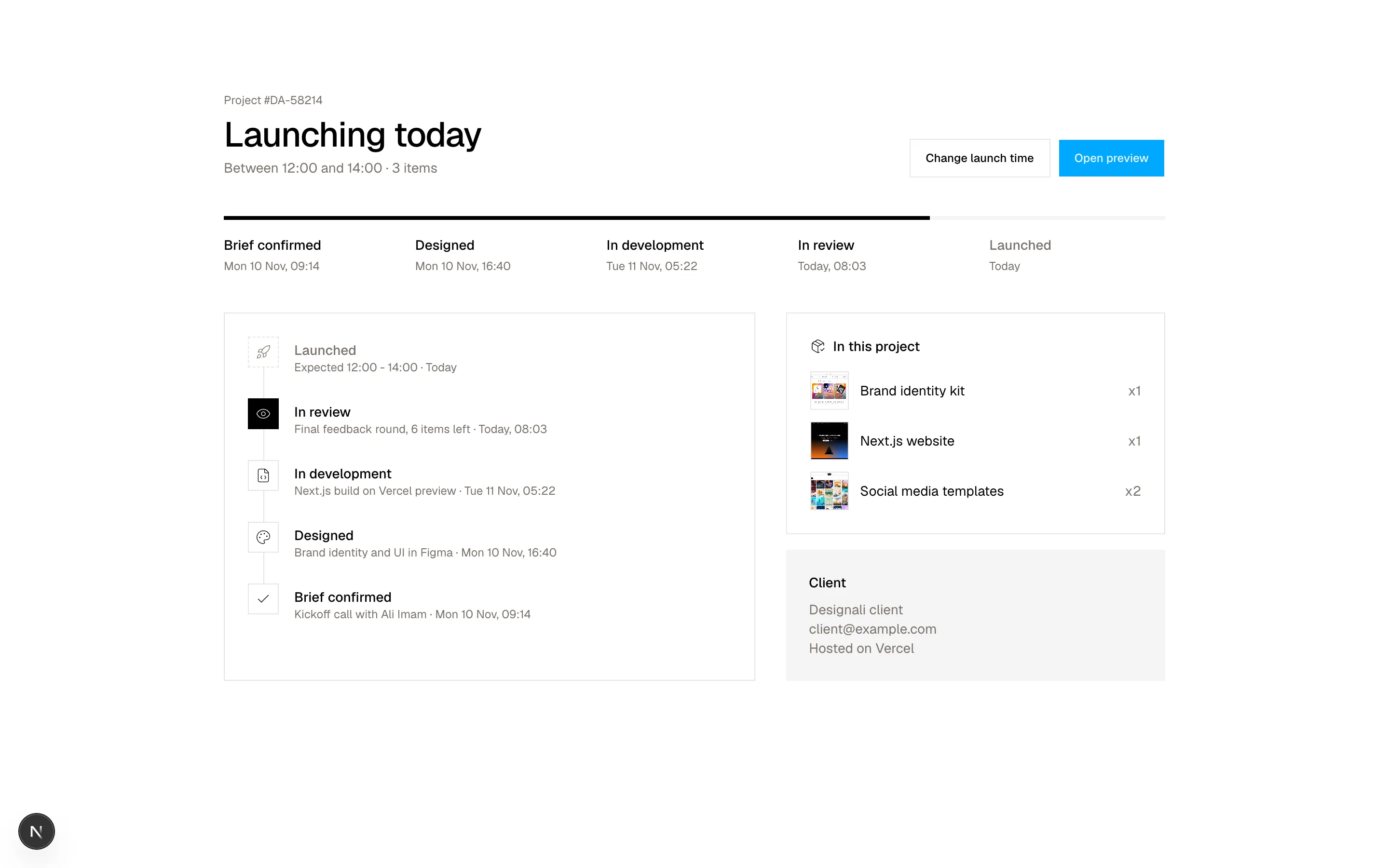
            <p className="font-sans text-xs text-muted-foreground">Project #DA-58214</p>
            <h2 className="mt-2 text-3xl font-medium tracking-tight md:text-4xl">Launching today</h2>
            <p className="mt-1 text-sm text-muted-foreground">Between 12:00 and 14:00 · 3 items</p>
          </div>
          <div className="flex gap-2">
            <Button variant="outline">Change launch time</Button>
            <Button>Open preview</Button>
          </div>
        </div>

        {/* Horizontal progress (desktop) */}
        <div className="mt-10 hidden md:block">
          <div className="relative h-1 bg-muted">
            <div className="absolute inset-y-0 left-0 bg-foreground" style={{ width: `${progress}%` }} />
          </div>
          <ol className="mt-4 grid grid-cols-5 gap-4">
            {events.map((e) => (
              <li key={e.title} className={cn(!e.done && "text-muted-foreground")}>
                <p className="text-sm font-medium">{e.title}</p>
                <p className="mt-1 text-xs text-muted-foreground">{e.time}</p>
              </li>
            ))}
          </ol>
        </div>

        <div className="mt-10 grid gap-8 md:grid-cols-[1.4fr_1fr]">
          <ol className="border border-border p-6">
            {events
              .slice()
              .reverse()
              .map((e, i, arr) => (
                <li key={e.title} className="relative flex gap-4 pb-6 last:pb-0">
                  {i < arr.length - 1 && (
                    <span className="absolute top-8 bottom-0 left-4 w-px bg-border" />
                  )}
                  <span
                    className={cn(
                      "relative flex size-8 shrink-0 items-center justify-center border",
                      e.current
                        ? "border-foreground bg-foreground text-background"
                        : e.done
                          ? "border-border bg-background"
                          : "border-dashed border-border bg-background text-muted-foreground"
                    )}
                  >
                    <e.icon className="size-4" />
                  </span>
                  <div className="pt-1">
                    <p className={cn("text-sm font-medium", !e.done && "text-muted-foreground")}>{e.title}</p>
                    <p className="text-xs text-muted-foreground">
                      {e.detail} · {e.time}
                    </p>
                  </div>
                </li>
              ))}
          </ol>

          <div className="space-y-4">
            <div className="border border-border p-6">
              <p className="flex items-center gap-2 text-sm font-medium">
                <PackageCheck className="size-4" />
                In this project
              </p>
              <ul className="mt-4 space-y-3">
                {items.map((item) => (
                  <li key={item.name} className="flex items-center gap-3 text-sm">
                    <img src={item.image} alt={item.name} className="size-10 shrink-0 object-cover object-top border border-border" />
                    <span className="flex-1">{item.name}</span>
                    <span className="text-muted-foreground">x{item.qty}</span>
                  </li>
                ))}
              </ul>
            </div>
            <div className="bg-muted p-6 text-sm">
              <p className="font-medium">Client</p>
              <p className="mt-2 text-muted-foreground">
                Designali client
                <br />
                client@example.com
                <br />
                Hosted on Vercel
              </p>
            </div>
          </div>
        </div>
      </div>
    </section>
  )
}
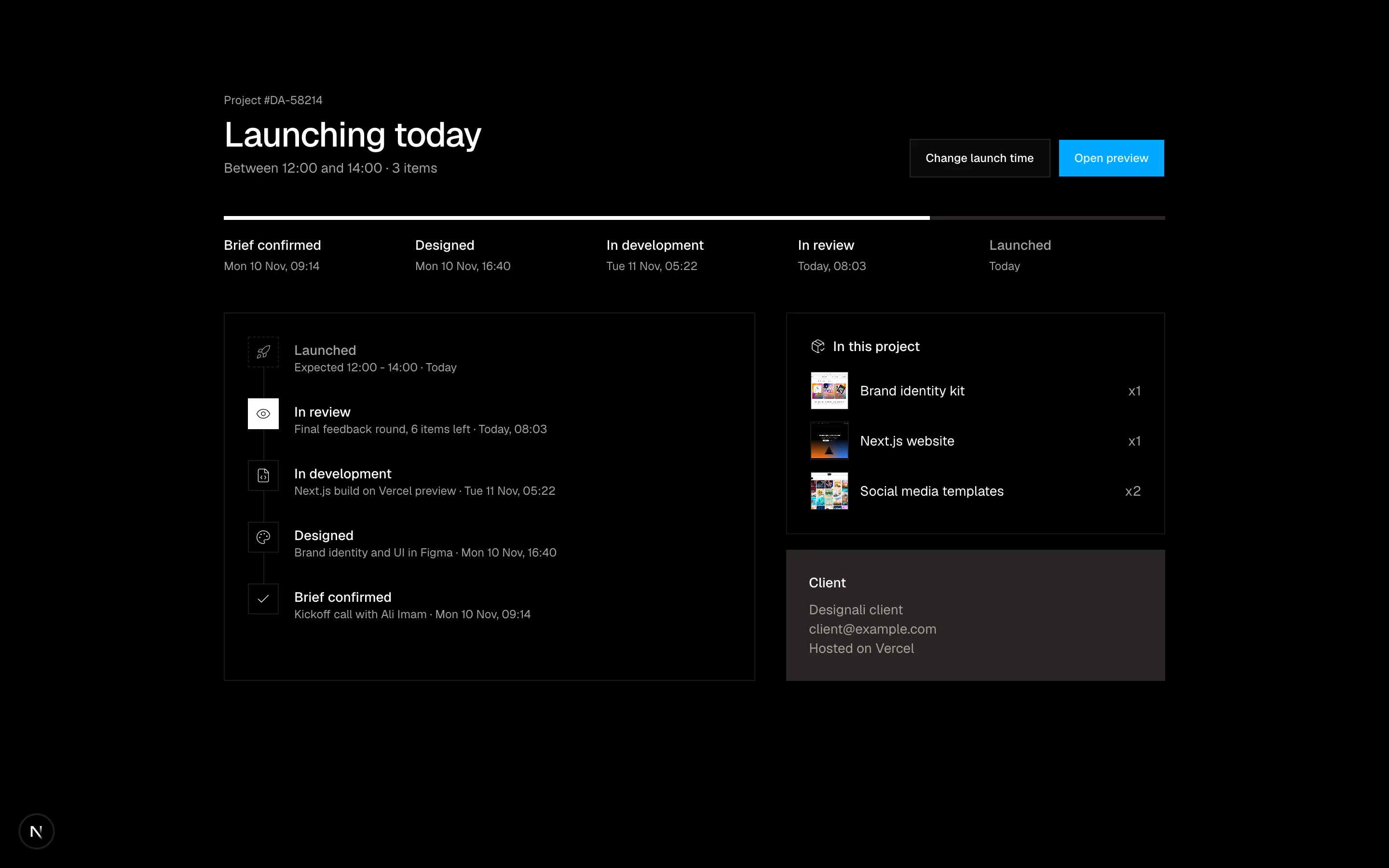
Order tracking page with a horizontal progress bar, vertical event timeline, parcel contents and address.
ecommerce-10
Files
"use client"

import { useEffect, useState } from "react"
import {
  ArrowRight,
  Copy,
} from "@designali/icons"

import { Button } from "@/components/ui/button"
import { CounterNumber } from "@/components/ui/counter-number"

const DURATION = 1000 * 60 * 60 * 38 + 1000 * 60 * 17

function format(ms: number) {
  const total = Math.max(0, Math.floor(ms / 1000))
  return [
    { label: "Days", value: Math.floor(total / 86400) },
    { label: "Hours", value: Math.floor((total % 86400) / 3600) },
    { label: "Mins", value: Math.floor((total % 3600) / 60) },
    { label: "Secs", value: total % 60 },
  ]
}

export function Ecommerce11() {
  const [remaining, setRemaining] = useState(DURATION)
  const [copied, setCopied] = useState(false)

  useEffect(() => {
    const end = Date.now() + DURATION
    const id = setInterval(() => setRemaining(end - Date.now()), 1000)
    return () => clearInterval(id)
  }, [])

  const copy = async () => {
    try {
      await navigator.clipboard.writeText("WINTER30")
    } catch {
      // ignore
    }
    setCopied(true)
    setTimeout(() => setCopied(false), 1500)
  }

  return (
    <section className="w-full bg-background px-6 py-16 text-foreground md:py-24">
      <div className="relative mx-auto max-w-6xl overflow-hidden bg-foreground text-background">
        <div
          aria-hidden="true"
          className="absolute -top-24 -right-24 size-80 rounded-full opacity-40 blur-3xl md:size-[28rem]"
          style={{ background: "radial-gradient(circle, var(--primary), transparent 70%)" }}
        />
        <div
          aria-hidden="true"
          className="absolute -bottom-32 -left-20 size-72 rounded-full opacity-30 blur-3xl"
          style={{ background: "radial-gradient(circle, var(--chart-3), transparent 70%)" }}
        />

        <div className="relative grid gap-10 p-8 md:grid-cols-[1.2fr_1fr] md:items-center md:p-14">
          <div>
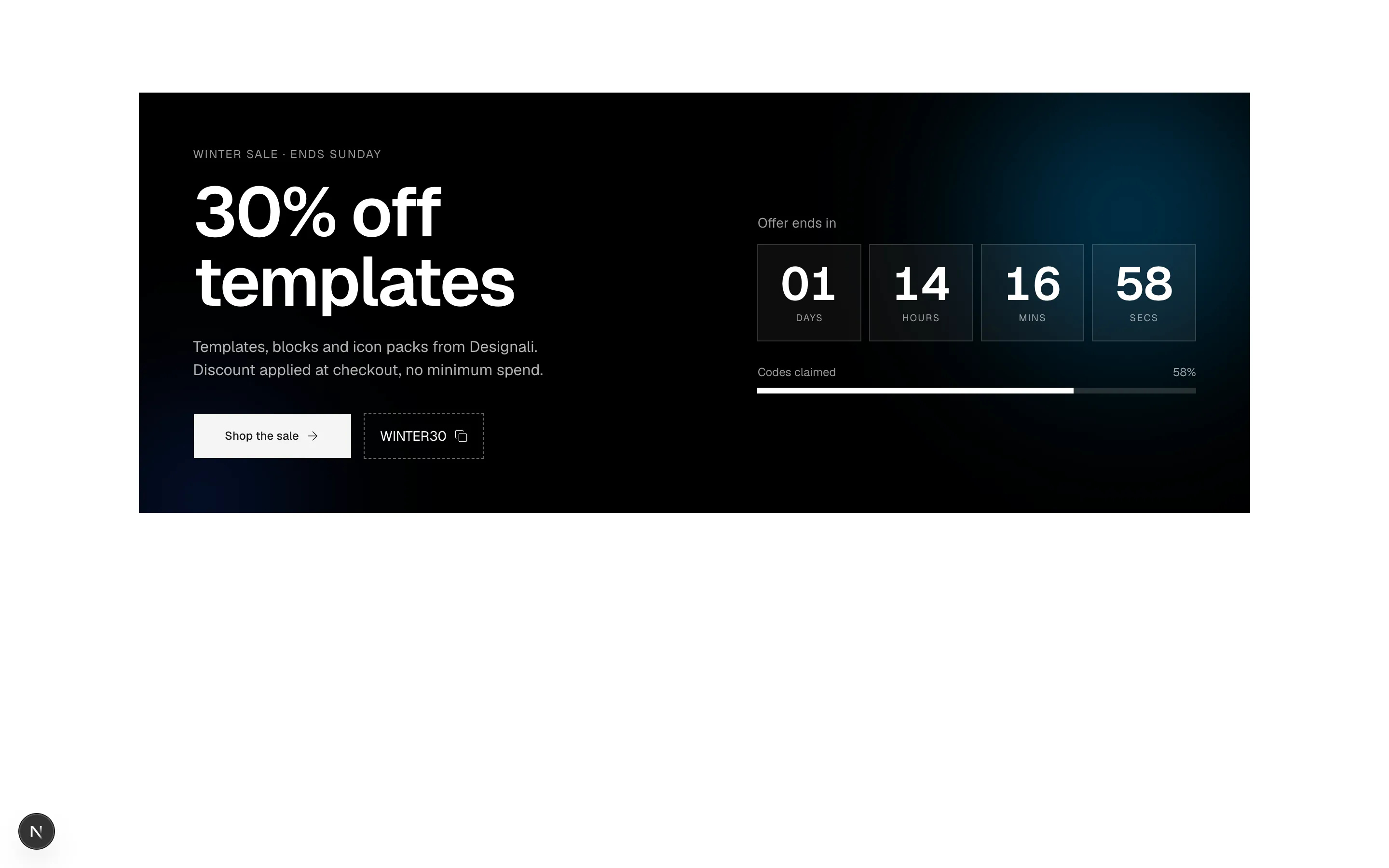
            <p className="text-xs tracking-widest text-background/60 uppercase">Winter sale · ends Sunday</p>
            <h2 className="mt-4 text-5xl leading-none font-semibold tracking-tight md:text-7xl">
              30% off
              <br />
              templates
            </h2>
            <p className="mt-5 max-w-sm text-background/70">
              Templates, blocks and icon packs from Designali. Discount applied at checkout,
              no minimum spend.
            </p>
            <div className="mt-8 flex flex-wrap items-center gap-3">
              <Button size="lg" variant="secondary" nativeButton={false} render={<a href="#" />}>
                Shop the sale
                <ArrowRight />
              </Button>
              <button
                type="button"
                onClick={copy}
                className="flex h-12 items-center gap-2 border border-dashed border-background/40 px-4 font-sans text-sm transition-colors hover:bg-background/10"
              >
                {copied ? "Copied" : "WINTER30"}
                <Copy className="size-3.5" />
              </button>
            </div>
          </div>

          <div>
            <p className="text-sm text-background/60">Offer ends in</p>
            <div className="mt-3 grid grid-cols-4 gap-2" role="timer" aria-live="off">
              {format(remaining).map((unit) => (
                <div key={unit.label} className="border border-background/15 bg-background/5 py-4 text-center">
                  <span className="block text-3xl font-semibold tabular-nums md:text-5xl">
                    {String(unit.value).padStart(2, "0")}
                  </span>
                  <span className="mt-1 block text-[10px] tracking-widest text-background/60 uppercase">
                    {unit.label}
                  </span>
                </div>
              ))}
            </div>
            <div className="mt-6">
              <div className="flex justify-between text-xs text-background/60">
                <span>Codes claimed</span>
                <CounterNumber value={72} suffix="%" size="sm" color="default" className="text-xs tracking-normal text-background/60" />
              </div>
              <div className="mt-2 h-1.5 bg-background/15">
                <div className="h-full w-[72%] bg-background" />
              </div>
            </div>
          </div>
        </div>
      </div>
    </section>
  )
}
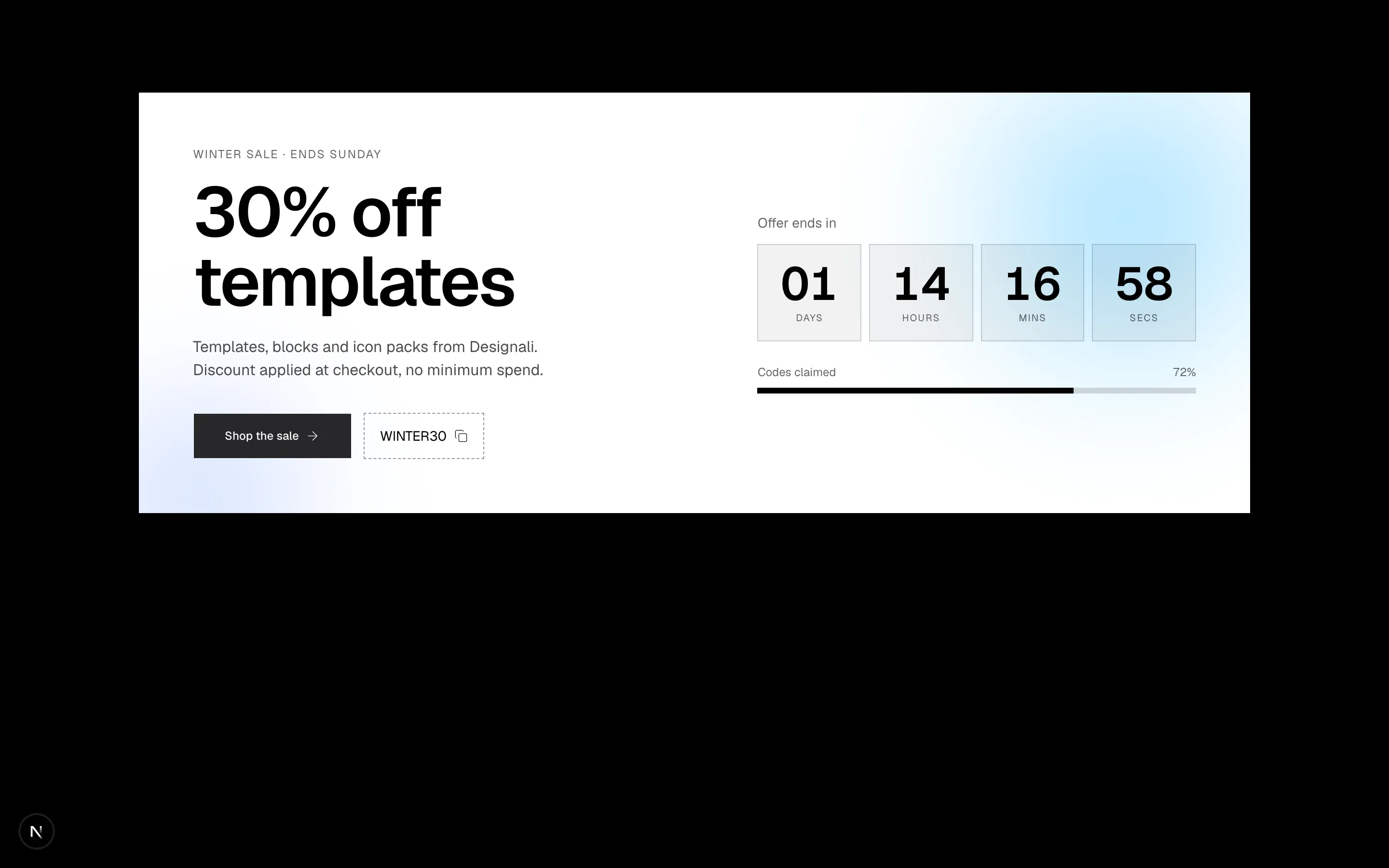
Inverted sale banner with a live countdown timer, copyable promo code and stock-claimed progress bar.
ecommerce-11
Files
"use client"

import { useState } from "react"
import {
  BadgeCheck,
  Star,
  ThumbsUp,
} from "@designali/icons"

import { Button } from "@/components/ui/button"
import { cn } from "@/lib/utils"
import { CounterNumber } from "@/components/ui/counter-number"

const distribution = [
  { stars: 5, count: 812 },
  { stars: 4, count: 241 },
  { stars: 3, count: 64 },
  { stars: 2, count: 21 },
  { stars: 1, count: 18 },
]

const reviews = [
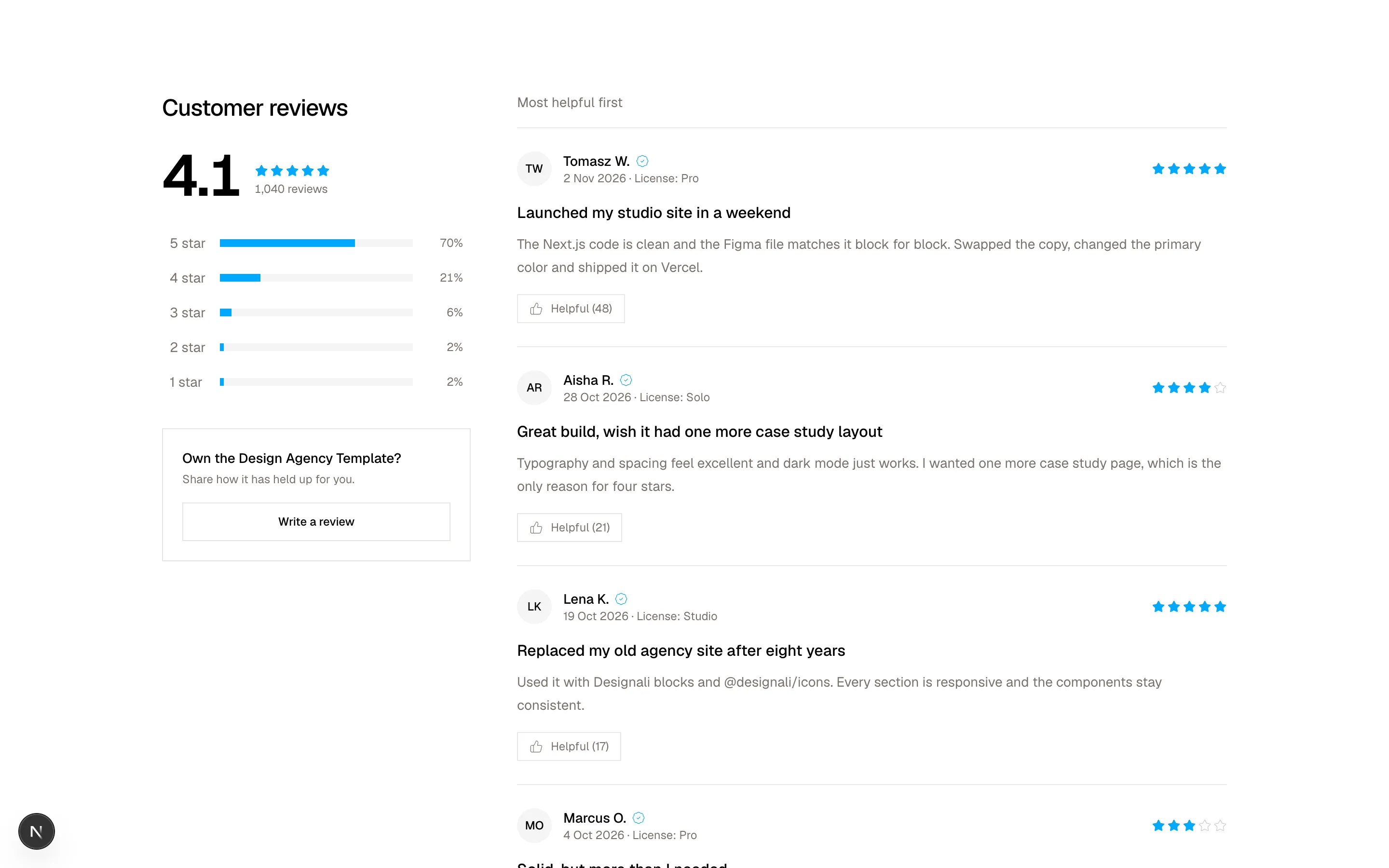
  { name: "Tomasz W.", initials: "TW", rating: 5, date: "2 Nov 2026", title: "Launched my studio site in a weekend", body: "The Next.js code is clean and the Figma file matches it block for block. Swapped the copy, changed the primary color and shipped it on Vercel.", fit: "License: Pro", helpful: 48 },
  { name: "Aisha R.", initials: "AR", rating: 4, date: "28 Oct 2026", title: "Great build, wish it had one more case study layout", body: "Typography and spacing feel excellent and dark mode just works. I wanted one more case study page, which is the only reason for four stars.", fit: "License: Solo", helpful: 21 },
  { name: "Lena K.", initials: "LK", rating: 5, date: "19 Oct 2026", title: "Replaced my old agency site after eight years", body: "Used it with Designali blocks and @designali/icons. Every section is responsive and the components stay consistent.", fit: "License: Studio", helpful: 17 },
  { name: "Marcus O.", initials: "MO", rating: 3, date: "4 Oct 2026", title: "Solid, but more than I needed", body: "It is a full design system. If you want a one-page site this is a lot, but for a growing studio I have no complaints.", fit: "License: Pro", helpful: 9 },
]

function Stars({ value, className }: { value: number; className?: string }) {
  return (
    <span className={cn("flex gap-0.5", className)} aria-label={`${value} out of 5 stars`}>
      {[1, 2, 3, 4, 5].map((n) => (
        <Star
          key={n}
          className={cn("size-3.5", n <= value ? "fill-primary text-primary" : "text-muted-foreground/40")}
        />
      ))}
    </span>
  )
}

export function Ecommerce12() {
  const [filter, setFilter] = useState<number | null>(null)
  const [helpful, setHelpful] = useState<string[]>([])
  const total = distribution.reduce((s, d) => s + d.count, 0)
  const average = distribution.reduce((s, d) => s + d.stars * d.count, 0) / total
  const visible = filter ? reviews.filter((r) => r.rating === filter) : reviews

  return (
    <section className="w-full bg-background py-16 text-foreground md:py-24">
      <div className="mx-auto grid max-w-6xl gap-12 px-6 lg:grid-cols-[320px_1fr]">
        <div>
          <h2 className="text-2xl font-medium tracking-tight">Customer reviews</h2>
          <div className="mt-6 flex items-end gap-3">
            <CounterNumber value={average} decimalPlaces={1} size="xl" className="text-6xl font-semibold tracking-tight" />
            <div className="pb-2">
              <Stars value={Math.round(average)} />
              <p className="mt-1 text-xs text-muted-foreground">
                <CounterNumber value={total} size="sm" color="secondary" className="text-xs tracking-normal" /> reviews
              </p>
            </div>
          </div>

          <ul className="mt-6 space-y-1">
            {distribution.map((d) => {
              const pct = Math.round((d.count / total) * 100)
              const isActive = filter === d.stars
              return (
                <li key={d.stars}>
                  <button
                    type="button"
                    onClick={() => setFilter(isActive ? null : d.stars)}
                    aria-pressed={isActive}
                    className={cn(
                      "flex w-full items-center gap-3 px-2 py-1.5 text-sm transition-colors",
                      isActive ? "bg-muted" : "hover:bg-muted/60"
                    )}
                  >
                    <span className="w-10 text-left text-muted-foreground">{d.stars} star</span>
                    <span className="h-2 flex-1 bg-muted">
                      <span className="block h-full bg-primary" style={{ width: `${pct}%` }} />
                    </span>
                    <span className="w-10 text-right text-xs text-muted-foreground tabular-nums">{pct}%</span>
                  </button>
                </li>
              )
            })}
          </ul>

          <div className="mt-8 border border-border p-5">
            <p className="text-sm font-medium">Own the Design Agency Template?</p>
            <p className="mt-1 text-xs text-muted-foreground">Share how it has held up for you.</p>
            <Button variant="outline" className="mt-4 w-full">
              Write a review
            </Button>
          </div>
        </div>

        <div>
          <div className="flex items-center justify-between border-b border-border pb-4 text-sm">
            <span className="text-muted-foreground">
              {filter ? `Showing ${filter}-star reviews` : "Most helpful first"}
            </span>
            {filter && (
              <button type="button" onClick={() => setFilter(null)} className="underline underline-offset-4">
                Show all
              </button>
            )}
          </div>
          <ul className="divide-y divide-border">
            {visible.length === 0 && (
              <li className="py-12 text-center text-sm text-muted-foreground">No reviews with this rating yet.</li>
            )}
            {visible.map((r) => {
              const voted = helpful.includes(r.name)
              return (
                <li key={r.name} className="py-6">
                  <div className="flex items-center gap-3">
                    <span className="flex size-9 shrink-0 items-center justify-center rounded-full bg-muted text-xs font-medium">
                      {r.initials}
                    </span>
                    <div className="min-w-0 flex-1">
                      <p className="flex items-center gap-1.5 text-sm font-medium">
                        {r.name}
                        <BadgeCheck className="size-3.5 text-primary dark:text-primary" aria-label="Verified buyer" />
                      </p>
                      <p className="text-xs text-muted-foreground">
                        {r.date} · {r.fit}
                      </p>
                    </div>
                    <Stars value={r.rating} className="shrink-0" />
                  </div>
                  <h3 className="mt-4 font-medium">{r.title}</h3>
                  <p className="mt-2 text-sm leading-6 text-muted-foreground">{r.body}</p>
                  <button
                    type="button"
                    onClick={() =>
                      setHelpful((h) => (h.includes(r.name) ? h.filter((n) => n !== r.name) : [...h, r.name]))
                    }
                    aria-pressed={voted}
                    className={cn(
                      "mt-4 flex items-center gap-2 border px-3 py-1.5 text-xs transition-colors",
                      voted ? "border-foreground" : "border-border text-muted-foreground hover:text-foreground"
                    )}
                  >
                    <ThumbsUp className="size-3.5" />
                    Helpful ({r.helpful + (voted ? 1 : 0)})
                  </button>
                </li>
              )
            })}
          </ul>
        </div>
      </div>
    </section>
  )
}
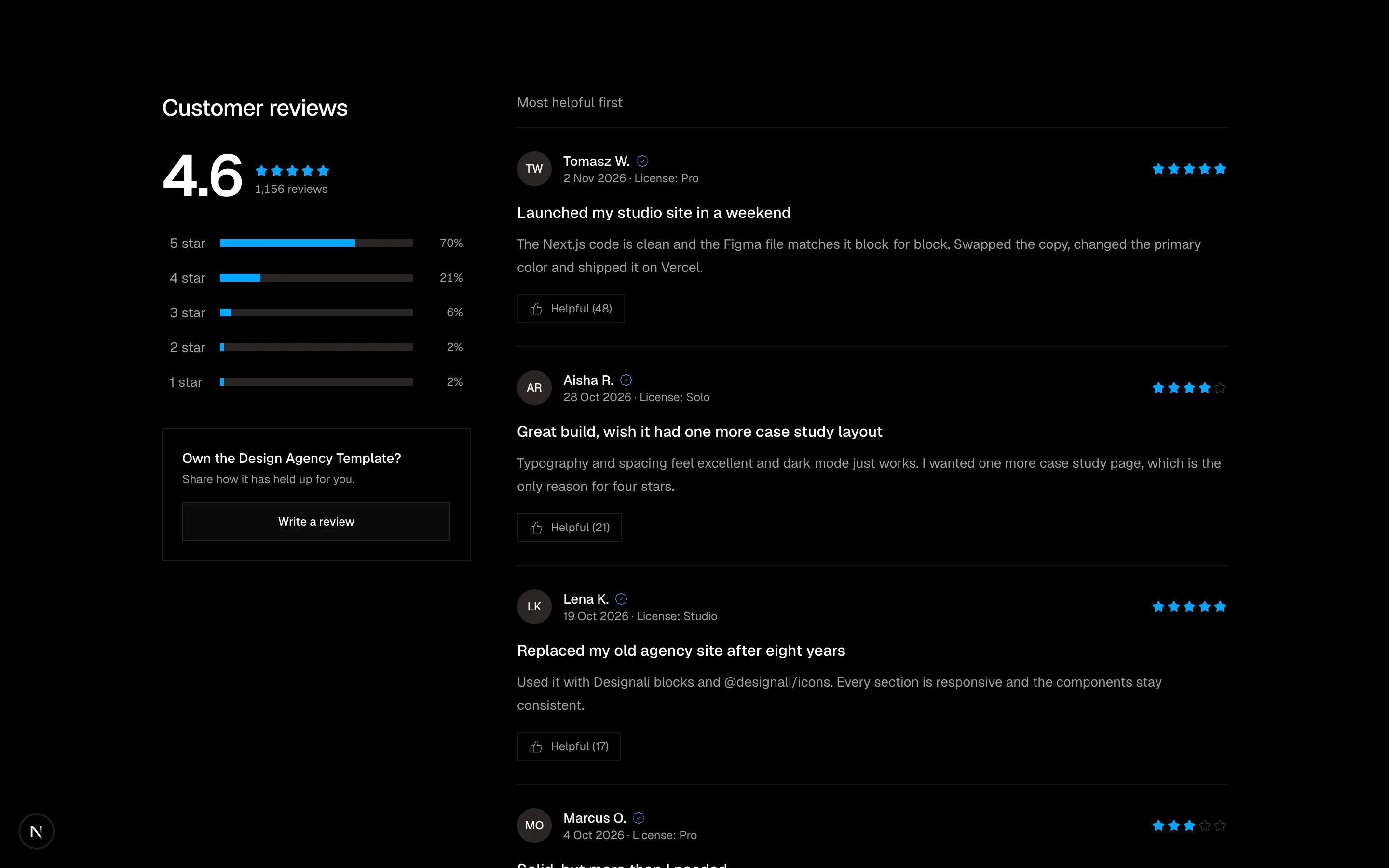
Reviews section with rating distribution bars that filter a list of verified reviews with helpful votes.
ecommerce-12
Files
"use client"
import { useState } from "react"
import {
Minus,
Plus,
ShoppingBag,
Truck,
X,
} from "@designali/icons"
import { Button } from "@/components/ui/button"
import { cn } from "@/lib/utils"
const FREE_SHIPPING = 120
const initial = [
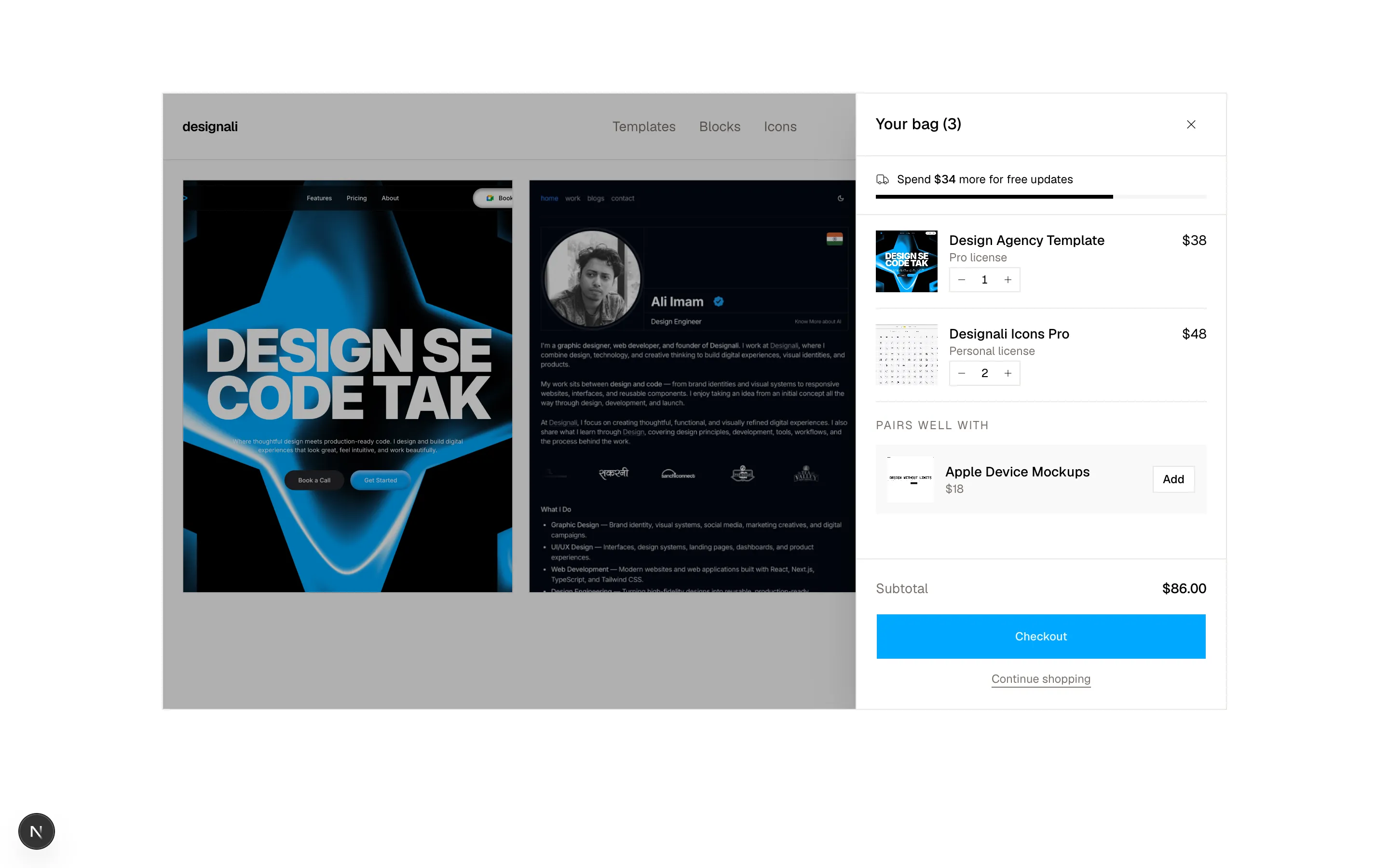
{ id: 1, name: "Design Agency Template", variant: "Pro license", price: 38, qty: 1, image: "/images/templates/design-agency.jpg" },
{ id: 2, name: "Designali Icons Pro", variant: "Personal license", price: 24, qty: 2, image: "/images/templates/dalim-icons-old.jpg" },
]
const upsell = { id: 3, name: "Apple Device Mockups", variant: "iPhone, iPad, MacBook", price: 18, qty: 1, image: "/images/templates/aliimam-comp.jpg" }
export function Ecommerce13() {
const [open, setOpen] = useState(true)
const [items, setItems] = useState(initial)
const count = items.reduce((s, i) => s + i.qty, 0)
const subtotal = items.reduce((s, i) => s + i.qty * i.price, 0)
const remaining = Math.max(0, FREE_SHIPPING - subtotal)
const pct = Math.min(100, (subtotal / FREE_SHIPPING) * 100)
const hasUpsell = items.some((i) => i.id === upsell.id)
const update = (id: number, delta: number) =>
setItems((list) =>
list
.map((i) => (i.id === id ? { ...i, qty: i.qty + delta } : i))
.filter((i) => i.qty > 0)
)
return (
<section className="w-full bg-background py-16 text-foreground md:py-24">
<div className="mx-auto max-w-6xl px-6">
<div className="relative h-[640px] overflow-hidden border border-border bg-muted/30">
{/* Mock storefront header */}
<header className="flex items-center justify-between border-b border-border bg-background px-5 py-4">
<span className="text-sm font-semibold tracking-tight">designali</span>
<nav className="hidden gap-6 text-sm text-muted-foreground sm:flex">
<span>Templates</span>
<span>Blocks</span>
<span>Icons</span>
</nav>
<button
type="button"
onClick={() => setOpen(true)}
aria-label={`Open cart, ${count} items`}
className="relative flex size-9 items-center justify-center"
>
<ShoppingBag className="size-5" />
{count > 0 && (
<span className="absolute -top-0.5 -right-0.5 flex size-4 items-center justify-center rounded-full bg-primary text-[10px] text-primary-foreground">
{count}
</span>
)}
</button>
</header>
<div className="grid grid-cols-2 gap-4 p-5 sm:grid-cols-3">
{["design-agency", "portfolio-simple", "resort"].map((name) => (
<img key={name} src={`/images/templates/${name}.jpg`} alt="" className="aspect-[4/5] w-full border border-border object-cover object-top" />
))}
</div>
{/* Overlay */}
<div
onClick={() => setOpen(false)}
className={cn(
"absolute inset-0 bg-black/30 transition-opacity",
open ? "opacity-100" : "pointer-events-none opacity-0"
)}
/>
{/* Drawer */}
<aside
aria-label="Shopping cart"
aria-hidden={!open}
className={cn(
"absolute inset-y-0 right-0 flex w-full max-w-sm flex-col border-l border-border bg-background shadow-2xl transition-transform duration-300",
open ? "translate-x-0" : "translate-x-full"
)}
>
<div className="flex items-center justify-between border-b border-border px-5 py-4">
<h2 className="font-medium">Your bag ({count})</h2>
<Button variant="ghost" size="icon" aria-label="Close cart" onClick={() => setOpen(false)}>
<X />
</Button>
</div>
<div className="border-b border-border px-5 py-4">
<p className="flex items-center gap-2 text-xs">
<Truck className="size-3.5" />
{remaining > 0 ? (
<span>
Spend <strong className="font-medium">${remaining}</strong> more for free updates
</span>
) : (
<span>You've unlocked free updates</span>
)}
</p>
<div className="mt-2 h-1 bg-muted">
<div
className={cn("h-full transition-all", remaining > 0 ? "bg-foreground" : "bg-primary")}
style={{ width: `${pct}%` }}
/>
</div>
</div>
<ul className="flex-1 overflow-y-auto px-5">
{items.length === 0 && (
<li className="py-16 text-center text-sm text-muted-foreground">Your bag is empty.</li>
)}
{items.map((item) => (
<li key={item.id} className="flex gap-3 border-b border-border py-4">
<img src={item.image} alt={item.name} className="size-16 shrink-0 object-cover object-top" />
<div className="flex flex-1 flex-col">
<div className="flex justify-between gap-2">
<p className="text-sm font-medium">{item.name}</p>
<p className="text-sm tabular-nums">${item.price * item.qty}</p>
</div>
<p className="text-xs text-muted-foreground">{item.variant}</p>
<div className="mt-auto flex w-fit items-center border border-border">
<button type="button" aria-label="Decrease" className="p-1.5" onClick={() => update(item.id, -1)}>
<Minus className="size-3" />
</button>
<span className="w-6 text-center text-xs tabular-nums">{item.qty}</span>
<button type="button" aria-label="Increase" className="p-1.5" onClick={() => update(item.id, 1)}>
<Plus className="size-3" />
</button>
</div>
</div>
</li>
))}
{!hasUpsell && (
<li className="py-4">
<p className="text-xs tracking-widest text-muted-foreground uppercase">Pairs well with</p>
<div className="mt-3 flex items-center gap-3 bg-muted/60 p-3">
<img src={upsell.image} alt={upsell.name} className="size-12 shrink-0 object-cover object-top" />
<div className="flex-1">
<p className="text-sm font-medium">{upsell.name}</p>
<p className="text-xs text-muted-foreground">${upsell.price}</p>
</div>
<Button size="sm" variant="outline" onClick={() => setItems((l) => [...l, upsell])}>
Add
</Button>
</div>
</li>
)}
</ul>
<div className="border-t border-border p-5">
<div className="flex justify-between text-sm">
<span className="text-muted-foreground">Subtotal</span>
<span className="font-medium tabular-nums">${subtotal.toFixed(2)}</span>
</div>
<Button size="lg" className="mt-4 w-full" disabled={items.length === 0}>
Checkout
</Button>
<button
type="button"
onClick={() => setOpen(false)}
className="mt-3 w-full text-center text-xs text-muted-foreground underline underline-offset-4"
>
Continue shopping
</button>
</div>
</aside>
</div>
</div>
</section>
)
}
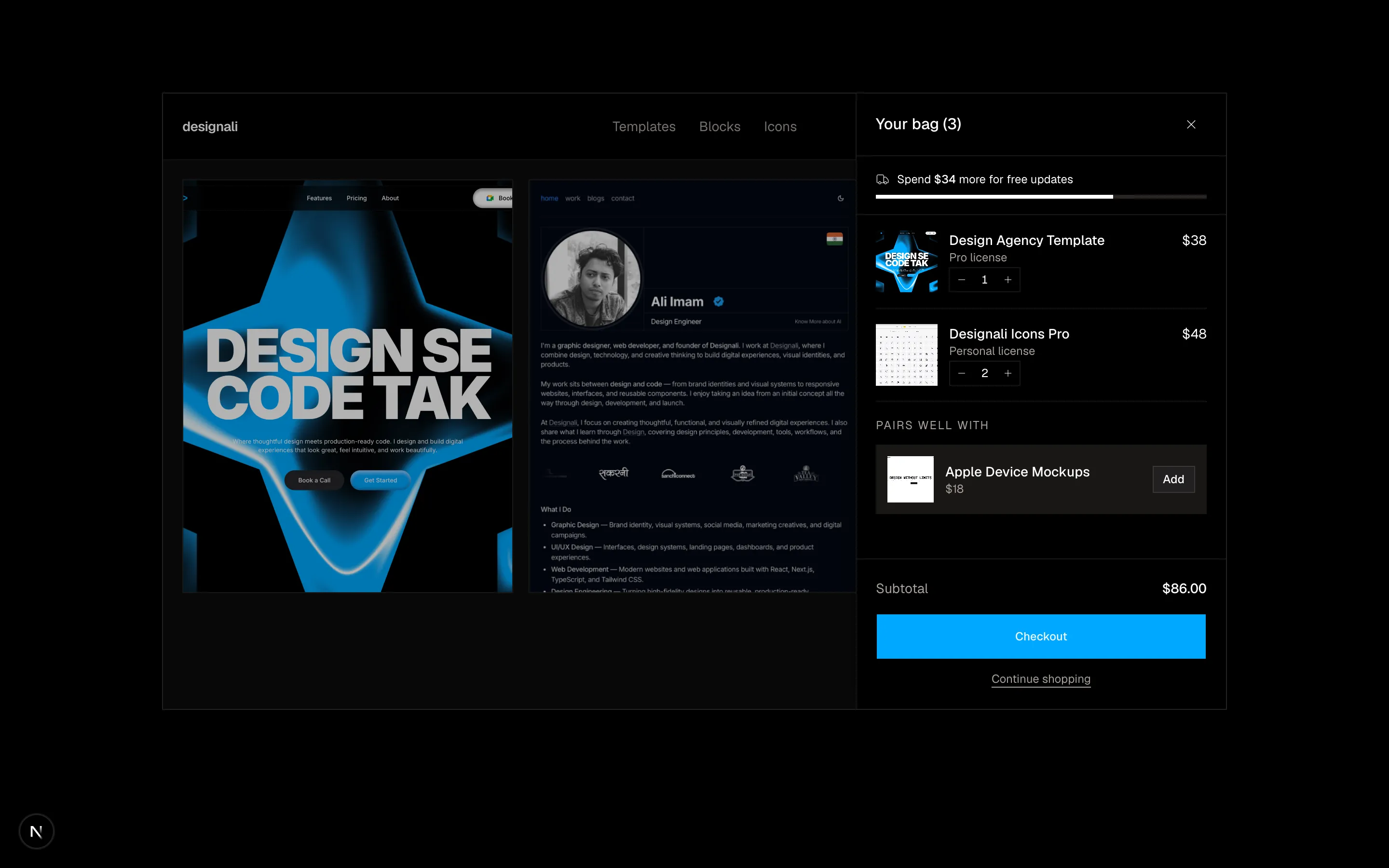
Slide-over cart drawer on a mock storefront with free-shipping progress, quantity steppers and an upsell.
ecommerce-13
Files
"use client"

import { useState } from "react"
import {
  Plus,
} from "@designali/icons"

import { Button } from "@/components/ui/button"
import { cn } from "@/lib/utils"
import { IPad } from "@/components/ui/apple/ipad"
import { IPhone } from "@/components/ui/apple/iphone"
import { Macbook } from "@/components/ui/apple/macbook"
import { StudioDisplay } from "@/components/ui/apple/studio-display"
import { GridPattern } from "@/components/ui/grid-pattern"

const hotspots = [
  { id: "lamp", name: "iPhone Mockup", price: 19, detail: "PNG + Figma, light and dark", x: 18, y: 38 },
  { id: "sofa", name: "MacBook Mockup", price: 29, detail: "Next.js component + Figma", x: 52, y: 66 },
  { id: "art", name: "Studio Display Mockup", price: 25, detail: "5K frame, React component", x: 54, y: 24 },
  { id: "plant", name: "iPad Mockup", price: 19, detail: "Portrait and landscape", x: 86, y: 62 },
]

export function Ecommerce14() {
  const [active, setActive] = useState<string>("sofa")
  const [cart, setCart] = useState<string[]>([])
  const current = hotspots.find((h) => h.id === active)
  const total = hotspots.reduce((s, h) => s + h.price, 0)

  return (
    <section className="w-full bg-background py-16 text-foreground md:py-24">
      <div className="mx-auto max-w-6xl px-6">
        <div className="grid gap-8 lg:grid-cols-[1.6fr_1fr]">
          <div className="relative aspect-[4/3] overflow-hidden border border-border bg-gradient-to-b from-muted to-border dark:from-card dark:to-card">
            <GridPattern className="[mask-image:linear-gradient(to_bottom,white,transparent)]" />
            <div className="absolute top-[4%] left-1/2 w-[46%] -translate-x-1/2">
              <StudioDisplay color="light" size="sm" className="h-auto! w-full! max-w-full">
                <img src="/images/templates/design-agency.jpg" alt="Studio Display mockup" className="size-full object-cover object-top" />
              </StudioDisplay>
            </div>
            <div className="absolute bottom-[3%] left-1/2 w-[50%] -translate-x-1/2">
              <Macbook variant="macbook-pro" color="silver" size="sm" className="w-full! max-w-full">
                <img src="/img/dashboard-1-light.jpg" alt="MacBook mockup" className="size-full object-cover object-top" />
              </Macbook>
            </div>
            <div className="absolute top-[18%] left-[6%] w-[14%]">
              <IPhone size="sm" color="silver" className="h-auto! w-full! max-w-full">
                <img src="/img/chat-1-light.jpg" alt="iPhone mockup" className="size-full object-cover object-top" />
              </IPhone>
            </div>
            <div className="absolute right-[4%] bottom-[12%] w-[22%]">
              <IPad variant="ipad-pro" color="silver" size="sm" className="h-auto! w-full! max-w-full">
                <img src="/images/templates/portfolio-simple.jpg" alt="iPad mockup" className="size-full object-cover object-top" />
              </IPad>
            </div>

            {hotspots.map((h) => (
              <button
                key={h.id}
                type="button"
                onClick={() => setActive(h.id)}
                aria-label={`Show ${h.name}`}
                aria-pressed={active === h.id}
                className="absolute z-20 -translate-x-1/2 -translate-y-1/2"
                style={{ left: `${h.x}%`, top: `${h.y}%` }}
              >
                <span
                  className={cn(
                    "relative flex size-8 items-center justify-center rounded-full border-2 border-white shadow-lg transition-all",
                    active === h.id ? "scale-110 bg-foreground text-background" : "bg-white/90 text-black"
                  )}
                >
                  {active !== h.id && (
                    <span className="absolute inset-0 animate-ping rounded-full bg-white/60" />
                  )}
                  <Plus className={cn("relative size-4 transition-transform", active === h.id && "rotate-45")} />
                </span>
              </button>
            ))}
          </div>

          <div className="flex flex-col">
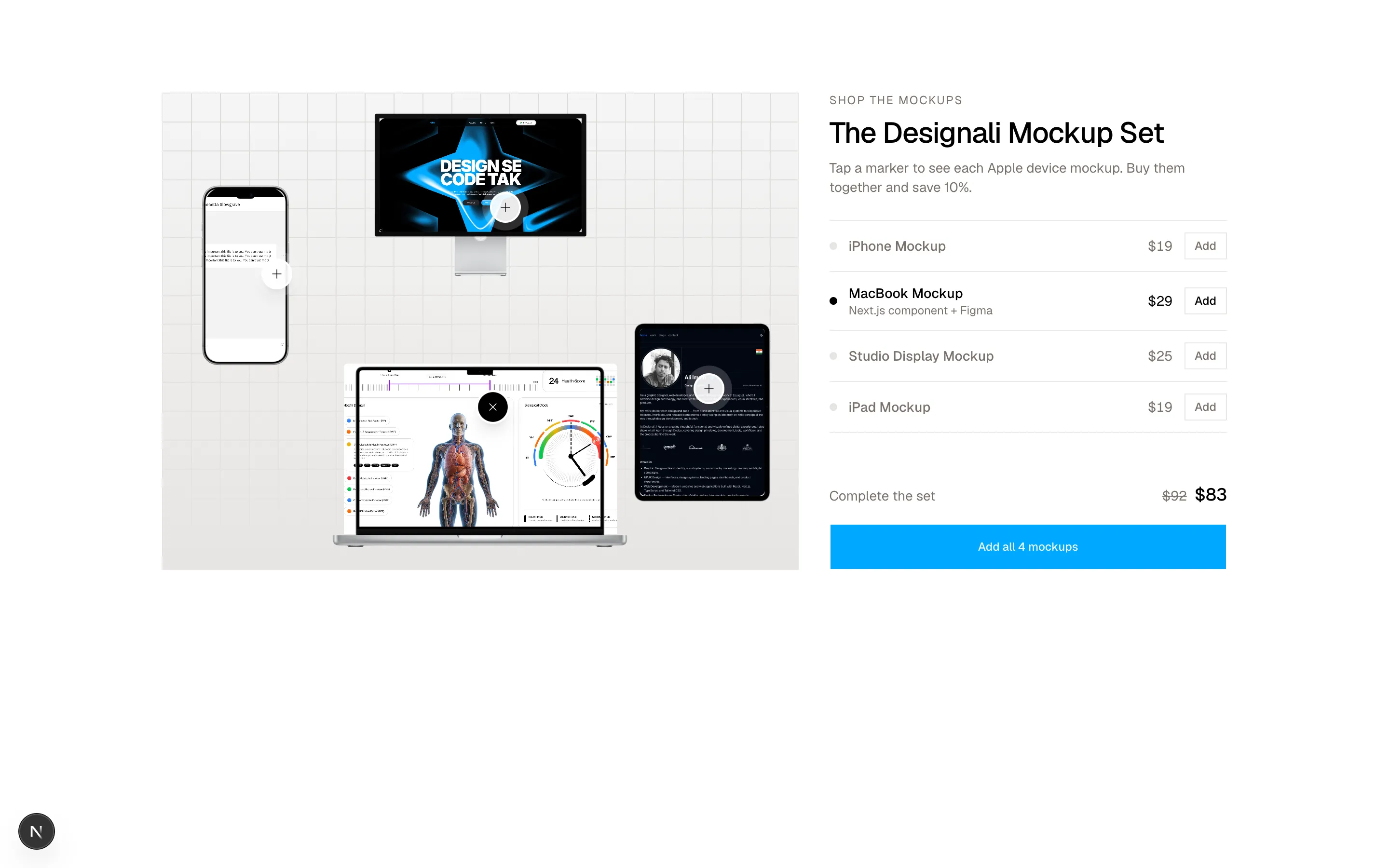
            <p className="text-xs tracking-widest text-muted-foreground uppercase">Shop the mockups</p>
            <h2 className="mt-2 text-3xl font-medium tracking-tight">The Designali Mockup Set</h2>
            <p className="mt-2 text-sm text-muted-foreground">
              Tap a marker to see each Apple device mockup. Buy them together and save 10%.
            </p>

            <ul className="mt-6 divide-y divide-border border-y border-border">
              {hotspots.map((h) => {
                const added = cart.includes(h.id)
                return (
                  <li key={h.id}>
                    <div
                      className={cn(
                        "flex items-center gap-3 py-3 transition-colors",
                        active === h.id ? "text-foreground" : "text-muted-foreground"
                      )}
                    >
                      <button type="button" onClick={() => setActive(h.id)} className="flex flex-1 items-center gap-3 text-left">
                        <span
                          className={cn(
                            "size-2 shrink-0 rounded-full",
                            active === h.id ? "bg-foreground" : "bg-border"
                          )}
                        />
                        <span className="flex-1">
                          <span className="block text-sm font-medium">{h.name}</span>
                          {active === h.id && current && (
                            <span className="block text-xs text-muted-foreground">{current.detail}</span>
                          )}
                        </span>
                        <span className="text-sm tabular-nums">${h.price.toLocaleString()}</span>
                      </button>
                      <Button
                        size="sm"
                        variant={added ? "secondary" : "outline"}
                        onClick={() =>
                          setCart((c) => (c.includes(h.id) ? c.filter((x) => x !== h.id) : [...c, h.id]))
                        }
                      >
                        {added ? "Added" : "Add"}
                      </Button>
                    </div>
                  </li>
                )
              })}
            </ul>

            <div className="mt-auto pt-6">
              <div className="flex items-baseline justify-between text-sm">
                <span className="text-muted-foreground">Complete the set</span>
                <span>
                  <span className="mr-2 text-muted-foreground line-through tabular-nums">${total.toLocaleString()}</span>
                  <span className="text-lg font-medium tabular-nums">${Math.round(total * 0.9).toLocaleString()}</span>
                </span>
              </div>
              <Button size="lg" className="mt-4 w-full" onClick={() => setCart(hotspots.map((h) => h.id))}>
                Add all 4 mockups
              </Button>
            </div>
          </div>
        </div>
      </div>
    </section>
  )
}
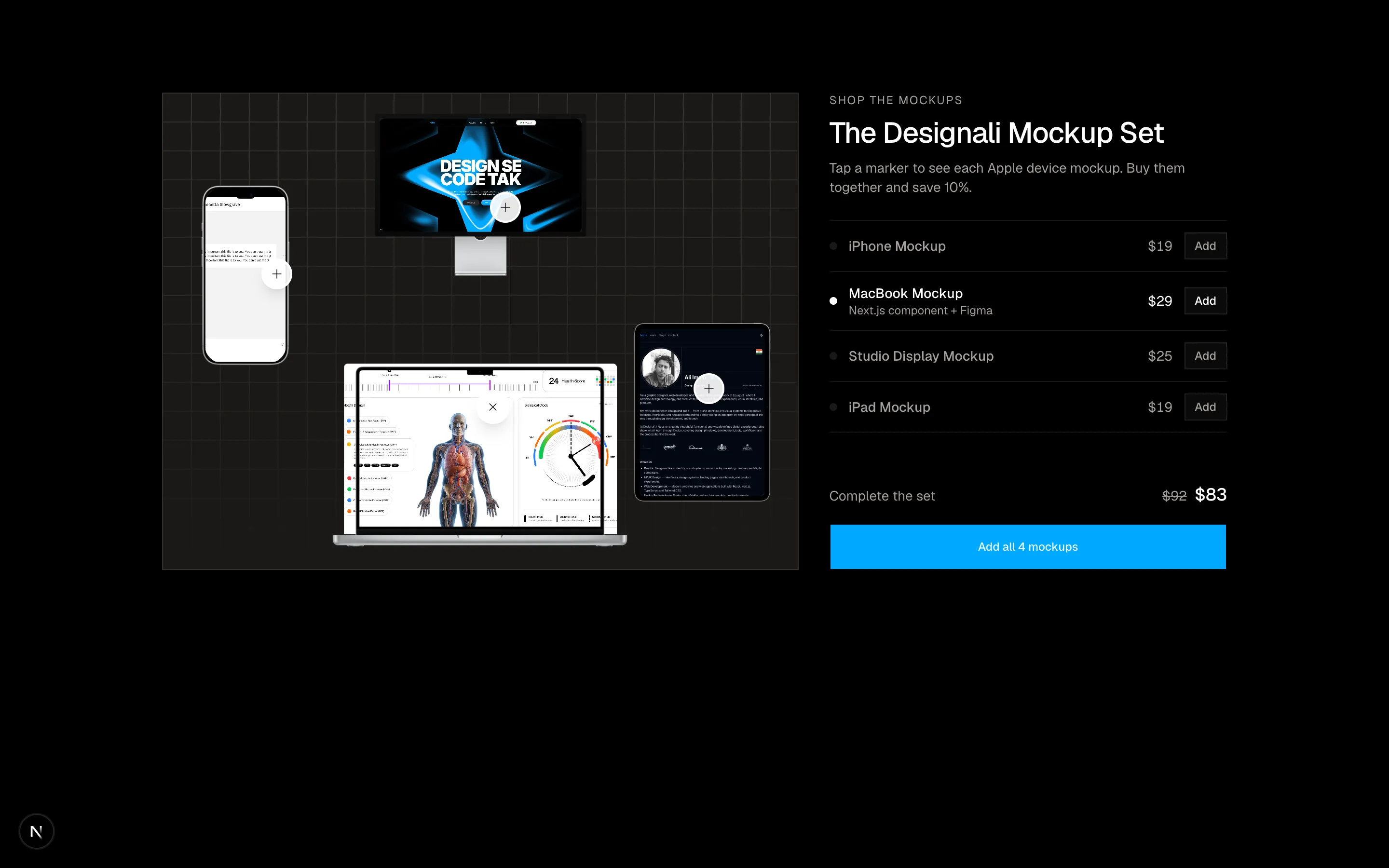
Shop-the-room scene with clickable hotspots on an SVG interior linked to a product list and bundle price.
ecommerce-14
Files
"use client"

import { useState } from "react"
import {
  Gift,
  Mail,
} from "@designali/icons"

import { Button } from "@/components/ui/button"
import { Input } from "@/components/ui/input"
import { Label } from "@/components/ui/label"
import { Textarea } from "@/components/ui/textarea"
import { cn } from "@/lib/utils"

const amounts = [25, 50, 100, 150]

const designs = [
  { id: "dusk", label: "Designali Blue", background: "linear-gradient(135deg, var(--primary), var(--chart-5))" },
  { id: "forest", label: "Deep Blue", background: "linear-gradient(135deg, var(--chart-4), var(--chart-1))" },
  { id: "sand", label: "Light", background: "linear-gradient(135deg, var(--muted), var(--background))" },
  { id: "ink", label: "Ink", background: "linear-gradient(135deg, black, var(--chart-5))" },
]

export function Ecommerce15() {
  const [amount, setAmount] = useState(50)
  const [custom, setCustom] = useState("")
  const [design, setDesign] = useState("dusk")
  const [to, setTo] = useState("")
  const [message, setMessage] = useState("")

  const value = custom ? Number(custom) || 0 : amount
  const bg = designs.find((d) => d.id === design)?.background
  const darkText = design === "sand"

  return (
    <section className="w-full bg-background py-16 text-foreground md:py-24">
      <div className="mx-auto grid max-w-6xl gap-12 px-6 lg:grid-cols-2">
        <div className="lg:sticky lg:top-24 lg:self-start">
          <div
            className={cn(
              "relative aspect-[1.6] w-full overflow-hidden p-6 shadow-2xl transition-all duration-500 sm:p-8",
              darkText ? "text-foreground" : "text-white"
            )}
            style={{ background: bg }}
          >
            <div className="absolute -right-12 -bottom-12 size-48 rounded-full border-[24px] border-current opacity-10" />
            <div className="relative flex h-full flex-col justify-between">
              <div className="flex items-start justify-between">
                <span className="text-sm font-semibold tracking-tight">designali</span>
                <Gift className="size-5 opacity-80" />
              </div>
              <div>
                <p className="text-xs opacity-70">{to ? `For ${to}` : "Gift card"}</p>
                <p className="mt-1 text-4xl font-semibold tracking-tight tabular-nums sm:text-5xl">
                  ${value.toLocaleString()}
                </p>
                <p className="mt-3 line-clamp-2 max-w-xs text-sm opacity-80">
                  {message || "Your message will appear here."}
                </p>
              </div>
            </div>
          </div>
          <p className="mt-4 flex items-center gap-2 text-xs text-muted-foreground">
            <Mail className="size-3.5" />
            Delivered by email instantly, or on a date you choose. Never expires.
          </p>
        </div>

        <div>
          <h2 className="text-3xl font-medium tracking-tight md:text-4xl">Send a gift card</h2>
          <p className="mt-2 text-muted-foreground">Good across Designali templates, blocks and icon packs.</p>

          <fieldset className="mt-8">
            <legend className="text-sm font-medium">Amount</legend>
            <div className="mt-3 grid grid-cols-4 gap-2">
              {amounts.map((a) => (
                <button
                  key={a}
                  type="button"
                  onClick={() => {
                    setAmount(a)
                    setCustom("")
                  }}
                  aria-pressed={!custom && amount === a}
                  className={cn(
                    "border py-3 text-sm tabular-nums transition-colors",
                    !custom && amount === a ? "border-foreground bg-foreground text-background" : "border-border hover:bg-muted"
                  )}
                >
                  ${a}
                </button>
              ))}
            </div>
            <div className="relative mt-2">
              <span className="absolute top-1/2 left-3 -translate-y-1/2 text-sm text-muted-foreground">$</span>
              <Input
                inputMode="numeric"
                placeholder="Custom amount (10 - 500)"
                aria-label="Custom amount"
                value={custom}
                onChange={(e) => setCustom(e.target.value.replace(/\D/g, "").slice(0, 3))}
                className="h-10 pl-7"
              />
            </div>
          </fieldset>

          <fieldset className="mt-8">
            <legend className="text-sm font-medium">Design</legend>
            <div className="mt-3 grid grid-cols-4 gap-2">
              {designs.map((d) => (
                <button
                  key={d.id}
                  type="button"
                  onClick={() => setDesign(d.id)}
                  aria-pressed={design === d.id}
                  className="group text-left"
                >
                  <span
                    className={cn(
                      "block aspect-[1.6] w-full ring-offset-2 ring-offset-background transition-all",
                      design === d.id ? "ring-2 ring-foreground" : "group-hover:opacity-80"
                    )}
                    style={{ background: d.background }}
                  />
                  <span className="mt-1.5 block text-xs text-muted-foreground">{d.label}</span>
                </button>
              ))}
            </div>
          </fieldset>

          <div className="mt-8 grid gap-4 sm:grid-cols-2">
            <div className="grid gap-2">
              <Label htmlFor="e15-to">Recipient name</Label>
              <Input id="e15-to" value={to} maxLength={24} onChange={(e) => setTo(e.target.value)} className="h-10" />
            </div>
            <div className="grid gap-2">
              <Label htmlFor="e15-email">Recipient email</Label>
              <Input id="e15-email" type="email" className="h-10" />
            </div>
          </div>
          <div className="mt-4 grid gap-2">
            <Label htmlFor="e15-msg" className="flex justify-between">
              Message <span className="font-normal text-muted-foreground">{message.length}/120</span>
            </Label>
            <Textarea
              id="e15-msg"
              rows={3}
              maxLength={120}
              value={message}
              onChange={(e) => setMessage(e.target.value)}
              placeholder="Happy launch day! Your next template is on me."
            />
          </div>

          <Button size="lg" className="mt-8 w-full" disabled={value < 10 || value > 500}>
            Add ${value} gift card to bag
          </Button>
        </div>
      </div>
    </section>
  )
}
Gift card builder with amount, design and message inputs driving a live card preview.
ecommerce-15
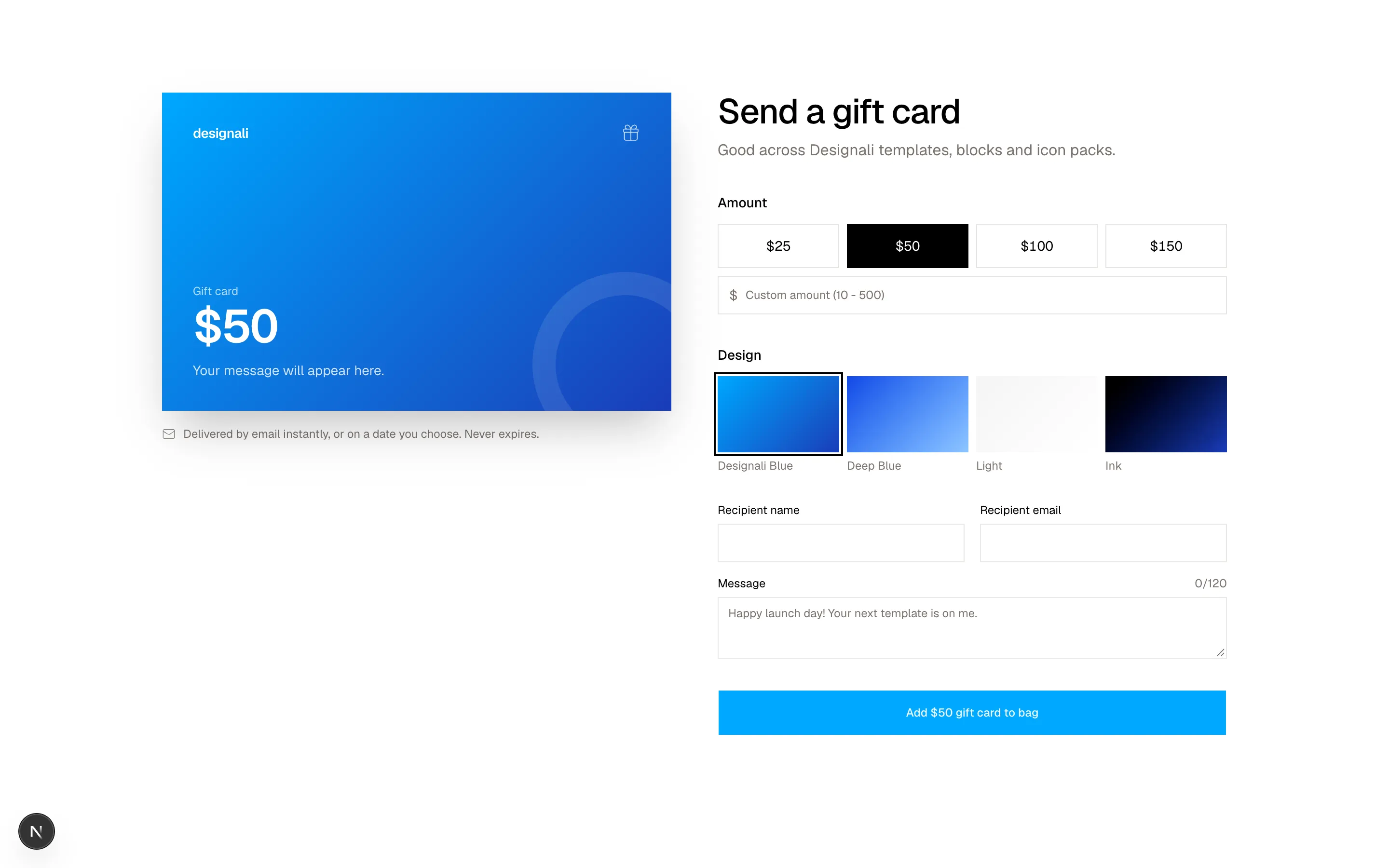
Files
"use client"

import { useState } from "react"
import {
  CalendarClock,
  Check,
  CirclePause as PauseCircle,
  Star,
} from "@designali/icons"

import { Button } from "@/components/ui/button"
import { cn } from "@/lib/utils"
import { IPad } from "@/components/ui/apple/ipad"
import { IPhone } from "@/components/ui/apple/iphone"
import { DotPattern } from "@/components/ui/dot-pattern"

const PRICE = 22

const plans = [
  { id: "once", label: "One-time purchase", discount: 0, note: "" },
  { id: "sub", label: "Subscribe & save", discount: 0.15, note: "Save 15% on every renewal" },
]

const frequencies = ["Monthly", "Quarterly", "Yearly"]
const grinds = ["Next.js", "React", "Figma", "HTML"]

export function Ecommerce16() {
  const [plan, setPlan] = useState("sub")
  const [frequency, setFrequency] = useState(frequencies[1]!)
  const [grind, setGrind] = useState(grinds[0]!)
  const [bags, setBags] = useState(2)

  const discount = plans.find((p) => p.id === plan)?.discount ?? 0
  const unit = PRICE * (1 - discount)
  const total = unit * bags

  return (
    <section className="w-full bg-background py-16 text-foreground md:py-24">
      <div className="mx-auto grid max-w-6xl gap-10 px-6 md:grid-cols-2 md:gap-14">
        <div className="relative flex aspect-square items-center justify-center overflow-hidden border border-border bg-gradient-to-br from-primary/10 to-primary/20 dark:from-chart-5 dark:to-chart-5">
          <DotPattern className="text-primary/60 [mask-image:radial-gradient(circle,white,transparent_70%)]" />
          <div className="relative flex h-3/4 items-end">
            <IPad variant="ipad-pro" color="silver" size="sm" className="h-full! max-w-full drop-shadow-2xl">
              <img src="/images/templates/aliimam-comp.jpg" alt="Designali Pro blocks library" className="size-full object-cover object-top" />
            </IPad>
            <IPhone size="sm" color="silver" className="-ml-12 h-1/2! max-w-full drop-shadow-2xl">
              <img src="/img/chat-1-light.jpg" alt="" className="size-full object-cover object-top" />
            </IPhone>
          </div>
          <span className="absolute top-4 left-4 bg-background px-2 py-1 text-xs">Updated Monday</span>
        </div>

        <div>
          <p className="text-xs tracking-widest text-muted-foreground uppercase">Membership · Designali</p>
          <h2 className="mt-2 text-3xl font-medium tracking-tight md:text-4xl">Designali Pro</h2>
          <p className="mt-2 flex items-center gap-1.5 text-sm text-muted-foreground">
            <Star className="size-4 fill-primary text-primary" />
            4.9 · 1,840 reviews · 460+ blocks, 4,000+ icons, every template
          </p>

          <fieldset className="mt-8 space-y-2">
            <legend className="sr-only">Purchase type</legend>
            {plans.map((p) => {
              const selected = plan === p.id
              return (
                <label
                  key={p.id}
                  className={cn(
                    "block cursor-pointer border p-4 transition-colors",
                    selected ? "border-foreground" : "border-border hover:bg-muted/40"
                  )}
                >
                  <span className="flex items-center gap-3">
                    <input
                      type="radio"
                      name="e16-plan"
                      checked={selected}
                      onChange={() => setPlan(p.id)}
                      className="size-4 accent-foreground"
                    />
                    <span className="flex-1 text-sm font-medium">{p.label}</span>
                    <span className="text-sm tabular-nums">
                      {p.discount > 0 && (
                        <span className="mr-2 text-muted-foreground line-through">${PRICE}</span>
                      )}
                      ${(PRICE * (1 - p.discount)).toFixed(2)}
                    </span>
                  </span>
                  {p.note && (
                    <span className="mt-1 block pl-7 text-xs text-chart-3 dark:text-primary">{p.note}</span>
                  )}
                  {p.id === "sub" && selected && (
                    <span className="mt-4 block space-y-3 pl-7">
                      <span className="flex flex-wrap gap-2">
                        {frequencies.map((f) => (
                          <button
                            key={f}
                            type="button"
                            onClick={(e) => {
                              e.preventDefault()
                              setFrequency(f)
                            }}
                            className={cn(
                              "border px-3 py-1.5 text-xs transition-colors",
                              frequency === f ? "border-foreground bg-muted" : "border-border hover:bg-muted"
                            )}
                          >
                            {f}
                          </button>
                        ))}
                      </span>
                      <span className="flex flex-col gap-1.5 text-xs text-muted-foreground">
                        <span className="flex items-center gap-2"><Check className="size-3.5" /> New blocks every week</span>
                        <span className="flex items-center gap-2"><PauseCircle className="size-3.5" /> Pause, skip or cancel any time</span>
                      </span>
                    </span>
                  )}
                </label>
              )
            })}
          </fieldset>

          <div className="mt-6 grid gap-6 sm:grid-cols-[1fr_auto]">
            <div>
              <p className="text-sm font-medium">Stack</p>
              <div className="mt-2 grid grid-cols-2 gap-2 sm:grid-cols-4">
                {grinds.map((g) => (
                  <button
                    key={g}
                    type="button"
                    onClick={() => setGrind(g)}
                    className={cn(
                      "border px-2 py-2 text-xs transition-colors",
                      grind === g ? "border-foreground bg-foreground text-background" : "border-border hover:bg-muted"
                    )}
                  >
                    {g}
                  </button>
                ))}
              </div>
            </div>
            <div>
              <p className="text-sm font-medium">Seats</p>
              <div className="mt-2 flex">
                {[1, 2, 3].map((n) => (
                  <button
                    key={n}
                    type="button"
                    onClick={() => setBags(n)}
                    className={cn(
                      "-ml-px size-9 border text-sm first:ml-0",
                      bags === n ? "relative border-foreground bg-foreground text-background" : "border-border hover:bg-muted"
                    )}
                  >
                    {n}
                  </button>
                ))}
              </div>
            </div>
          </div>

          <Button size="lg" className="mt-8 w-full">
            {plan === "sub" ? "Start subscription" : "Add to cart"} · ${total.toFixed(2)}
          </Button>
          {plan === "sub" && (
            <p className="mt-3 flex items-center justify-center gap-2 text-xs text-muted-foreground">
              <CalendarClock className="size-3.5" />
              {bags} x {grind.toLowerCase()}, {frequency.toLowerCase()}. First delivery Thursday.
            </p>
          )}
        </div>
      </div>
    </section>
  )
}
Subscribe-and-save product page with purchase type radios, delivery frequency, grind and bag count options.
ecommerce-16
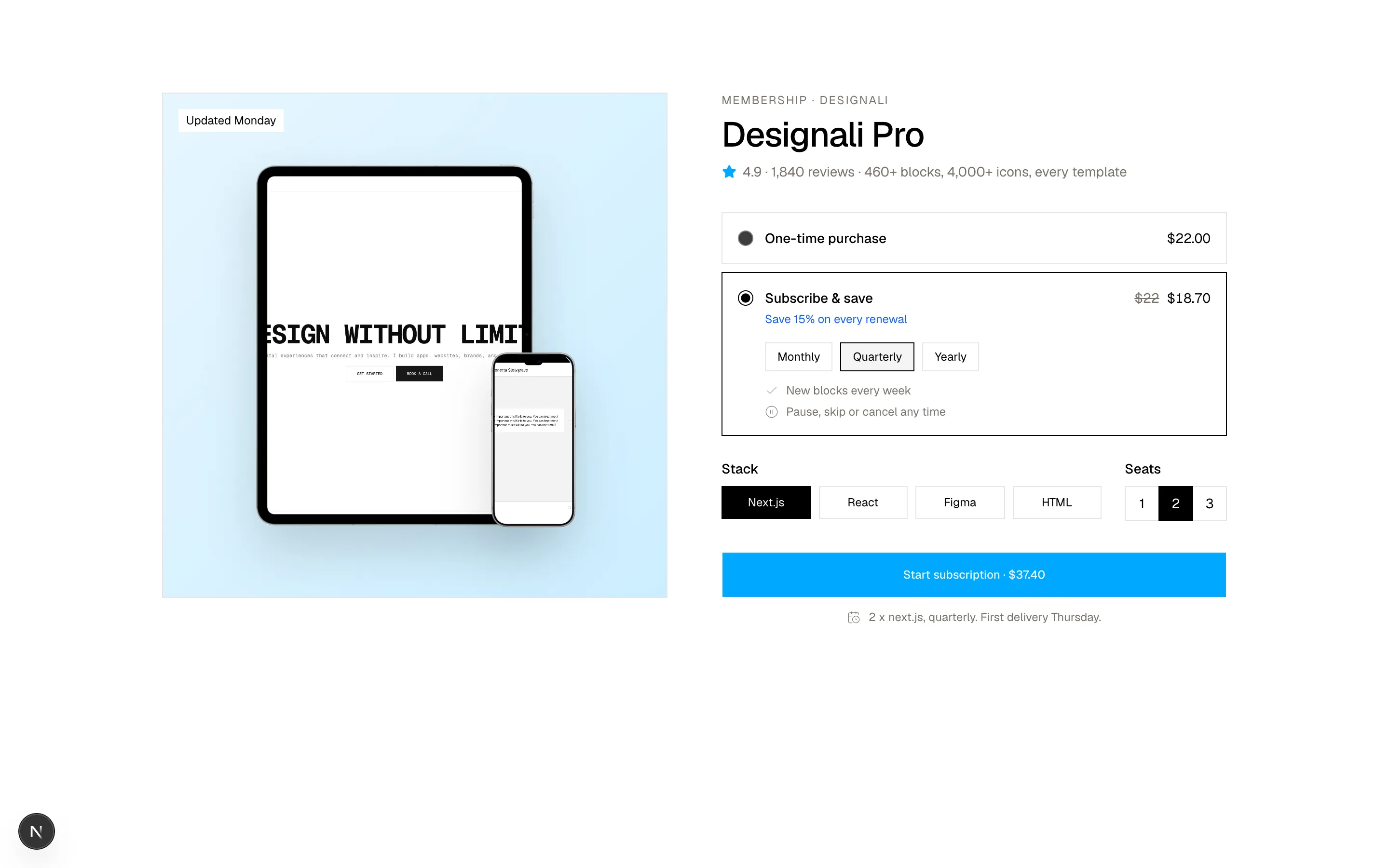
Files
"use client"

import { useState } from "react"
import {
  Bell,
  Heart,
  ShoppingBag,
  Trash2,
} from "@designali/icons"

import { Button } from "@/components/ui/button"
import { cn } from "@/lib/utils"

type Item = {
  id: number
  name: string
  variant: string
  price: number
  was?: number
  stock: "in" | "low" | "out"
  added: string
  image: string
}

const initial: Item[] = [
  { id: 1, name: "Blocks Pro Bundle", variant: "Pro license · 460+ blocks", price: 149, was: 199, stock: "in", added: "Added 3 days ago", image: "/images/templates/aliimam-comp.jpg" },
  { id: 2, name: "Design Agency Template", variant: "Studio license", price: 179, stock: "low", added: "Added 2 weeks ago", image: "/images/templates/design-agency.jpg" },
  { id: 3, name: "Dalim Fonts Collection", variant: "Desktop + web", price: 59, stock: "out", added: "Added 1 month ago", image: "/images/templates/dalim-fonts-old.jpg" },
  { id: 4, name: "Apple Device Mockups", variant: "iPhone, iPad, MacBook, iMac", price: 35, stock: "in", added: "Added 1 month ago", image: "/images/templates/aliimam-comp.jpg" },
]

const stockLabel = {
  in: { text: "In stock", className: "text-chart-3 dark:text-primary" },
  low: { text: "Launch price ends soon", className: "text-chart-3 dark:text-primary" },
  out: { text: "Coming soon", className: "text-muted-foreground" },
}

export function Ecommerce17() {
  const [items, setItems] = useState(initial)
  const [moved, setMoved] = useState<number[]>([])
  const [notify, setNotify] = useState<number[]>([])

  const remove = (id: number) => setItems((l) => l.filter((i) => i.id !== id))
  const value = items.reduce((s, i) => s + i.price, 0)
  const drops = items.filter((i) => i.was).length

  return (
    <section className="w-full bg-background py-16 text-foreground md:py-24">
      <div className="mx-auto max-w-5xl px-6">
        <div className="flex flex-col justify-between gap-4 sm:flex-row sm:items-end">
          <div>
            <h2 className="flex items-center gap-3 text-3xl font-medium tracking-tight">
              <Heart className="size-6" />
              Saved for later
            </h2>
            <p className="mt-1 text-sm text-muted-foreground">
              {items.length} items · ${value.toLocaleString()} total
              {drops > 0 && <span> · {drops} price drop</span>}
            </p>
          </div>
          <Button variant="outline" disabled={items.length === 0} onClick={() => setMoved(items.filter((i) => i.stock !== "out").map((i) => i.id))}>
            <ShoppingBag />
            Move all available to bag
          </Button>
        </div>

        <ul className="mt-8 border-t border-border">
          {items.length === 0 && (
            <li className="py-20 text-center text-sm text-muted-foreground">
              Nothing saved yet. Tap the heart on any product to keep it here.
            </li>
          )}
          {items.map((item) => {
            const inBag = moved.includes(item.id)
            const notified = notify.includes(item.id)
            return (
              <li key={item.id} className="grid grid-cols-[80px_1fr] gap-4 border-b border-border py-5 sm:grid-cols-[96px_1fr_auto] sm:items-center">
                <img src={item.image} alt={item.name} className={cn("aspect-square w-full border border-border object-cover object-top", item.stock === "out" && "opacity-50 grayscale")} />
                <div className="min-w-0">
                  <a href="#" className="font-medium hover:underline">{item.name}</a>
                  <p className="text-xs text-muted-foreground">{item.variant}</p>
                  <p className="mt-2 flex flex-wrap items-baseline gap-x-2 text-sm tabular-nums">
                    <span className={cn(item.was && "text-destructive dark:text-destructive")}>${item.price}</span>
                    {item.was && <span className="text-xs text-muted-foreground line-through">${item.was}</span>}
                    <span className={cn("text-xs", stockLabel[item.stock].className)}>{stockLabel[item.stock].text}</span>
                  </p>
                  <p className="mt-1 text-[11px] text-muted-foreground">{item.added}</p>
                </div>
                <div className="col-span-2 flex items-center gap-2 sm:col-span-1">
                  {item.stock === "out" ? (
                    <Button
                      variant="outline"
                      className="flex-1 sm:w-40 sm:flex-none"
                      onClick={() => setNotify((n) => (n.includes(item.id) ? n : [...n, item.id]))}
                    >
                      <Bell />
                      {notified ? "We'll email you" : "Notify me"}
                    </Button>
                  ) : (
                    <Button
                      variant={inBag ? "secondary" : "default"}
                      className="flex-1 sm:w-40 sm:flex-none"
                      onClick={() => setMoved((m) => (m.includes(item.id) ? m : [...m, item.id]))}
                    >
                      {inBag ? "In your bag" : "Move to bag"}
                    </Button>
                  )}
                  <Button variant="ghost" size="icon-lg" aria-label={`Remove ${item.name}`} onClick={() => remove(item.id)}>
                    <Trash2 />
                  </Button>
                </div>
              </li>
            )
          })}
        </ul>
      </div>
    </section>
  )
}
Wishlist rows with price drops, stock status, move-to-bag, notify-me and remove actions.
ecommerce-17
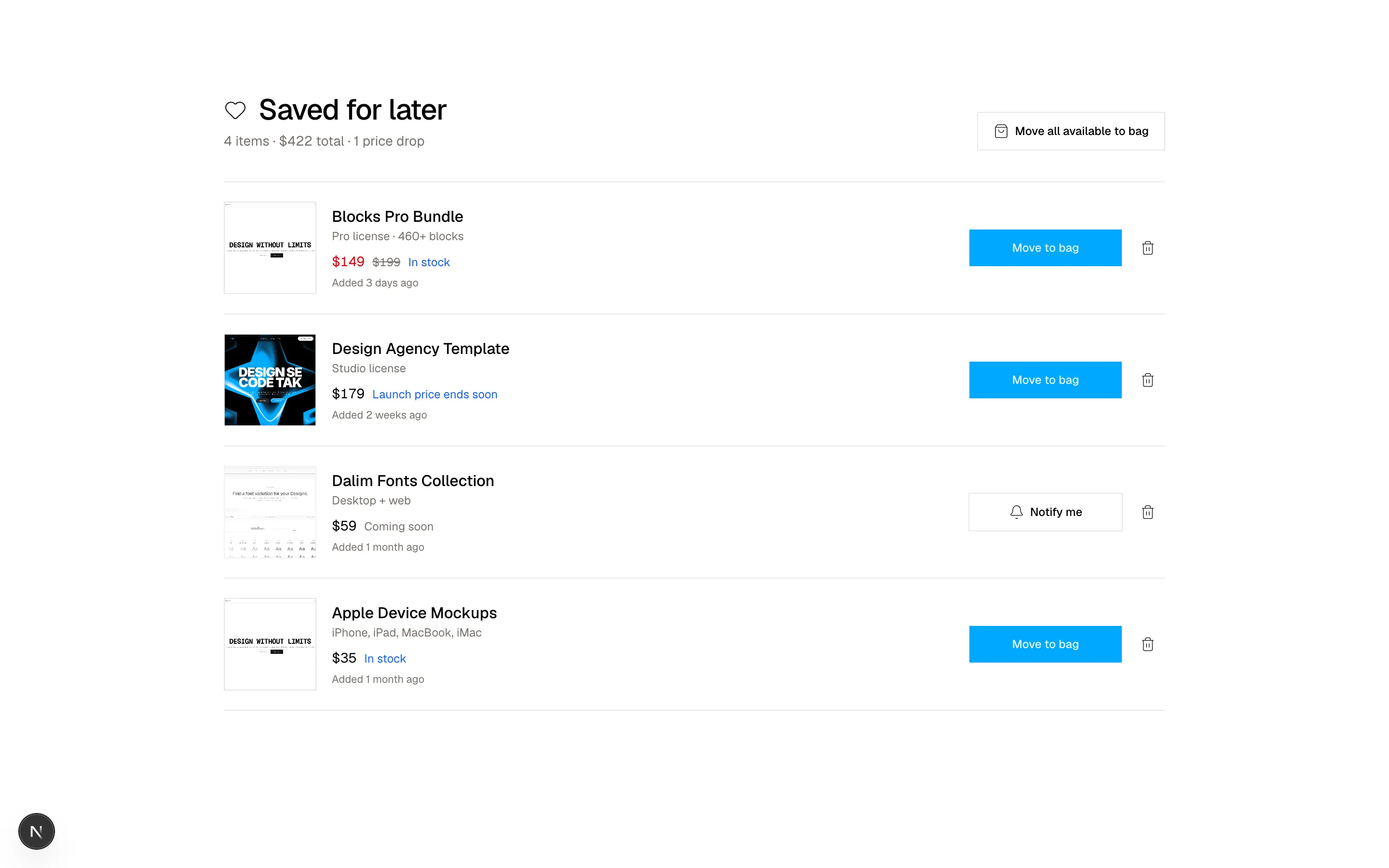
Files
"use client"
import { useState } from "react"
import {
Code,
Download,
Layers,
Zap,
} from "@designali/icons"
import { Button } from "@/components/ui/button"
import {
Tabs,
TabsContent,
TabsList,
TabsTrigger,
} from "@/components/ui/tabs"
import { cn } from "@/lib/utils"
import { Macbook } from "@/components/ui/apple/macbook"
const finishes = [
{ id: "graphite", label: "Outline", body: "black", accent: "var(--primary)" },
{ id: "sage", label: "Duotone", body: "var(--chart-3)", accent: "var(--chart-1)" },
{ id: "clay", label: "Solid", body: "var(--primary)", accent: "white" },
]
const highlights = [
{ icon: Layers, label: "4,000+ icons" },
{ icon: Zap, label: "Tree-shakeable" },
{ icon: Code, label: "React + SVG" },
{ icon: Download, label: "Figma file" },
]
const specs = [
{ label: "Icons", value: "4,000+ in outline and solid" },
{ label: "Formats", value: "SVG, React, Figma" },
{ label: "Install", value: "npm i @designali/icons" },
{ label: "Grid", value: "24 x 24 px, 1.5px stroke" },
{ label: "Pairs with", value: "@designali/logos and @designali/vectors" },
]
const inBox = ["@designali/icons package", "Figma library", "SVG source files", "Quick start guide"]
export function Ecommerce18() {
const [finish, setFinish] = useState(finishes[0]!)
return (
<section className="w-full bg-background py-16 text-foreground md:py-24">
<div className="mx-auto max-w-6xl px-6">
<div className="grid gap-10 border border-border lg:grid-cols-2">
<div className="relative flex min-h-80 items-center justify-center overflow-hidden bg-muted p-10 lg:min-h-[520px]">
<div
aria-hidden="true"
className="absolute size-[70%] rounded-full opacity-40 blur-3xl transition-colors duration-500"
style={{ background: finish.body }}
/>
<Macbook variant="macbook-pro" color="black" size="sm" className="relative w-full! max-w-md drop-shadow-2xl">
<div className="relative size-full">
<img src="/images/templates/dalim-icons-old.jpg" alt="Designali Icons Pro preview" className="size-full object-cover object-top" />
<div
aria-hidden="true"
className="absolute inset-0 opacity-25 mix-blend-color transition-colors duration-500"
style={{ background: finish.accent }}
/>
</div>
</Macbook>
</div>
<div className="p-6 pt-0 md:p-10 lg:pt-10 lg:pl-0">
<p className="text-xs tracking-widest text-muted-foreground uppercase">Icon pack</p>
<div className="mt-2 flex items-baseline justify-between gap-4">
<h2 className="text-3xl font-medium tracking-tight md:text-4xl">Designali Icons Pro</h2>
<span className="text-2xl tabular-nums">$39</span>
</div>
<div className="mt-6">
<p className="text-sm">
Finish: <span className="text-muted-foreground">{finish.label}</span>
</p>
<div className="mt-3 flex gap-3">
{finishes.map((f) => (
<button
key={f.id}
type="button"
aria-label={f.label}
aria-pressed={finish.id === f.id}
onClick={() => setFinish(f)}
className={cn(
"size-9 rounded-full ring-offset-2 ring-offset-background transition-shadow",
finish.id === f.id ? "ring-2 ring-foreground" : "ring-1 ring-border"
)}
style={{ background: f.body }}
/>
))}
</div>
</div>
<ul className="mt-6 grid grid-cols-2 gap-px border border-border bg-border sm:grid-cols-4">
{highlights.map((h) => (
<li key={h.label} className="flex flex-col items-center gap-2 bg-background p-3 text-center text-xs">
<h.icon className="size-4" />
{h.label}
</li>
))}
</ul>
<Tabs defaultValue="overview" className="mt-8">
<TabsList variant="line" className="w-full justify-start gap-5 border-b border-border">
<TabsTrigger value="overview" className="flex-none px-0 text-sm">Overview</TabsTrigger>
<TabsTrigger value="specs" className="flex-none px-0 text-sm">Specs</TabsTrigger>
<TabsTrigger value="box" className="flex-none px-0 text-sm">What's included</TabsTrigger>
</TabsList>
<TabsContent value="overview" className="pt-4 text-sm leading-6 text-muted-foreground">
Designali Icons Pro is built for design engineers. Lucide-compatible names,
a Figma library that matches the code, and enough icons for every
product you ship.
</TabsContent>
<TabsContent value="specs" className="pt-2 text-sm">
<dl className="divide-y divide-border">
{specs.map((s) => (
<div key={s.label} className="flex justify-between gap-4 py-2.5">
<dt className="text-muted-foreground">{s.label}</dt>
<dd className="text-right">{s.value}</dd>
</div>
))}
</dl>
</TabsContent>
<TabsContent value="box" className="pt-4 text-sm">
<ul className="space-y-2">
{inBox.map((item) => (
<li key={item} className="flex items-center gap-3">
<span className="size-1.5 bg-foreground" />
{item}
</li>
))}
</ul>
</TabsContent>
</Tabs>
<Button size="lg" className="mt-8 w-full">
Add {finish.label} Designali Icons to cart
</Button>
</div>
</div>
</div>
</section>
)
}
Product spotlight with recolourable SVG speaker, finish swatches, highlight icons and overview/specs tabs.
ecommerce-18
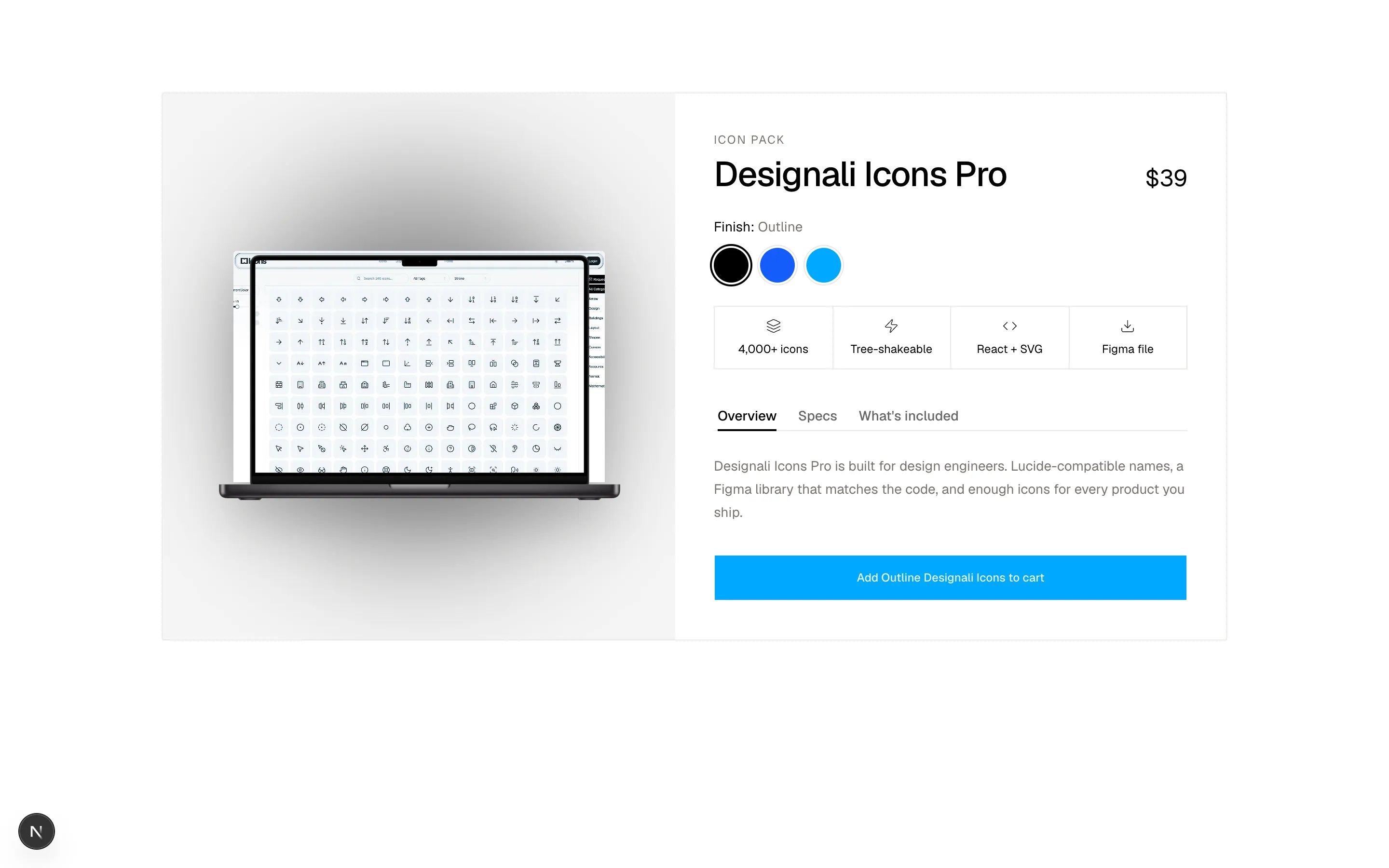
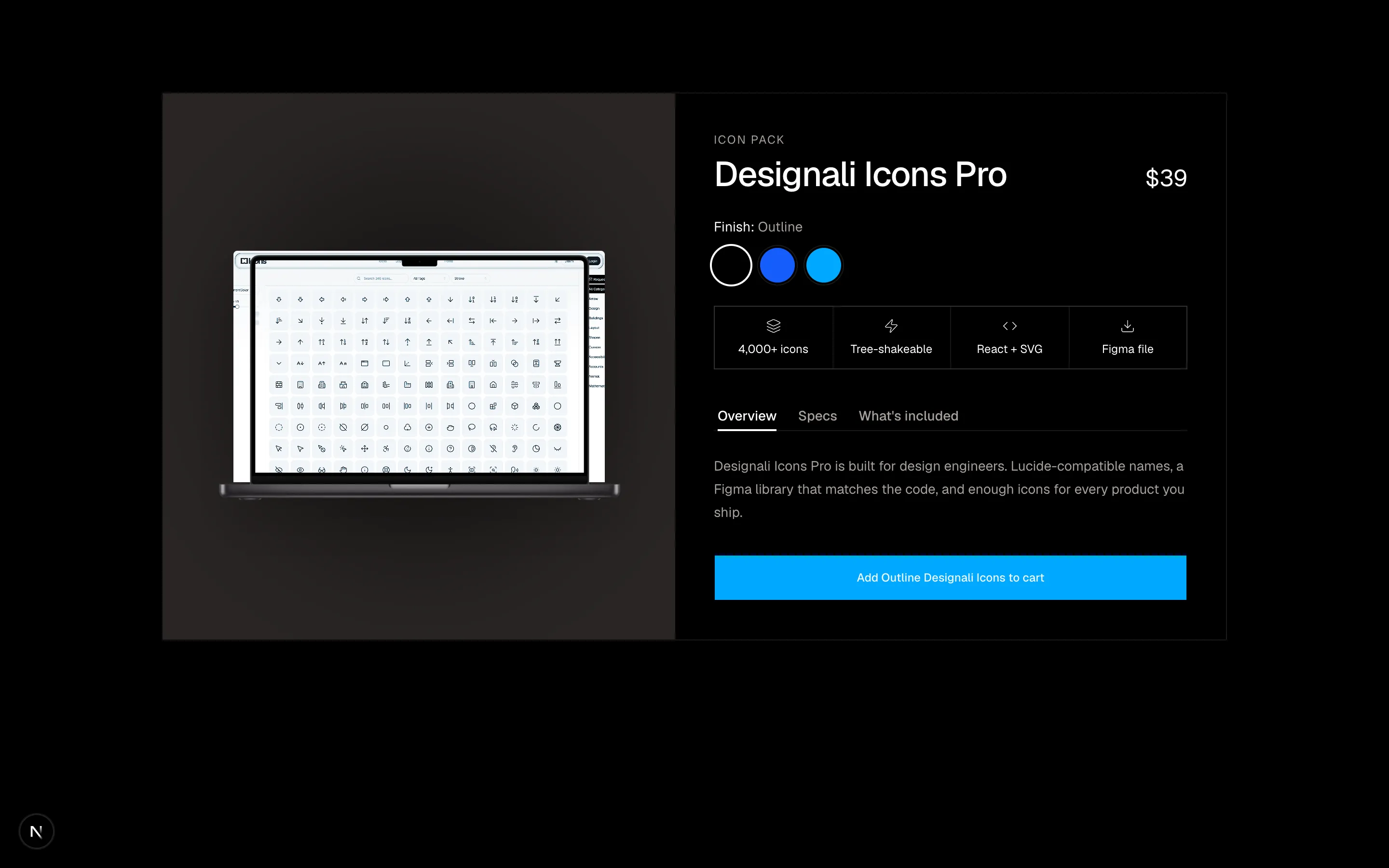
Files
"use client"

import { useState } from "react"
import {
  ArrowDown,
  ArrowUp,
  Minus,
  Plus,
} from "@designali/icons"

import { Button } from "@/components/ui/button"
import { cn } from "@/lib/utils"

const periods = ["This week", "This month", "All time"] as const

const ranking: Record<(typeof periods)[number], { name: string; maker: string; price: number; sold: string; move: number }[]> = {
  "This week": [
    { name: "Designali Icons Pro", maker: "Designali", price: 39, sold: "2,140", move: 3 },
    { name: "Design Agency Template", maker: "Designali", price: 79, sold: "1,980", move: 0 },
    { name: "Blocks Pro Bundle", maker: "Designali", price: 149, sold: "1,610", move: -1 },
    { name: "Apple Device Mockups", maker: "Designali", price: 35, sold: "1,402", move: 4 },
    { name: "Portfolio Simple Template", maker: "Designali", price: 49, sold: "1,155", move: -2 },
    { name: "Dalim UI Kit", maker: "Dalim", price: 29, sold: "980", move: 1 },
  ],
  "This month": [
    { name: "Design Agency Template", maker: "Designali", price: 79, sold: "8,420", move: 1 },
    { name: "Blocks Pro Bundle", maker: "Designali", price: 149, sold: "7,960", move: -1 },
    { name: "Designali Icons Pro", maker: "Designali", price: 39, sold: "6,880", move: 5 },
    { name: "Designali Logos Pack", maker: "Designali", price: 29, sold: "5,210", move: 0 },
    { name: "Portfolio Simple Template", maker: "Designali", price: 49, sold: "4,730", move: 2 },
    { name: "Apple Device Mockups", maker: "Designali", price: 35, sold: "4,010", move: -3 },
  ],
  "All time": [
    { name: "Blocks Pro Bundle", maker: "Designali", price: 149, sold: "184k", move: 0 },
    { name: "Design Agency Template", maker: "Designali", price: 79, sold: "161k", move: 0 },
    { name: "Designali Logos Pack", maker: "Designali", price: 29, sold: "122k", move: 0 },
    { name: "Resort Template", maker: "Designali", price: 69, sold: "98k", move: 1 },
    { name: "Portfolio Simple Template", maker: "Designali", price: 49, sold: "87k", move: -1 },
    { name: "Designali Icons Pro", maker: "Designali", price: 39, sold: "64k", move: 2 },
  ],
}

const thumbnails: Record<string, string> = {
  "Designali Icons Pro": "dalim-icons-old",
  "Design Agency Template": "design-agency",
  "Blocks Pro Bundle": "aliimam-comp",
  "Apple Device Mockups": "aliimam-old",
  "Portfolio Simple Template": "portfolio-simple",
  "Dalim UI Kit": "dalim-ui-old",
  "Designali Logos Pack": "dalim-graphic-old",
  "Resort Template": "resort",
}

export function Ecommerce19() {
  const [period, setPeriod] = useState<(typeof periods)[number]>("This week")
  const [added, setAdded] = useState<string[]>([])
  const list = ranking[period]

  return (
    <section className="w-full bg-background py-16 text-foreground md:py-24">
      <div className="mx-auto max-w-4xl px-6">
        <div className="flex flex-col justify-between gap-4 sm:flex-row sm:items-end">
          <div>
            <h2 className="text-3xl font-medium tracking-tight md:text-4xl">Designali top sellers</h2>
            <p className="mt-1 text-sm text-muted-foreground">Ranked by downloads sold on designali.com</p>
          </div>
          <div className="inline-flex w-fit border border-border p-0.5" role="tablist">
            {periods.map((p) => (
              <button
                key={p}
                type="button"
                role="tab"
                aria-selected={period === p}
                onClick={() => setPeriod(p)}
                className={cn(
                  "px-3 py-1.5 text-xs transition-colors",
                  period === p ? "bg-foreground text-background" : "text-muted-foreground hover:text-foreground"
                )}
              >
                {p}
              </button>
            ))}
          </div>
        </div>

        <ol className="mt-8 border-t border-border">
          {list.map((item, i) => {
            const isAdded = added.includes(item.name)
            return (
              <li key={item.name} className="flex items-center gap-3 border-b border-border py-4 sm:gap-5">
                <span
                  className={cn(
                    "w-8 shrink-0 text-2xl font-semibold tabular-nums sm:w-10 sm:text-3xl",
                    i < 3 ? "text-foreground" : "text-muted-foreground/50"
                  )}
                >
                  {i + 1}
                </span>
                <img
                  src={`/images/templates/${thumbnails[item.name] ?? "dalim-old"}.jpg`}
                  alt={item.name}
                  className="size-12 shrink-0 border border-border object-cover object-top"
                />
                <span className="min-w-0 flex-1">
                  <a href="#" className="block truncate font-medium hover:underline">{item.name}</a>
                  <span className="block text-xs text-muted-foreground">
                    {item.maker} · {item.sold} sold
                  </span>
                </span>
                <span
                  className={cn(
                    "hidden w-10 items-center gap-0.5 text-xs tabular-nums sm:flex",
                    item.move > 0 && "text-chart-3 dark:text-primary",
                    item.move < 0 && "text-destructive dark:text-destructive",
                    item.move === 0 && "text-muted-foreground"
                  )}
                  aria-label={item.move === 0 ? "No change" : `${item.move > 0 ? "Up" : "Down"} ${Math.abs(item.move)}`}
                >
                  {item.move > 0 ? <ArrowUp className="size-3" /> : item.move < 0 ? <ArrowDown className="size-3" /> : <Minus className="size-3" />}
                  {item.move !== 0 && Math.abs(item.move)}
                </span>
                <span className="w-10 shrink-0 text-right text-sm tabular-nums">${item.price}</span>
                <Button
                  size="icon-lg"
                  variant={isAdded ? "default" : "outline"}
                  aria-label={isAdded ? `${item.name} added` : `Add ${item.name}`}
                  onClick={() =>
                    setAdded((a) => (a.includes(item.name) ? a.filter((n) => n !== item.name) : [...a, item.name]))
                  }
                >
                  <Plus className={cn("transition-transform", isAdded && "rotate-45")} />
                </Button>
              </li>
            )
          })}
        </ol>
      </div>
    </section>
  )
}
Numbered bestseller leaderboard with period switcher, rank movement indicators and quick-add buttons.
ecommerce-19
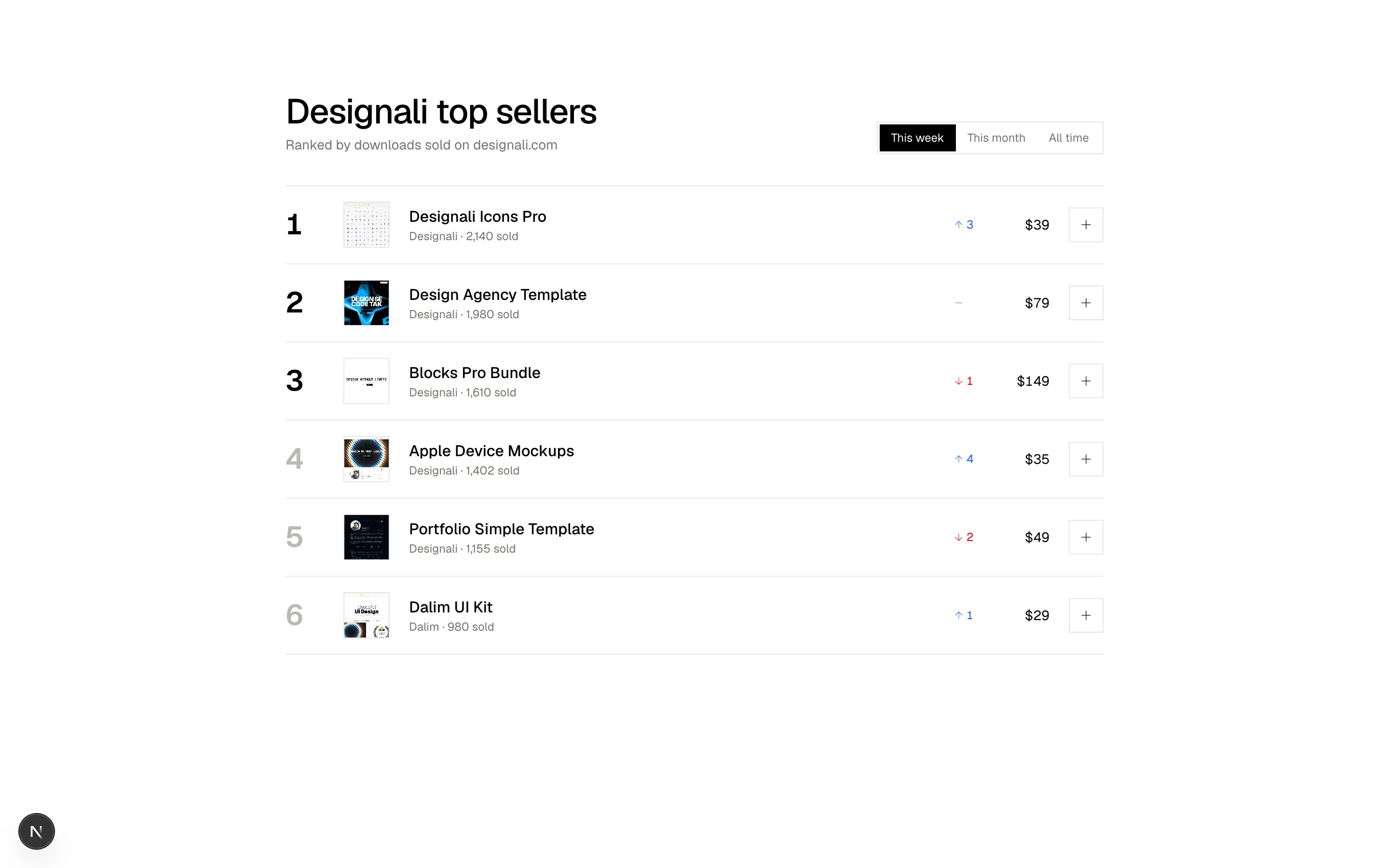
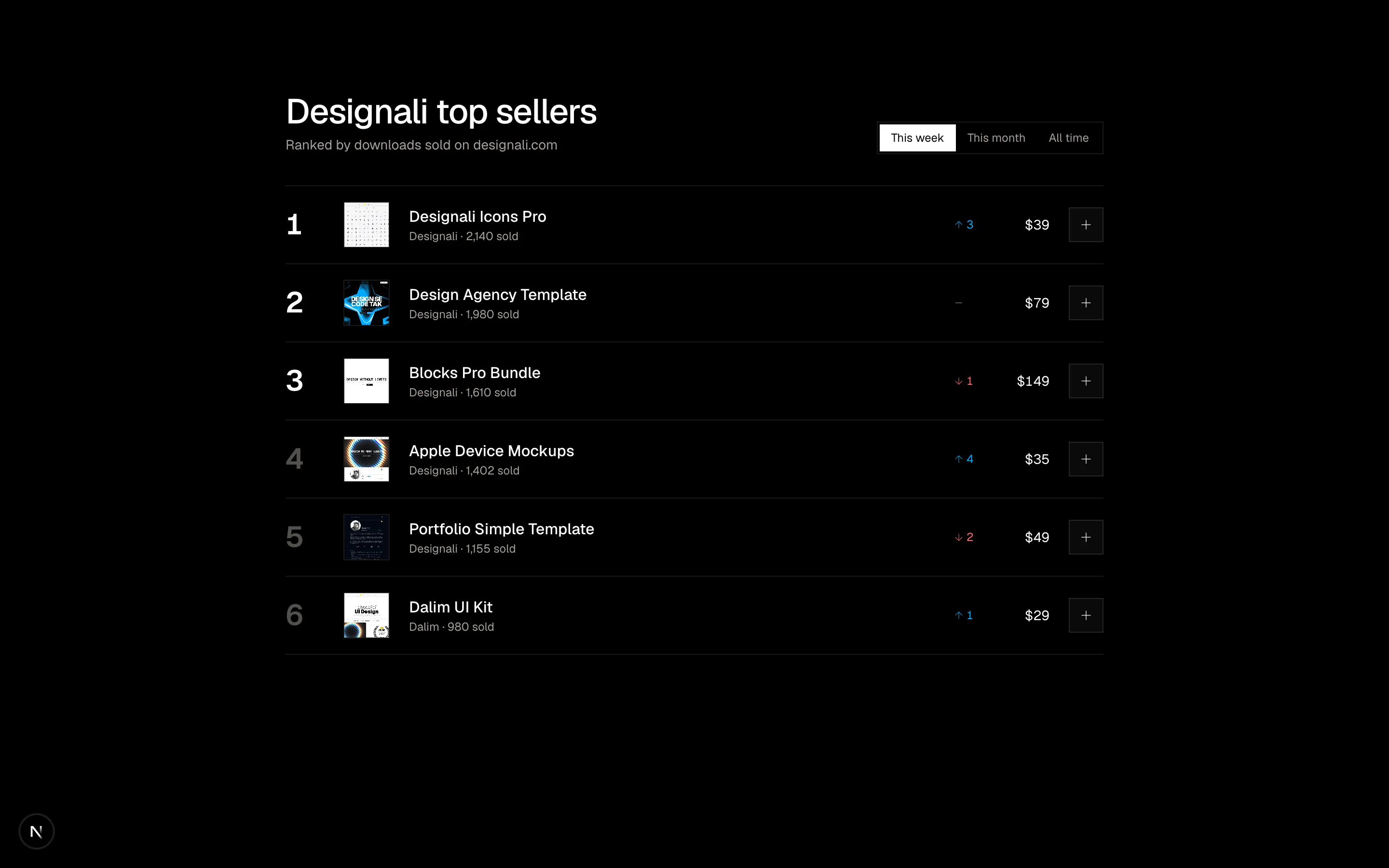
Files
"use client"

import { useState } from "react"
import {
  ChevronDown,
  Download,
  RotateCcw,
} from "@designali/icons"

import { Button } from "@/components/ui/button"
import { cn } from "@/lib/utils"

type Status = "Processing" | "Shipped" | "Delivered" | "Returned"

const orders: {
  id: string
  date: string
  status: Status
  total: number
  items: { name: string; qty: number; price: number; image: string }[]
}[] = [
  {
    id: "DA-30418",
    date: "12 Nov 2026",
    status: "Processing",
    total: 86,
    items: [
      { name: "Portfolio Simple Template", qty: 1, price: 24, image: "/images/templates/portfolio-simple.jpg" },
      { name: "Dalim UI Kit", qty: 2, price: 31, image: "/images/templates/dalim-ui-old.jpg" },
    ],
  },
  {
    id: "DA-29877",
    date: "28 Oct 2026",
    status: "Shipped",
    total: 142,
    items: [
      { name: "Designali Icons Pro", qty: 2, price: 36, image: "/images/templates/dalim-icons-old.jpg" },
      { name: "Apple Device Mockups", qty: 2, price: 35, image: "/images/templates/aliimam-comp.jpg" },
    ],
  },
  {
    id: "DA-28102",
    date: "3 Sep 2026",
    status: "Delivered",
    total: 58,
    items: [
      { name: "Designali Logos Pack", qty: 2, price: 29, image: "/images/templates/dalim-graphic-old.jpg" },
    ],
  },
  {
    id: "DA-27650",
    date: "19 Aug 2026",
    status: "Returned",
    total: 44,
    items: [
      { name: "Vectors Starter Pack", qty: 4, price: 11, image: "/images/templates/dalim-visuals-old.jpg" },
    ],
  },
]

const statusStyle: Record<Status, string> = {
  Processing: "bg-primary/15 text-chart-4 dark:text-chart-1",
  Shipped: "bg-primary/15 text-chart-4 dark:text-chart-1",
  Delivered: "bg-primary/15 text-chart-4 dark:text-chart-1",
  Returned: "bg-muted text-muted-foreground",
}

const filters = ["All", "Processing", "Shipped", "Delivered", "Returned"] as const

export function Ecommerce20() {
  const [filter, setFilter] = useState<(typeof filters)[number]>("All")
  const [expanded, setExpanded] = useState<string | null>(orders[0]!.id)
  const [reordered, setReordered] = useState<string[]>([])
  const visible = filter === "All" ? orders : orders.filter((o) => o.status === filter)

  return (
    <section className="w-full bg-background py-16 text-foreground md:py-24">
      <div className="mx-auto max-w-5xl px-6">
        <div className="flex flex-col gap-1">
          <p className="text-sm text-muted-foreground">Account · designali.com</p>
          <h2 className="text-3xl font-medium tracking-tight">Your orders</h2>
        </div>

        <div className="mt-6 flex gap-1 overflow-x-auto border-b border-border [scrollbar-width:none]">
          {filters.map((f) => {
            const count = f === "All" ? orders.length : orders.filter((o) => o.status === f).length
            return (
              <button
                key={f}
                type="button"
                onClick={() => setFilter(f)}
                className={cn(
                  "-mb-px shrink-0 border-b-2 px-3 py-2.5 text-sm transition-colors",
                  filter === f ? "border-foreground text-foreground" : "border-transparent text-muted-foreground hover:text-foreground"
                )}
              >
                {f} <span className="text-xs text-muted-foreground">{count}</span>
              </button>
            )
          })}
        </div>

        <ul className="mt-6 space-y-3">
          {visible.map((order) => {
            const isOpen = expanded === order.id
            const done = reordered.includes(order.id)
            return (
              <li key={order.id} className="border border-border">
                <button
                  type="button"
                  aria-expanded={isOpen}
                  onClick={() => setExpanded(isOpen ? null : order.id)}
                  className="grid w-full grid-cols-[1fr_auto] items-center gap-x-4 gap-y-2 p-4 text-left transition-colors hover:bg-muted/40 sm:grid-cols-[1fr_1fr_1fr_auto_auto] sm:p-5"
                >
                  <span>
                    <span className="block font-sans text-sm font-medium">#{order.id}</span>
                    <span className="block text-xs text-muted-foreground sm:hidden">{order.date}</span>
                  </span>
                  <span className="hidden text-sm text-muted-foreground sm:block">{order.date}</span>
                  <span className="hidden text-sm tabular-nums sm:block">${order.total.toFixed(2)}</span>
                  <span className={cn("w-fit px-2 py-0.5 text-xs", statusStyle[order.status])}>{order.status}</span>
                  <ChevronDown
                    className={cn("hidden size-4 text-muted-foreground transition-transform sm:block", isOpen && "rotate-180")}
                  />
                </button>

                {isOpen && (
                  <div className="border-t border-border p-4 sm:p-5">
                    <ul className="space-y-3">
                      {order.items.map((item) => (
                        <li key={item.name} className="flex items-center gap-3 text-sm">
                          <img src={item.image} alt={item.name} className="size-12 shrink-0 object-cover object-top border border-border" />
                          <span className="min-w-0 flex-1">
                            <span className="block truncate">{item.name}</span>
                            <span className="block text-xs text-muted-foreground">Qty {item.qty}</span>
                          </span>
                          <span className="tabular-nums">${item.price.toFixed(2)}</span>
                        </li>
                      ))}
                    </ul>
                    <div className="mt-5 flex flex-wrap items-center justify-between gap-3 border-t border-border pt-4">
                      <span className="text-sm">
                        Total <span className="font-medium tabular-nums">${order.total.toFixed(2)}</span>
                      </span>
                      <div className="flex flex-wrap gap-2">
                        <Button variant="ghost" size="md">
                          <Download />
                          Invoice
                        </Button>
                        {order.status === "Delivered" && (
                          <Button variant="outline" size="md">
                            Request a refund
                          </Button>
                        )}
                        <Button
                          size="md"
                          variant={done ? "secondary" : "default"}
                          onClick={() => setReordered((r) => (r.includes(order.id) ? r : [...r, order.id]))}
                        >
                          <RotateCcw />
                          {done ? "Added to bag" : "Buy again"}
                        </Button>
                      </div>
                    </div>
                  </div>
                )}
              </li>
            )
          })}
        </ul>
      </div>
    </section>
  )
}
Account order history with status filter tabs and expandable orders showing items, invoice and buy-again actions.
ecommerce-20