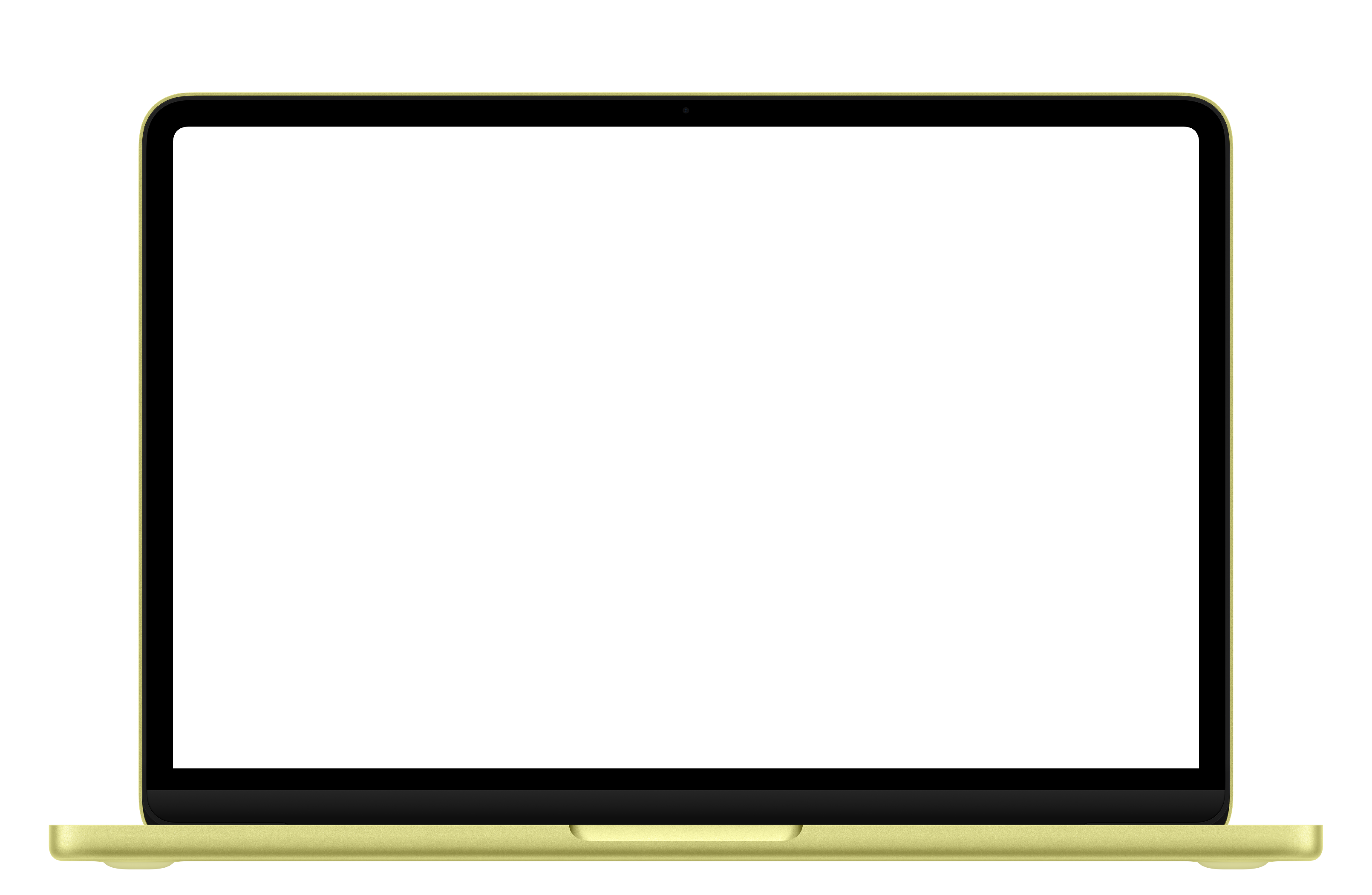
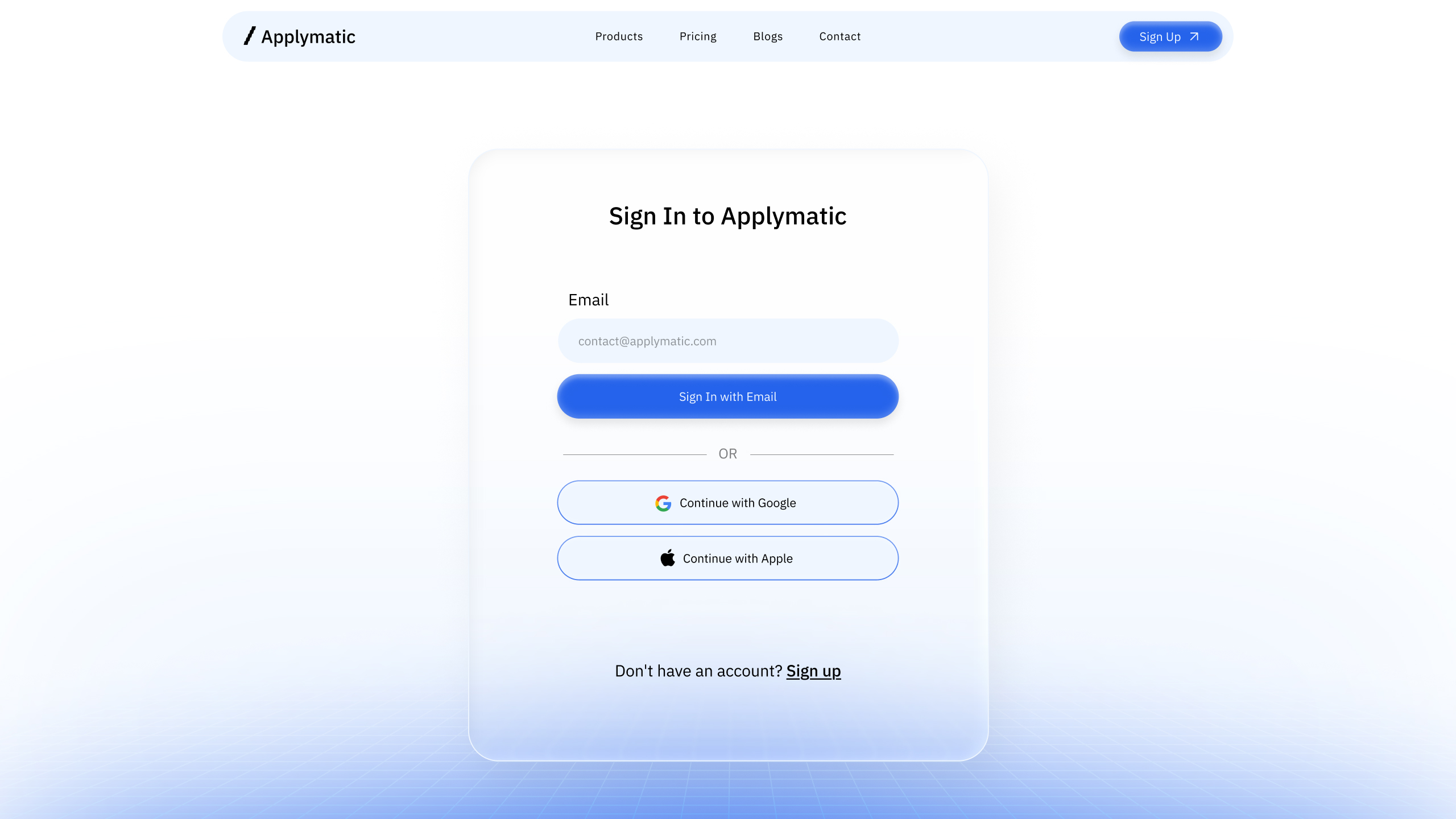
macbook-01
Loading...
macbook-02
Loading...
macbook-03
Loading...
macbook-04
Loading...
macbook-05
Loading...
Installation
Usage
import { Macbook } from "@/components/ui/macbook"<Macbook>
<div className="p-6">Your content here</div>
</Macbook>Variant
<Macbook variant="macbook-pro" color="black">
<div className="p-6">MacBook Pro</div>
</Macbook>Size
<Macbook size="lg">
<div className="p-6">Large MacBook</div>
</Macbook>Color
<Macbook variant="macbook-air" color="sky-blue">
<div className="p-6">Sky Blue MacBook Air</div>
</Macbook>Custom frame image
<Macbook>
<div className="p-6">Custom frame</div>
</Macbook>Props
| Prop | Type | Default |
|---|---|---|
children | ReactNode | — |
className | string | — |
variant | "macbook-air" | "macbook-pro" | "macbook-neo" | "macbook-air" |
size | "sm" | "md" | "lg" | "xl" | "md" |
color | "sky-blue" | "midnight" | "starlight" | "silver" | "black" | "indigo" | "blush" | "citrus" | "silver" |
"Macbook" |
Available colors
| Variant | Colors |
|---|---|
macbook-air | sky-blue, midnight, starlight, silver |
macbook-pro | black, silver |
macbook-neo | silver, indigo, blush, citrus |
Notes
- The screen area is an absolutely positioned container, so
childrenscroll vertically inside it when they overflow. - Sizes map to fixed widths (
24rem,36rem,48rem,64rem) with a16/10aspect ratio. UseclassName(for examplemax-w-full) to keep the MacBook inside small viewports. - If the selected
colorisn't available for the chosenvariant, the first color of that variant is used. For example,variant="macbook-pro"withcolor="blush"falls back toblack. silverexists in all three variants, so the default works everywhere.- Passing
imageoverrides bothvariantandcolor.