iphone-duo-01
Loading...
iphone-duo-02
Loading...
iphone-duo-03
Loading...
iphone-duo-04
Loading...
iphone-duo-05
Loading...
iphone-duo-06
Loading...
iphone-duo-07
Loading...
Installation
Usage
import { IPhoneDuo } from "@/components/ui/iphone-duo"<IPhoneDuo>
<div className="p-6">Your content here</div>
</IPhoneDuo>Size
<IPhoneDuo size="lg">
<div className="p-6">Large iPhone Duo</div>
</IPhoneDuo>Orientation
<IPhoneDuo orientation="landscape">
<div className="p-6">Landscape iPhone Duo</div>
</IPhoneDuo>Side
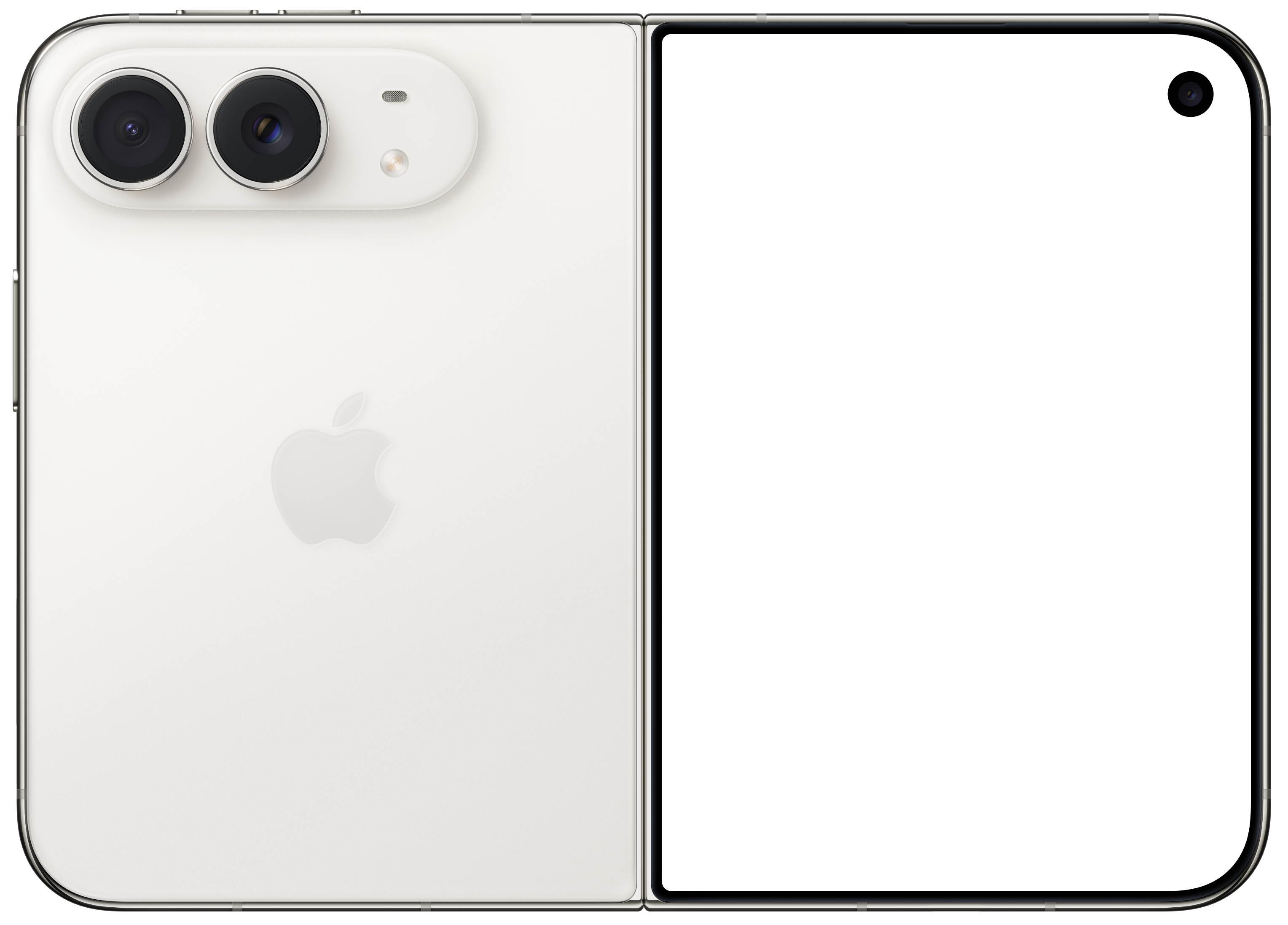
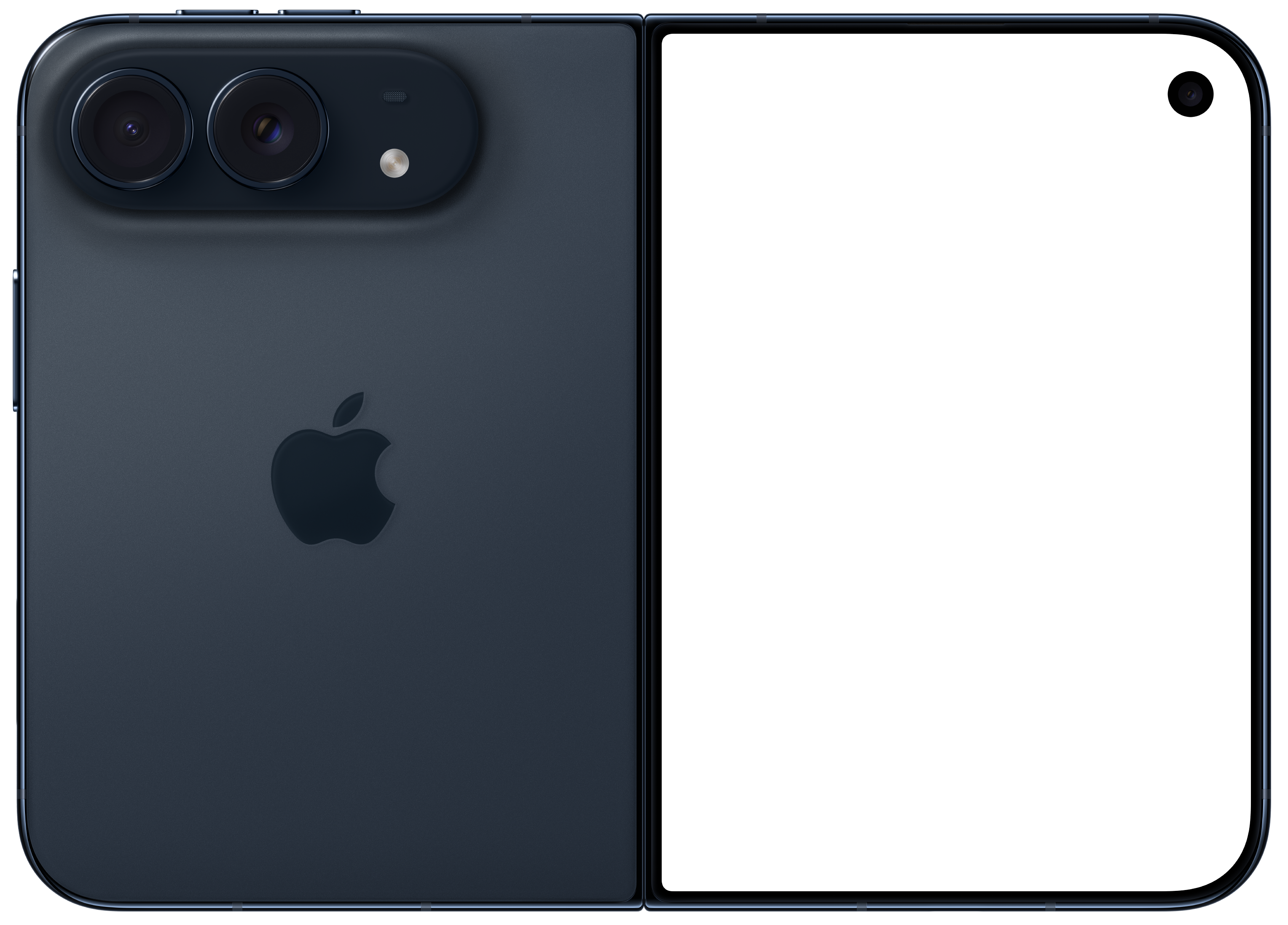
<IPhoneDuo side="back" /><IPhoneDuo side="frontback" className="h-[28rem] w-auto" />Color
<IPhoneDuo color="star-white">
<div className="p-6">Star White iPhone Duo</div>
</IPhoneDuo>Custom frame image
<IPhoneDuo>
<div className="p-6">Custom frame</div>
</IPhoneDuo>Props
| Prop | Type | Default |
|---|---|---|
children | ReactNode | — |
className | string | — |
size | "sm" | "md" | "lg" | "xl" | "md" |
orientation | "portrait" | "landscape" | "portrait" |
side | "front" | "back" | "frontback" | "front" |
color | "night-sky" | "star-white" | "night-sky" |
Notes
- The screen area is an absolutely positioned container, so
childrenscroll vertically inside it when they overflow. childrenare only rendered whenside="front". Thebackandfrontbackviews show the frame image only.orientationis ignored whenside="frontback".- With
side="frontback", no size or aspect ratio classes are applied, so you must set the dimensions yourself withclassName(for exampleh-[28rem] w-auto). - Passing
imageoverridesside,orientationandcolorfor the frame.