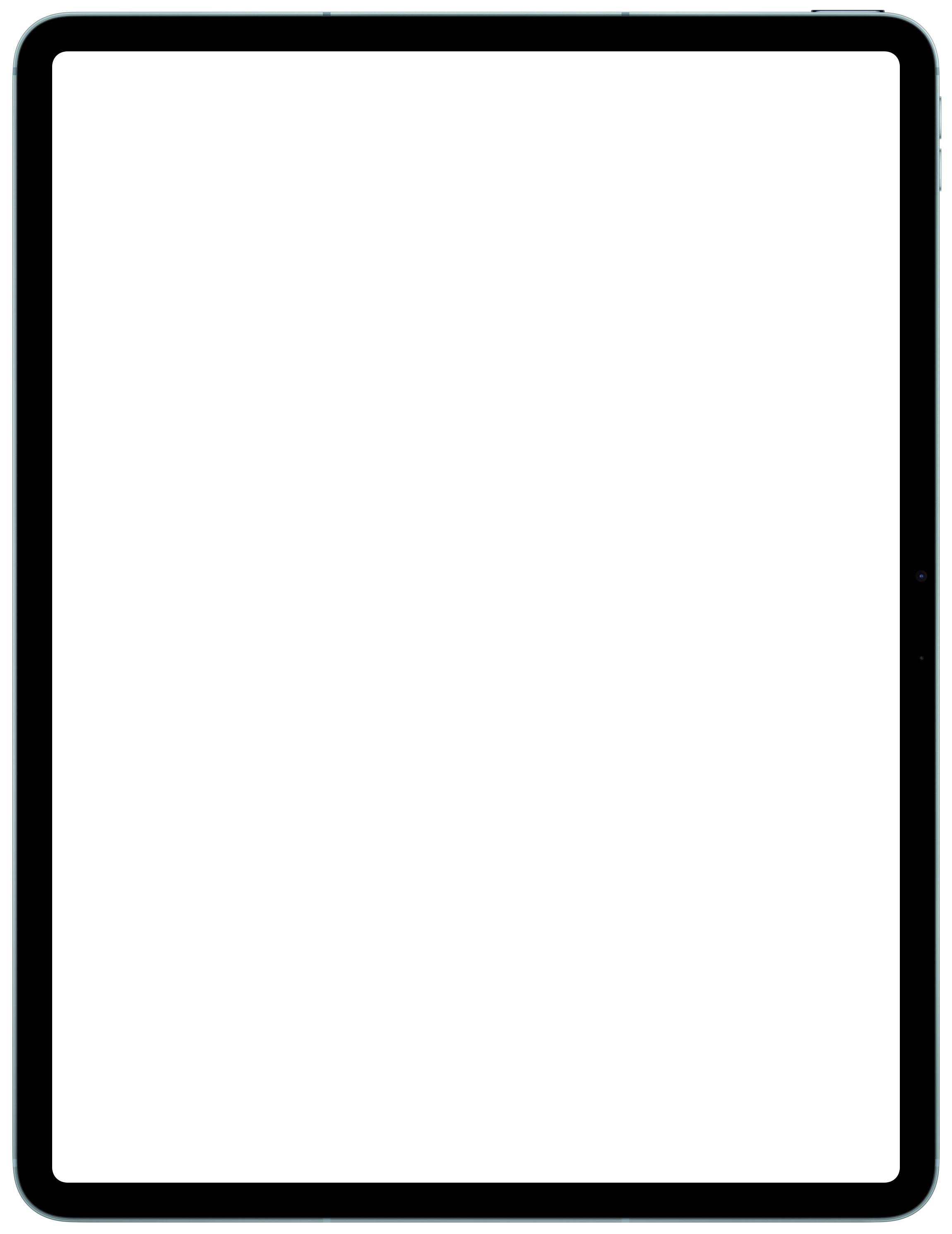
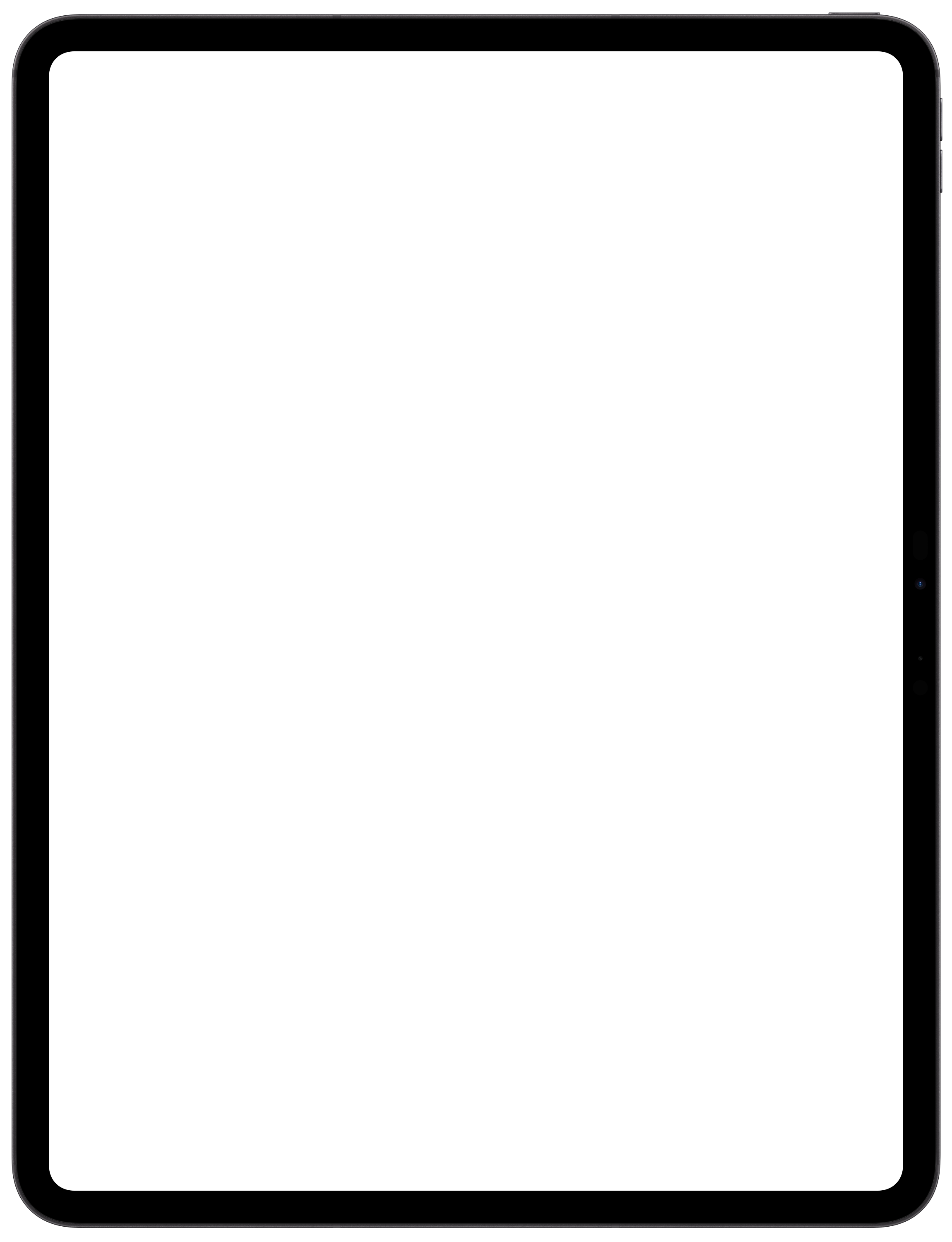
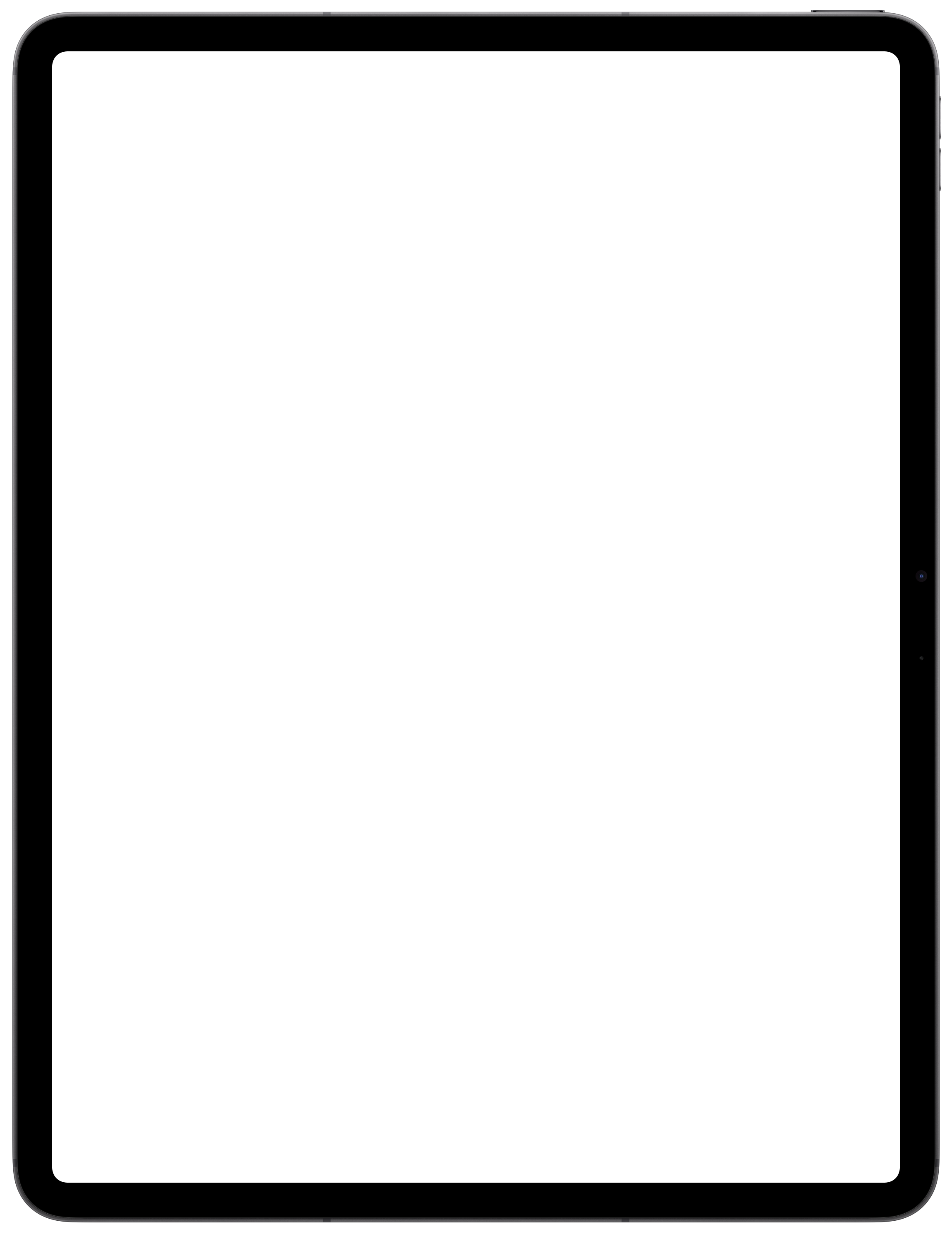
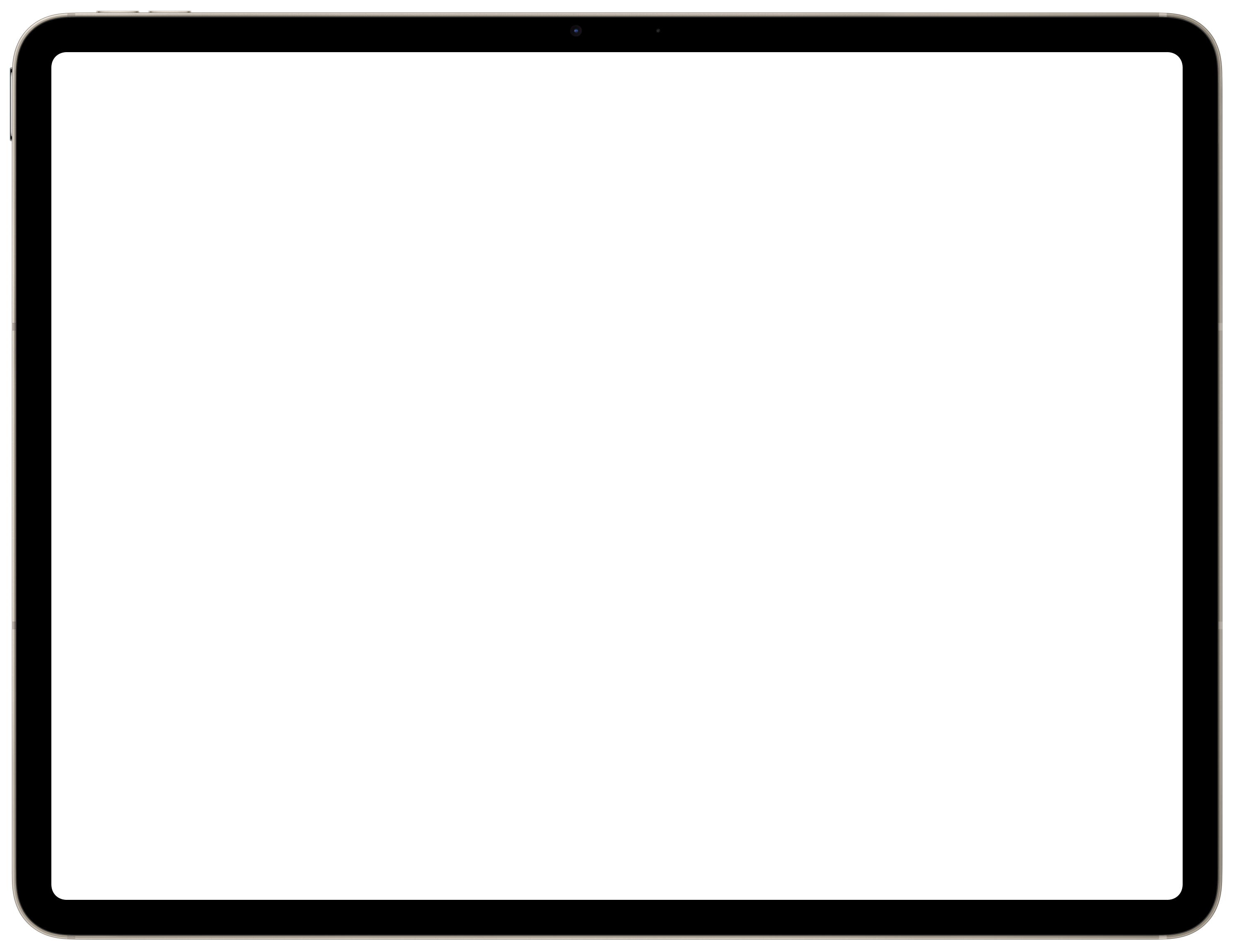
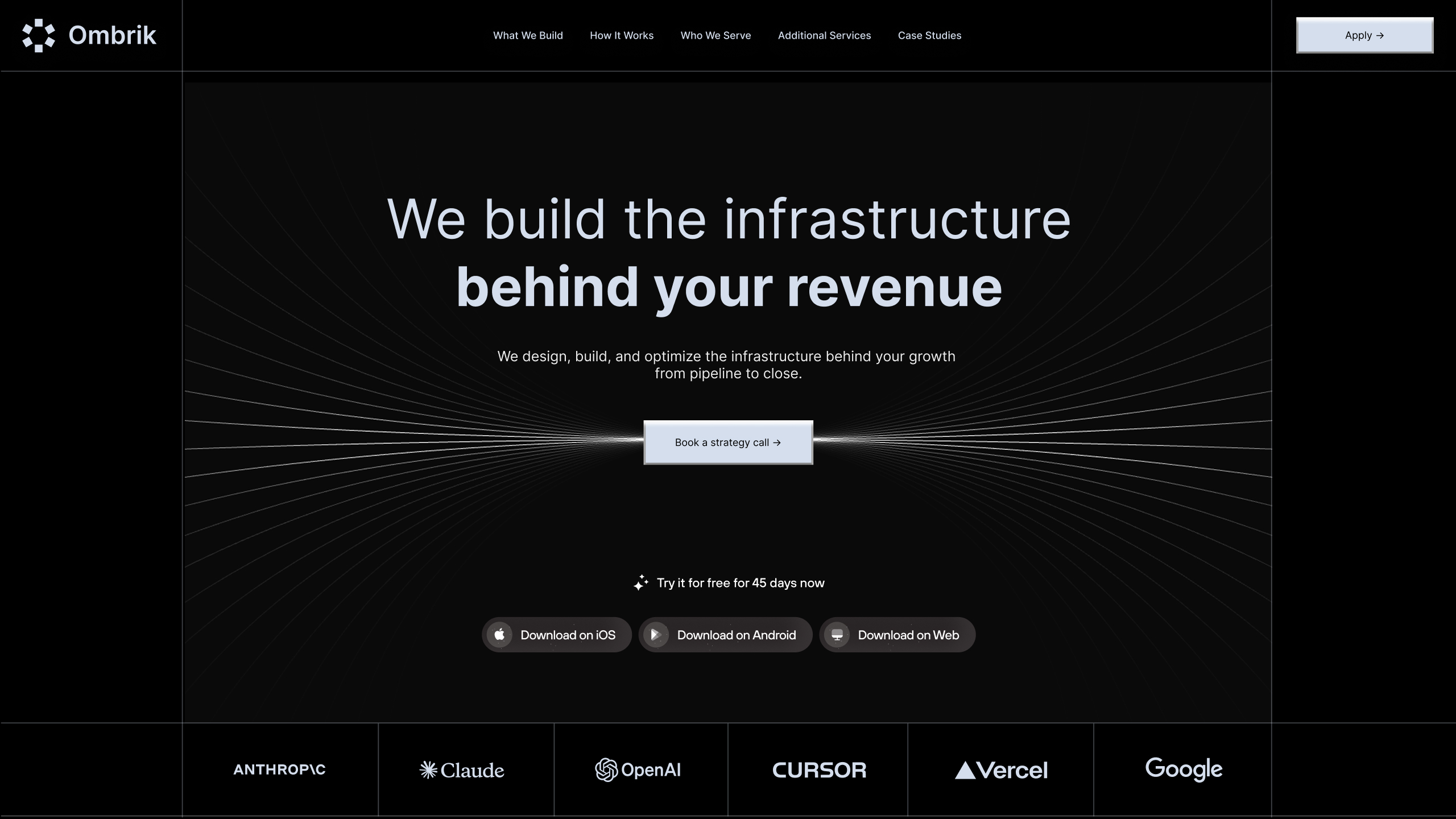
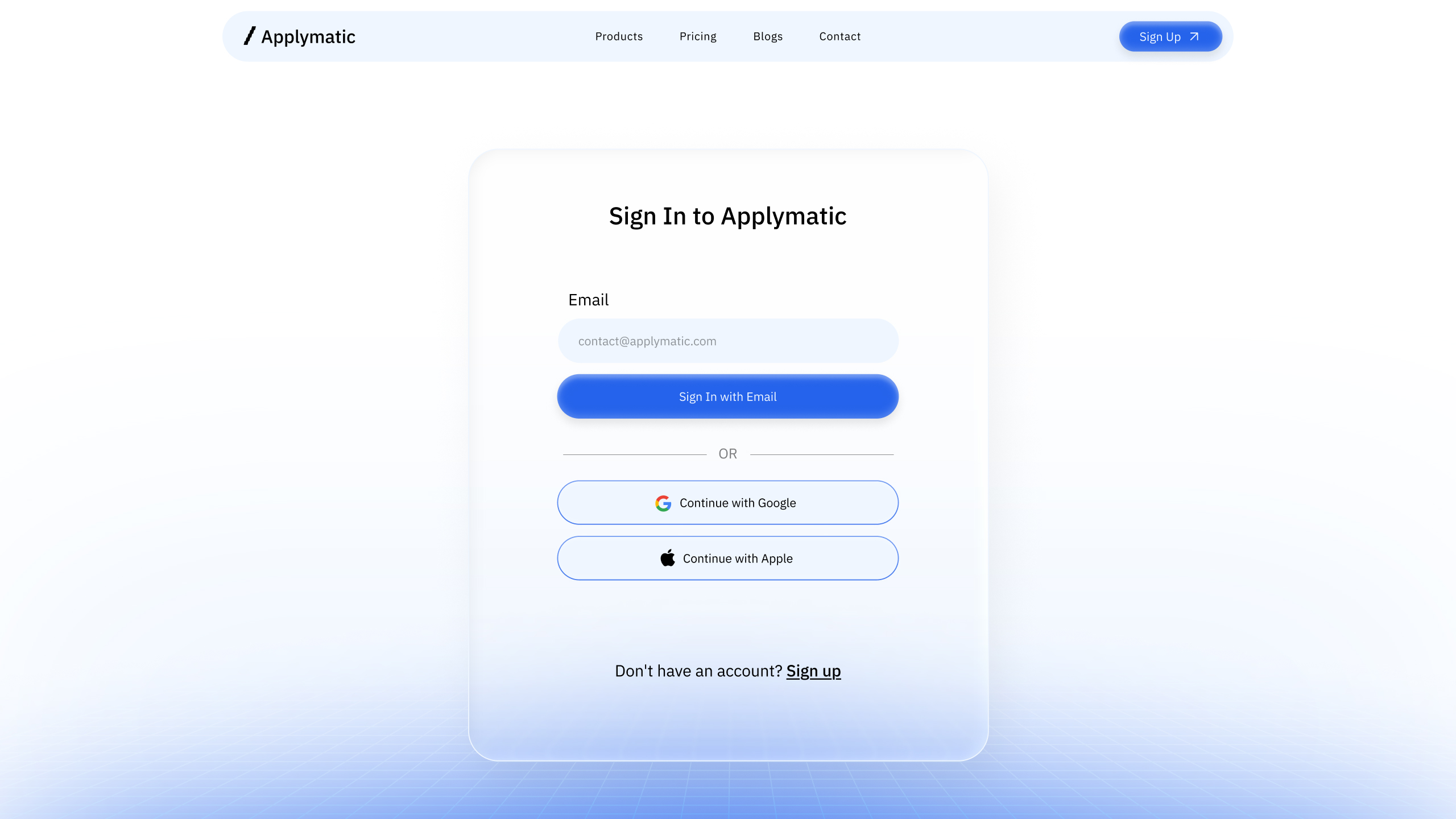
ipad-01
Loading...
import { IPad } from "@/components/ui/apple/ipad"

export function IPad01() {
  return (
    <div className="flex h-full w-full items-center justify-center">
       <IPad size="md" color="silver">
       <iframe
          src={"https://design-agency.designali.com/"}
          className="block size-full border-0"
          loading="lazy"
          allow="accelerometer; autoplay; clipboard-write; encrypted-media; gyroscope; picture-in-picture"
          referrerPolicy="strict-origin-when-cross-origin"
        />
       </IPad>
    </div>
  )
}
ipad-02
Loading...
"use client"

import { useState } from "react"
import { IPad } from "@/components/ui/apple/ipad"

type IPadVariant = "ipad-air" | "ipad-pro"

type IPadColor =
  | "blue"
  | "purple"
  | "space-grey"
  | "starlight"
  | "black"
  | "silver"

const colorOptions: Record<
  IPadVariant,
  { value: IPadColor; label: string }[]
> = {
  "ipad-air": [
    { value: "blue", label: "Blue" },
    { value: "purple", label: "Purple" },
    { value: "space-grey", label: "Space Grey" },
    { value: "starlight", label: "Starlight" },
  ],

  "ipad-pro": [
    { value: "black", label: "Space Black" },
    { value: "silver", label: "Silver" },
  ],
}

export function IPadVariantDemo() {
  const [variant, setVariant] =
    useState<IPadVariant>("ipad-air")

  const [color, setColor] =
    useState<IPadColor>("blue")

  const handleVariantChange = (
    newVariant: IPadVariant
  ) => {
    setVariant(newVariant)

    // Reset color when switching model
    setColor(
      newVariant === "ipad-air"
        ? "blue"
        : "black"
    )
  }

  return (
    <div className="flex flex-col items-center justify-center gap-10 p-8">

      {/* Model Tabs */}
      <div className="flex items-center gap-1 rounded-lg bg-gray-100 p-1 dark:bg-zinc-800">
        {(
          [
            {
              value: "ipad-air",
              label: "iPad Air",
            },
            {
              value: "ipad-pro",
              label: "iPad Pro",
            },
          ] as {
            value: IPadVariant
            label: string
          }[]
        ).map((option) => (
          <button
            key={option.value}
            onClick={() =>
              handleVariantChange(option.value)
            }
            className={`rounded-md px-5 py-2 text-sm font-medium transition-all duration-200 ${
              variant === option.value
                ? "bg-white text-black shadow-sm dark:bg-zinc-950 dark:text-white"
                : "text-gray-500 hover:text-gray-900 dark:text-zinc-400 dark:hover:text-zinc-100"
            }`}
          >
            {option.label}
          </button>
        ))}
      </div>

      {/* Color Options */}
      <div className="flex flex-wrap items-center justify-center gap-2">
        {colorOptions[variant].map((option) => (
          <button
            key={option.value}
            onClick={() =>
              setColor(option.value)
            }
            className={`rounded-full border px-4 py-2 text-xs font-medium transition-all duration-200 ${
              color === option.value
                ? "border-foreground bg-foreground text-background"
                : "border-border bg-background text-muted-foreground hover:text-foreground"
            }`}
          >
            {option.label}
          </button>
        ))}
      </div>

      {/* iPad Preview */}
      <div className="flex items-center justify-center">
        <IPad
          variant={variant}
          color={color}

        >
          <iframe
            src="https://design-agency.designali.com/"
            className="block size-full border-0"
            loading="lazy"
            allow="accelerometer; autoplay; clipboard-write; encrypted-media; gyroscope; picture-in-picture"
            referrerPolicy="strict-origin-when-cross-origin"
          />
        </IPad>
      </div>

    </div>
  )
}ipad-03
Loading...
"use client"

import { useState } from "react"
import { IPad } from "@/components/ui/apple/ipad"

type Orientation = "portrait" | "landscape"

export function IPadOrientationDemo() {
  const [orientation, setOrientation] =
    useState<Orientation>("portrait")

  return (
    <div className="flex flex-col items-center justify-center gap-10 p-8">
      <div className="flex items-center gap-1 rounded-lg bg-gray-100 p-1 dark:bg-zinc-800">
        <button
          onClick={() => setOrientation("portrait")}
          className={`rounded-md px-4 py-2 text-sm font-medium ${
            orientation === "portrait"
              ? "bg-white text-black shadow-sm dark:bg-zinc-950 dark:text-white"
              : "text-gray-500"
          }`}
        >
          Portrait
        </button>

        <button
          onClick={() => setOrientation("landscape")}
          className={`rounded-md px-4 py-2 text-sm font-medium ${
            orientation === "landscape"
              ? "bg-white text-black shadow-sm dark:bg-zinc-950 dark:text-white"
              : "text-gray-500"
          }`}
        >
          Landscape
        </button>
      </div>

      <IPad
        variant="ipad-pro"
        color="black"
        size="lg"
        orientation={orientation}
      >
        <iframe
          src="https://design-agency.designali.com/"
          className="block size-full border-0"
          loading="lazy"
          referrerPolicy="strict-origin-when-cross-origin"
        />
      </IPad>
    </div>
  )
}ipad-04
Loading...
"use client"

import { useState } from "react"
import { IPad } from "@/components/ui/apple/ipad"

type IPadColor =
  | "blue"
  | "purple"
  | "space-grey"
  | "starlight"

export function IPadColorDemo() {
  const [color, setColor] = useState<IPadColor>("blue")

  const options: {
    value: IPadColor
    label: string
  }[] = [
    { value: "blue", label: "Blue" },
    { value: "purple", label: "Purple" },
    { value: "space-grey", label: "Space Grey" },
    { value: "starlight", label: "Starlight" },
  ]

  return (
    <div className="flex flex-col items-center justify-center gap-10 p-8">
      <div className="flex flex-wrap items-center justify-center gap-1 rounded-lg bg-gray-100 p-1 dark:bg-zinc-800">
        {options.map((option) => (
          <button
            key={option.value}
            onClick={() => setColor(option.value)}
            className={`rounded-md px-4 py-2 text-sm font-medium transition-all ${
              color === option.value
                ? "bg-white text-black shadow-sm dark:bg-zinc-950 dark:text-white"
                : "text-gray-500 hover:text-gray-900 dark:text-zinc-400 dark:hover:text-zinc-100"
            }`}
          >
            {option.label}
          </button>
        ))}
      </div>

      <IPad
        variant="ipad-air"
        color={color}
        size="lg"
      >
        <iframe
          src="https://design-agency.designali.com/"
          className="block size-full border-0"
          loading="lazy"
          referrerPolicy="strict-origin-when-cross-origin"
        />
      </IPad>
    </div>
  )
}ipad-05
Loading...
"use client"

import { useState } from "react"
import { IPad } from "@/components/ui/apple/ipad"

type IPadSize = "sm" | "md" | "lg" | "xl"

export function IPadSizeDemo() {
  const [size, setSize] = useState<IPadSize>("md")

  const options: { value: IPadSize; label: string }[] = [
    { value: "sm", label: "Small" },
    { value: "md", label: "Medium" },
    { value: "lg", label: "Large" },
    { value: "xl", label: "Extra Large" },
  ]

  return (
    <div className="flex flex-col items-center justify-center gap-12 p-8">
      <div className="flex items-center gap-1 rounded-lg bg-gray-100 p-1 dark:bg-zinc-800">
        {options.map((option) => (
          <button
            key={option.value}
            onClick={() => setSize(option.value)}
            className={`rounded-md px-4 py-2 text-sm font-medium transition-all duration-200 ${
              size === option.value
                ? "bg-white text-black shadow-sm dark:bg-zinc-950 dark:text-white"
                : "text-gray-500 hover:text-gray-900 dark:text-zinc-400 dark:hover:text-zinc-100"
            }`}
          >
            {option.label}
          </button>
        ))}
      </div>

      <IPad size={size} color="blue">
        <div className="flex h-full items-center justify-center">
          <span className="text-2xl font-semibold">
            {options.find((option) => option.value === size)?.label}
          </span>
        </div>
      </IPad>
    </div>
  )
}ipad-06
Loading...
import { IPad } from "@/components/ui/apple/ipad"

export function IPadAirSpaceGreyDemo() {
  return (
    <div className="flex items-center justify-center p-8">
      <IPad
        variant="ipad-air"
        color="space-grey"
        size="xl"
      >
       <video
          src="/vid/colorful-spheres.mp4"
          autoPlay
          loop
          muted
          playsInline
          className="h-full w-full object-cover"
        />
      </IPad>
    </div>
  )
}ipad-07
Loading...
import { IPad } from "@/components/ui/apple/ipad"

export function IPadAirStarlightDemo() {
  return (
    <div className="flex items-center justify-center p-8">
      <IPad
        variant="ipad-air"
        color="starlight"
        orientation="landscape"
        size="xl"
      >
        <img
          src="/img/hero-2.jpg"
          alt="App screen"
          className="h-full w-full object-cover"
        />
      </IPad>
    </div>
  )
}ipad-08
Loading...
import { IPad } from "@/components/ui/apple/ipad"

export function IPadVideoDemo() {
  return (
    <div className="flex items-center justify-center p-8">
      <IPad
        variant="ipad-pro"
        color="black"
        size="lg"
        orientation="landscape"
      >
        <video
          src="/vid/colorful-spheres.mp4"
          autoPlay
          loop
          muted
          playsInline
          className="h-full w-full object-cover"
        />
      </IPad>
    </div>
  )
}ipad-09
Loading...
import { IPad } from "@/components/ui/apple/ipad"

export function IPadImageDemo() {
  return (
    <div className="flex items-center justify-center p-8">
      <IPad
        variant="ipad-air"
        color="blue"
        size="lg"
      >
        <img
          src="/img/login-1.jpg"
          alt="App screen"
          className="h-full w-full object-cover"
        />
      </IPad>
    </div>
  )
}ipad-10
Loading...
import { IPad } from "@/components/ui/apple/ipad"

export function IPadDashboardDemo() {
  return (
    <div className="flex items-center justify-center p-8">
      <IPad
        variant="ipad-pro"
        color="black"
        size="lg"
        orientation="landscape"
      >
        <div className="h-full bg-background p-5">
          <div className="mb-6">
            <p className="text-sm text-muted-foreground">
              Overview
            </p>

            <h2 className="text-2xl font-semibold">
              Dashboard
            </h2>
          </div>

          <div className="grid grid-cols-3 gap-3">
            <div className="rounded-xl border p-4">
              <p className="text-xs text-muted-foreground">
                Revenue
              </p>
              <p className="mt-2 text-xl font-semibold">
                $24.8K
              </p>
            </div>

            <div className="rounded-xl border p-4">
              <p className="text-xs text-muted-foreground">
                Users
              </p>
              <p className="mt-2 text-xl font-semibold">
                18.2K
              </p>
            </div>

            <div className="rounded-xl border p-4">
              <p className="text-xs text-muted-foreground">
                Growth
              </p>
              <p className="mt-2 text-xl font-semibold">
                +24%
              </p>
            </div>
          </div>
        </div>
      </IPad>
    </div>
  )
}
Installation
pnpm dlx shadcn@latest add https://designali.com/r/ipad.json
Usage
import { IPad } from "@/components/ui/ipad"<IPad>
<div className="p-6">Your content here</div>
</IPad>Variant
<IPad variant="ipad-air" color="blue">
<div className="p-6">iPad Air</div>
</IPad>Orientation
<IPad orientation="landscape">
<div className="p-6">Landscape iPad</div>
</IPad>Size
<IPad size="lg">
<div className="p-6">Large iPad</div>
</IPad>Color
<IPad variant="ipad-pro" color="black">
<div className="p-6">Space Black iPad Pro</div>
</IPad>Custom frame image
<IPad
variant="ipad-air"
color="blue"
size="lg"
>
<img
src="/img/login-1.jpg"
alt="App screen"
className="h-full w-full object-cover"
/>
</IPad>Props
| Prop | Type | Default |
|---|---|---|
children | ReactNode | — |
className | string | — |
variant | "ipad-pro" | "ipad-air" | "ipad-pro" |
size | "sm" | "md" | "lg" | "xl" | "md" |
orientation | "portrait" | "landscape" | "portrait" |
color | "black" | "silver" | "purple" | "space-grey" | "starlight" | "blue" | "silver" |
Available colors
| Variant | Colors |
|---|---|
ipad-pro | black, silver |
ipad-air | purple, space-grey, starlight, blue |
Notes
- The screen area is an absolutely positioned container, so
childrenscroll vertically inside it when they overflow. - The iPad is sized by height, and the width follows from the aspect ratio (
3/4in portrait,4/3in landscape). - If the selected
colorisn't available for the chosenvariant, the first color of that variant is used. For example,variant="ipad-air"with the defaultsilverfalls back topurple. - Passing
imageoverrides bothvariantandcolor.